Chapter 4: Using the web interface
98-129217-D Selecting the language 100
Selecting the language
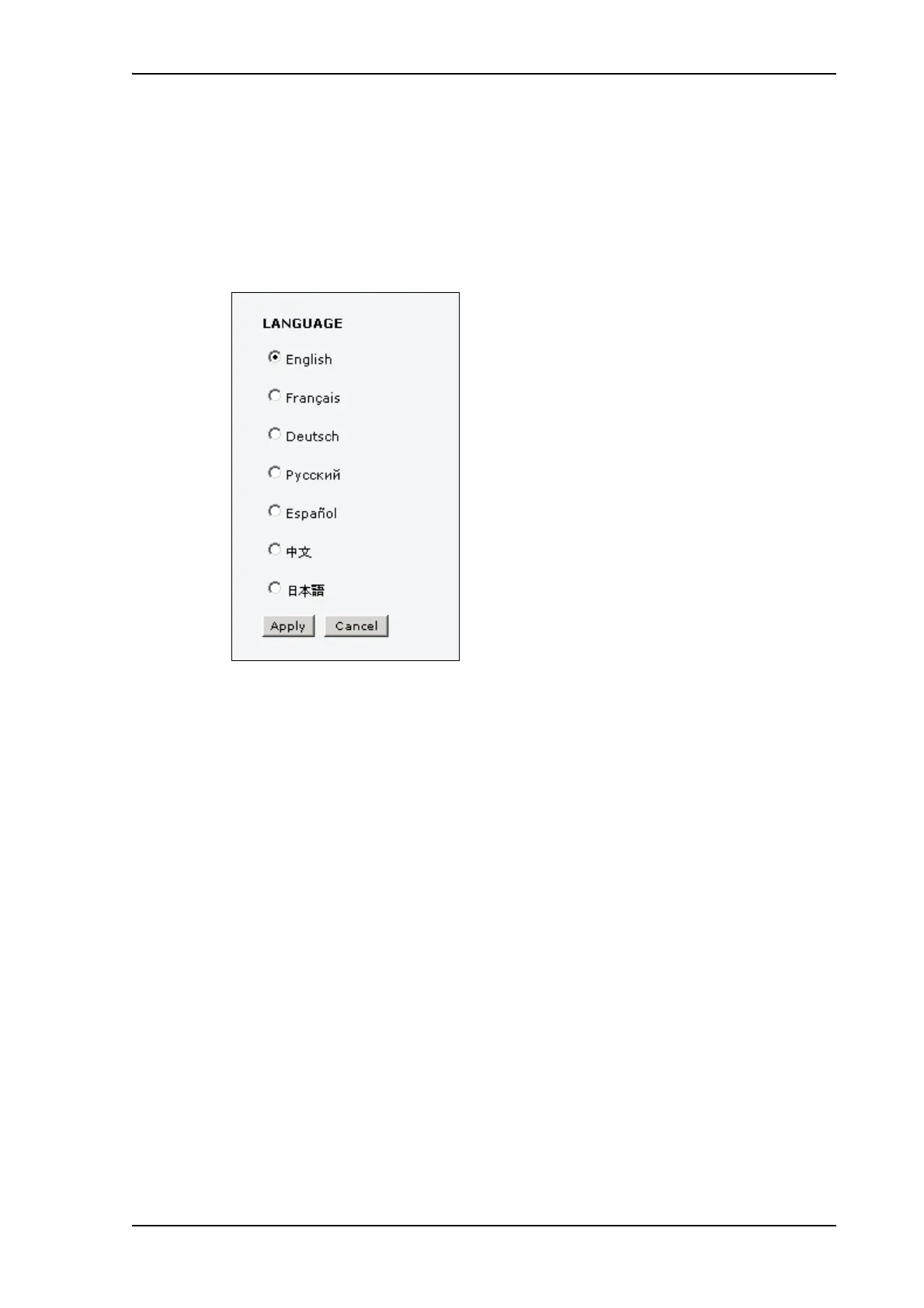
The default language of the web interface is English. You can change the language to French,
German, Russian, Spanish, Mandarin (Chinese) or Japanese.
To change the language, do as follows:
1. Select SETTINGS > Language.
2. Select a language from the list.
3. Click Apply.











 To Next Page