Chapter 2: Getting started
98-129217-D Standard connection to the Internet (default) 21
Standard connection to the Internet (default)
By default, the terminal does not automatically connect to the Internet when you connect
your computer or other equipment to the LAN interface. You must activate your connection
from the Dashboard in the web interface or from the Thrane IP Handset.
Activating the connection from a computer (web interface)
To activate the connection from a connected computer, do as follows:
1. Access the web interface by opening your browser and entering http://ut.bgan or the IP
address of the terminal in the address bar.
“http://ut.bgan” translates into the IP address of the terminal (if your computer is set up as
described in Before connecting to the LAN interface on page 16). The default IP address
is 192.168.0.1.
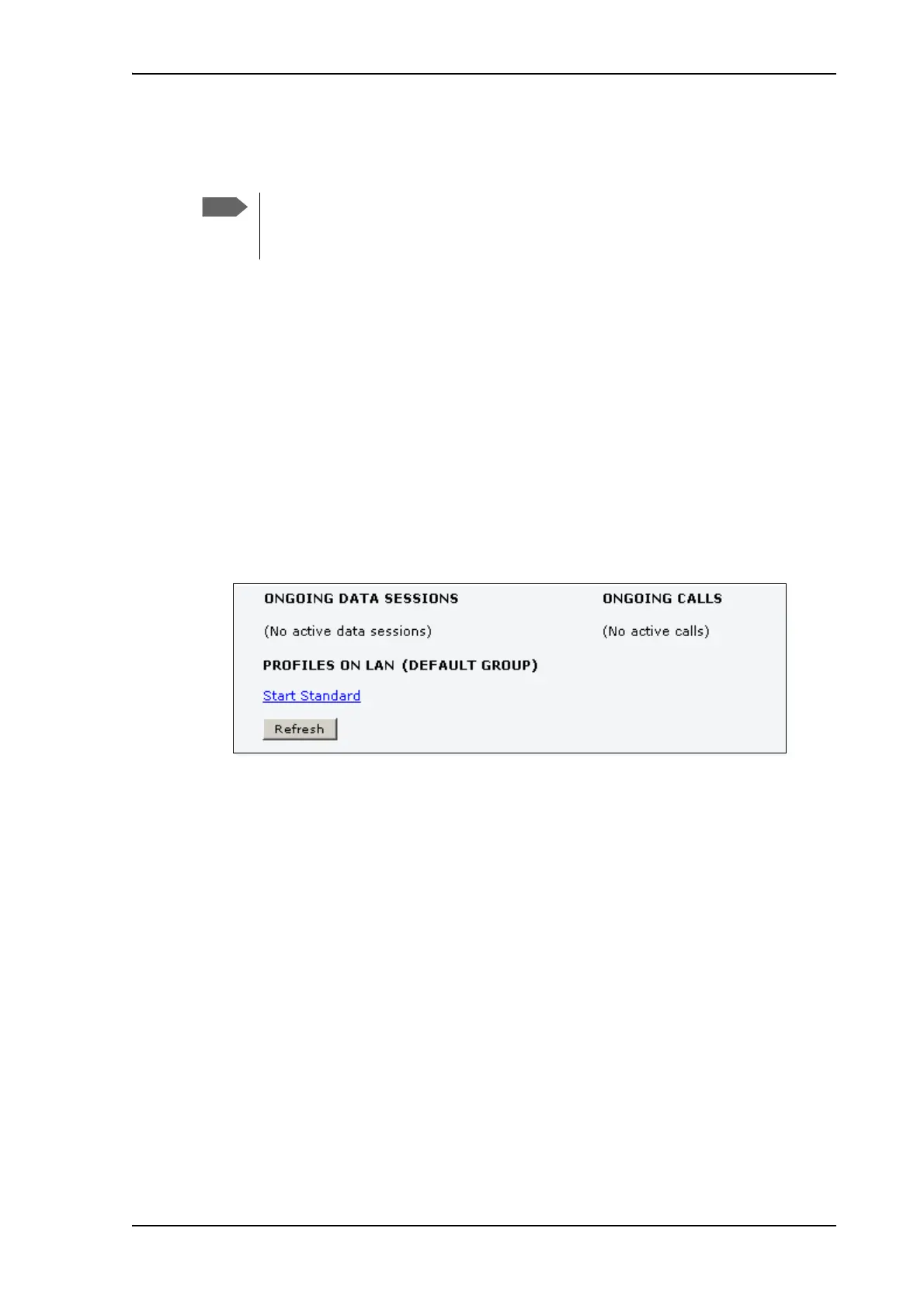
2. Click Start Standard under PROFILES ON LAN at the bottom of the page.
3. Check the connection, e.g. by entering a web site.
The field ONGOING DATA SESSIONS will show the IP address for the data session you
started.
This section only describes a Standard Internet connection with default settings on
the terminal. For information on other scenarios, see Setting up the LAN network on
page 70.











 To Next Page