Chapter 4: Using the web interface
98-129217-D Setting up the interfaces 65
Setting up the interfaces
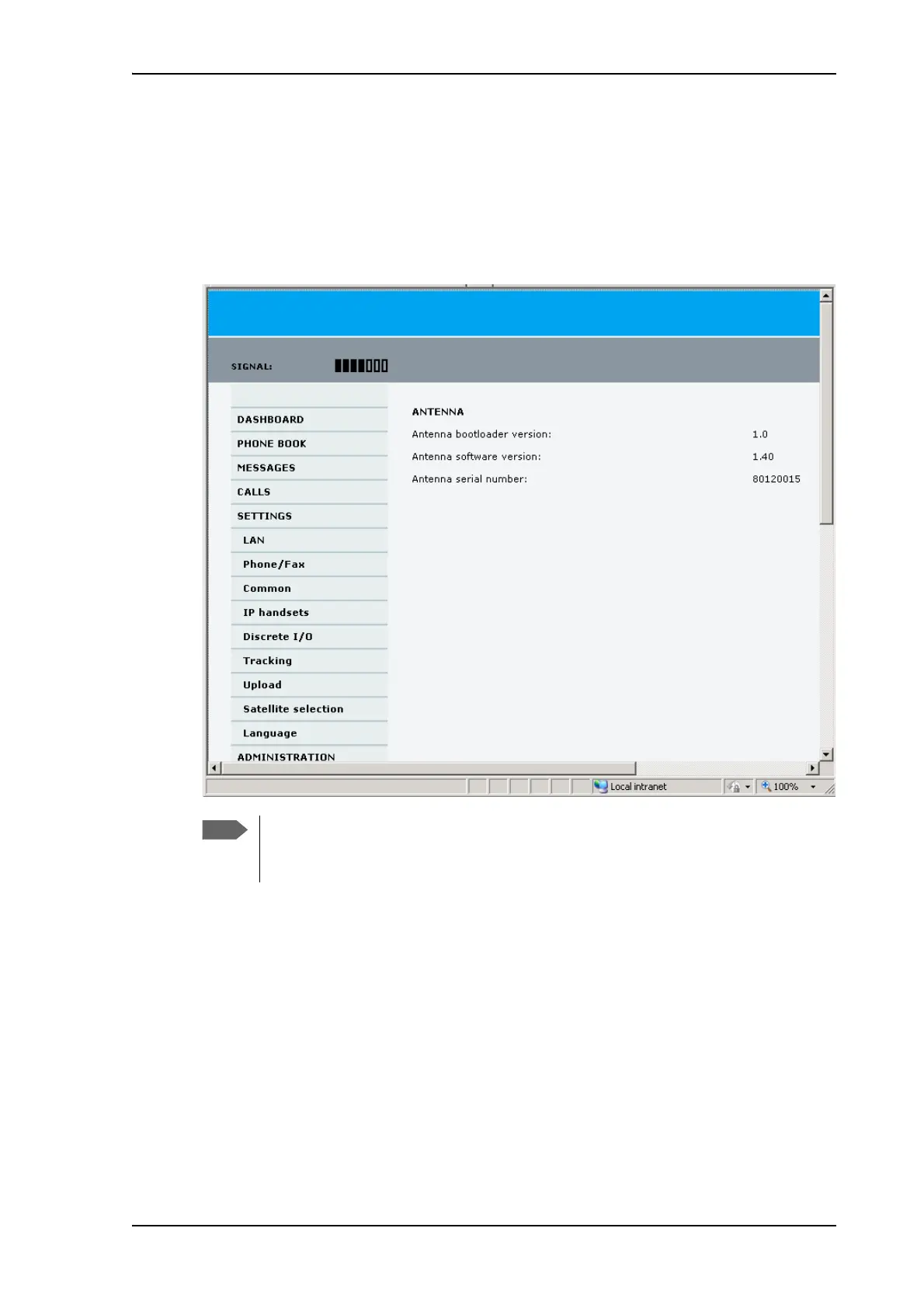
The SETTINGS page (Antenna properties)
The SETTINGS page shows properties of the connected antenna.
To access the SETTINGS page, select SETTINGS from the left navigation pane.
If the HPA module in the antenna has been exchanged, the Antenna serial number
field shows “0”. You can still see the antenna serial number on the label on the
underneath of the antenna.











 To Next Page