Chapter 3: Operating the system
98-129217-D Using a computer 41
Connecting to the Internet
Default setup
By default, any IP device that is connected to the terminal belongs to the Default network
user group. It uses a Standard shared IP connection, which you must manually activate from
the web interface. For further information on network user groups, see Setting up a Bridge
mode connection on page 73 and Setting up the Default network user group on page 71.
Accessing your data sessions
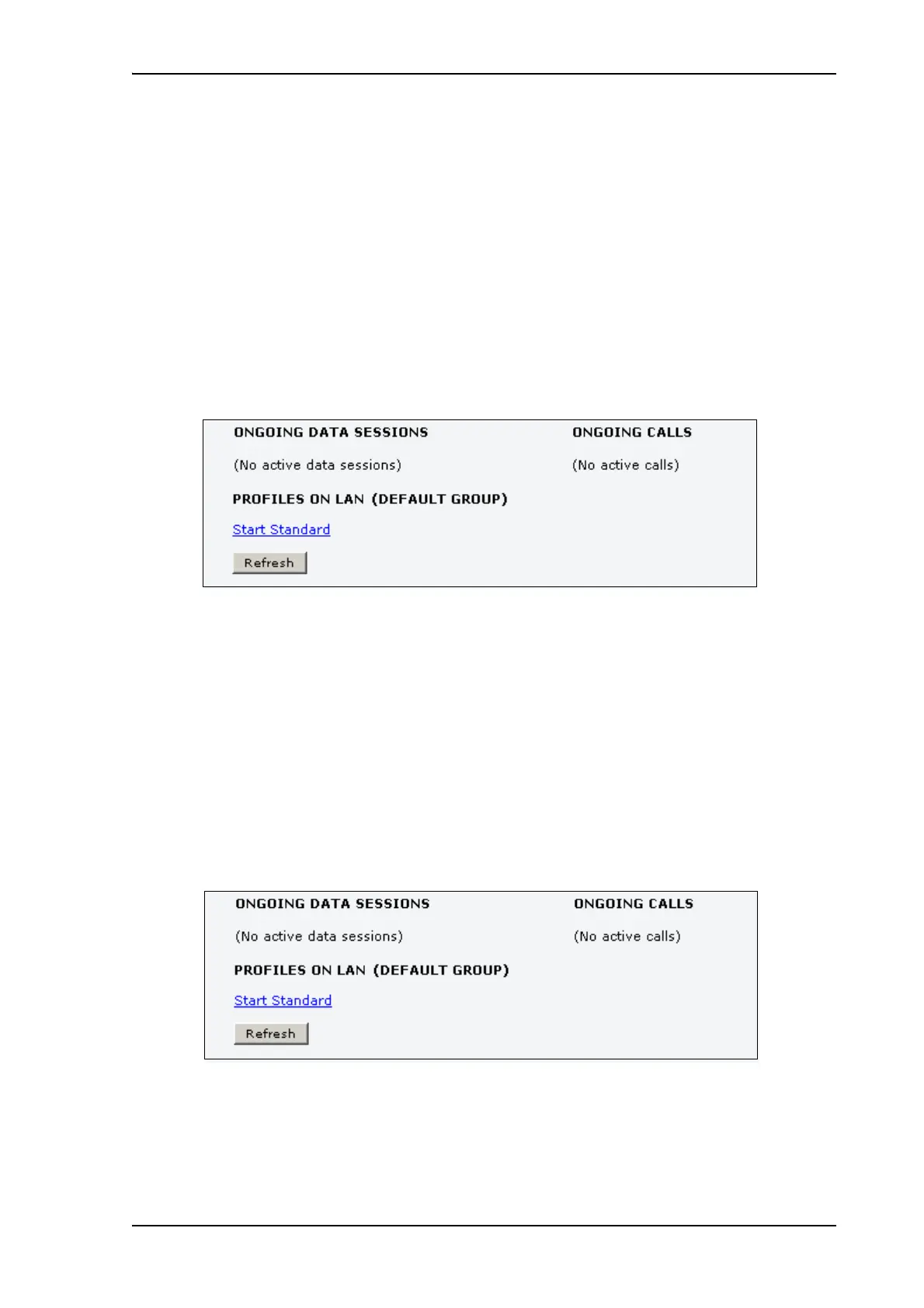
Data sessions available for the current user are displayed under PROFILES ON LAN at the
bottom of the DASHBOARD.
• Profiles that are currently active are displayed as a link with the text “Stop <name of
profile>”.
• Profiles ready to be activated are displayed as a link with the text “Start <name of profile>”.
Start/stop Standard IP on the LAN interface
By default, Standard IP is not automatically activated on the terminal. If you want Standard IP
to be automatically activated at start-up, the administrator can enable automatic activation
under SETTINGS > LAN > Network user groups. For details, see Setting up the Default
network user group on page 71.
When automatic activation is disabled in the Network user groups page, you can manually
start/stop your Standard IP profile from the Dashboard by clicking Start <name of profile>
or Stop <name of profile> under PROFILES ON LAN at the bottom of the page.











 To Next Page