Chapter 4: Using the web interface
98-129217-D Administration 103
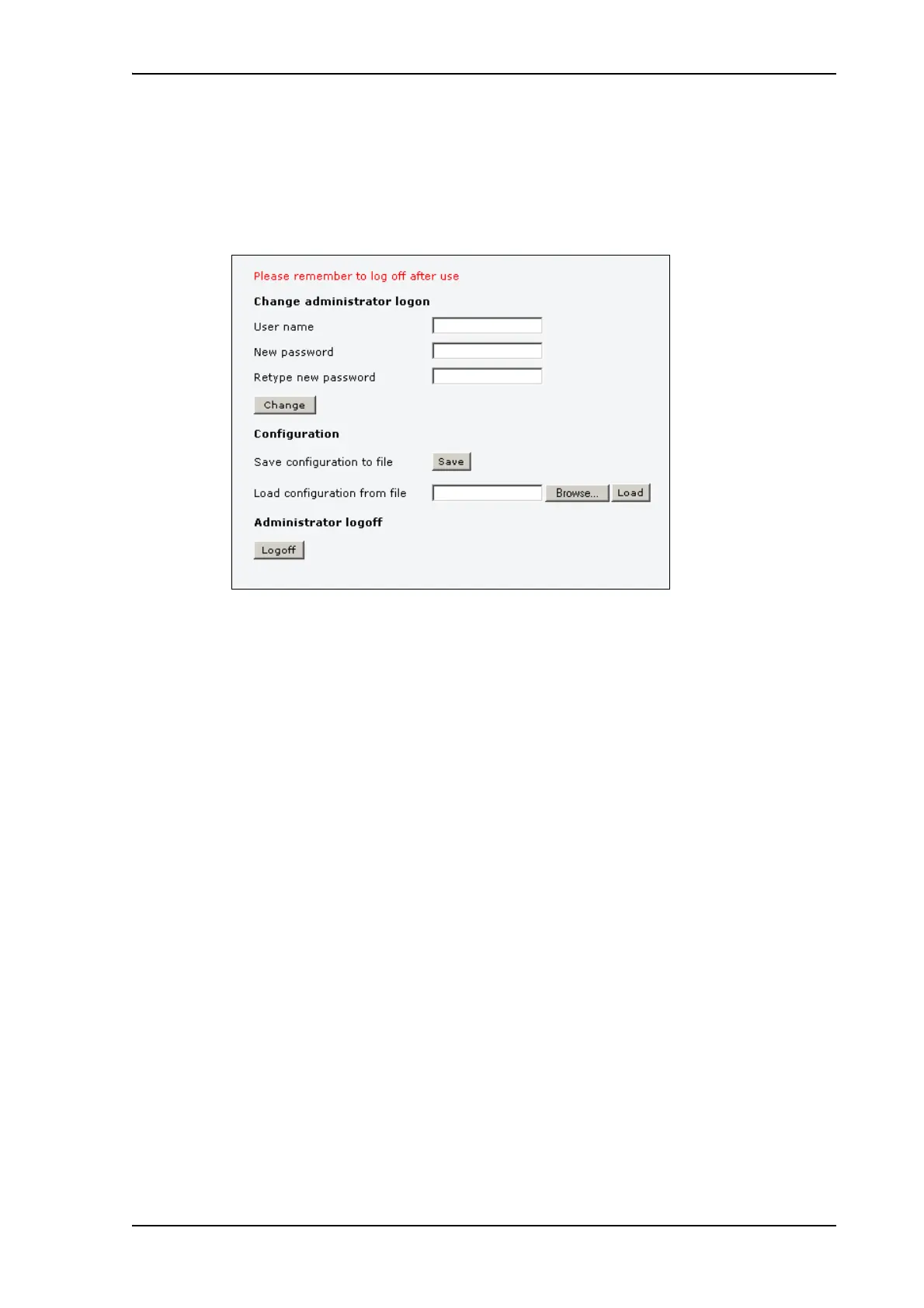
Changing the administrator password
To change the administrator password, do as follows:
1. After entering the administrator user name and password in the ADMINISTRATION
page, locate the section Change administrator logon.
2. Type in the existing user name.
3. Type in the new password and retype it on the next line.
4. Click Change.
At the next logon the new password is required.











 To Next Page