Chapter 4: Using the web interface
98-129217-D Administration 102
Resetting the administrator password
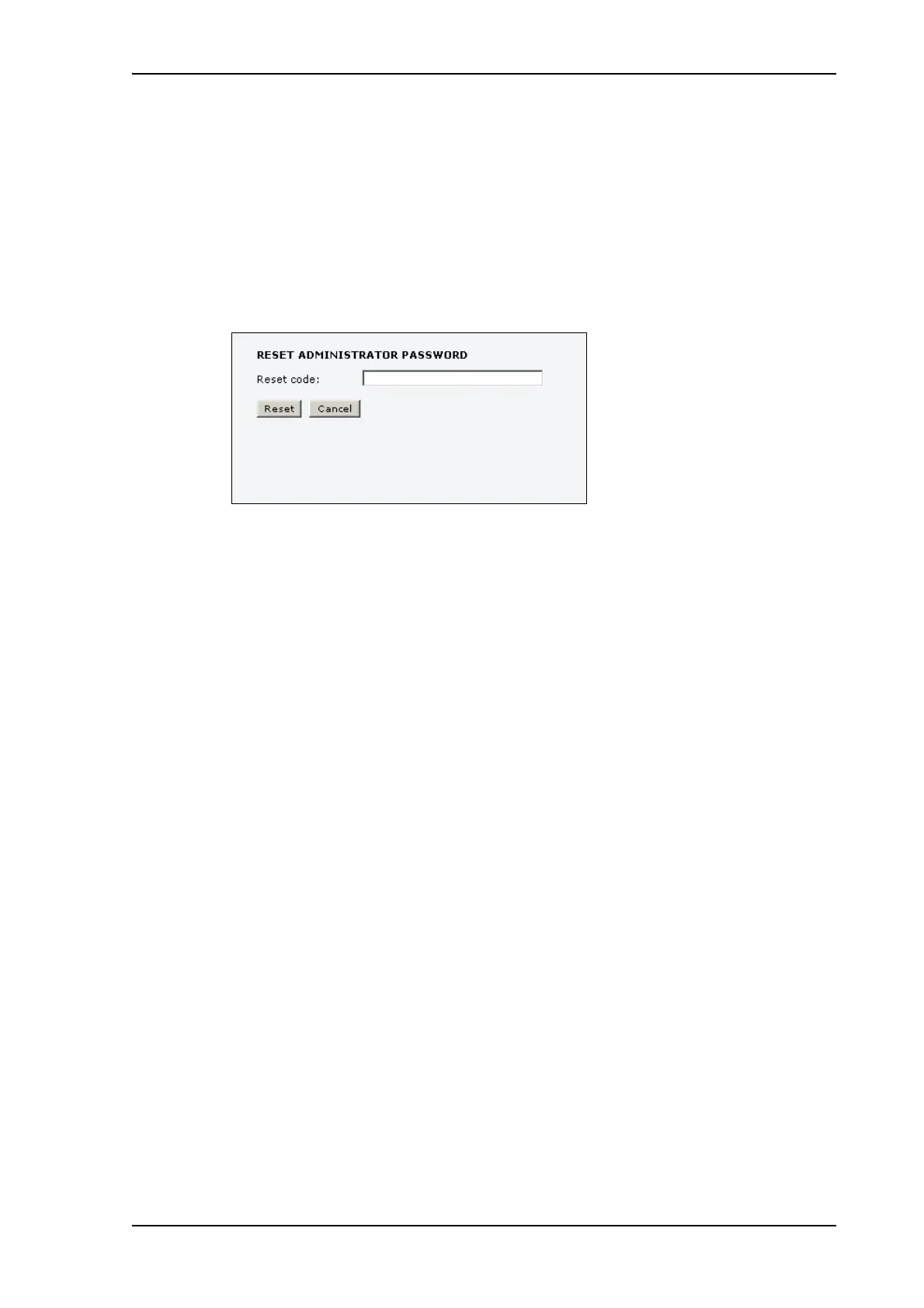
If you have forgotten the administrator password, do as follows:
1. Contact your supplier for a reset code.
Please report the serial number and IMEI number of the terminal.
You can find the serial number and IMEI number in the Dashboard.
2. Click the link Forgot administrator password? at the bottom of the ADMINISTRATOR
LOGON page (see the previous section).
3. Type in the reset code obtained from your supplier and click Reset.
4. Type in the user name admin and the default password 1234.
5. Click Logon.
For information on how to change the password, see the next section Changing the
administrator password.











 To Next Page