Chapter 4: Using the web interface
98-129217-D Setting up the interfaces 85
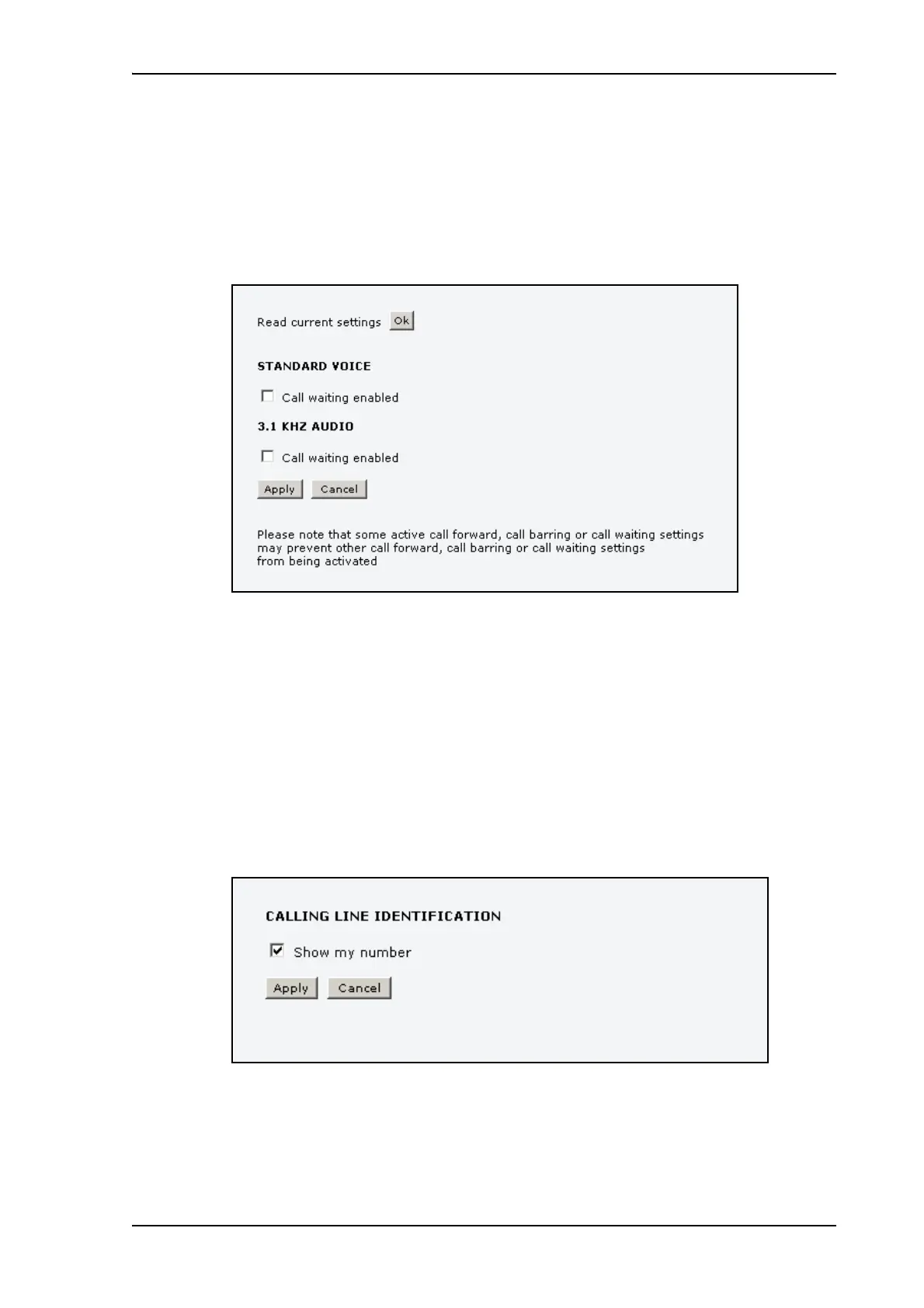
Call waiting
You can set up whether or not you want to receive notification of waiting calls while you are
making a call or transmitting data.
Do as follows:
1. Select SETTINGS > Common > Call waiting from the left navigation pane.
2. Click OK next to Read current settings to make sure the page is updated.
3. For each call type, select Call waiting enabled if you want to get notification of waiting
calls while you are making a call or transmitting data.
4. Click Apply.
Line identification
You can set up the terminal to show your number when you are making a call.
Do as follows:
1. Select SETTINGS > Common > Line identification from the left navigation pane.
2. Select Show my number and click Apply.











 To Next Page