Chapter 4: Using the web interface
98-129217-D Administration 105
Call charges
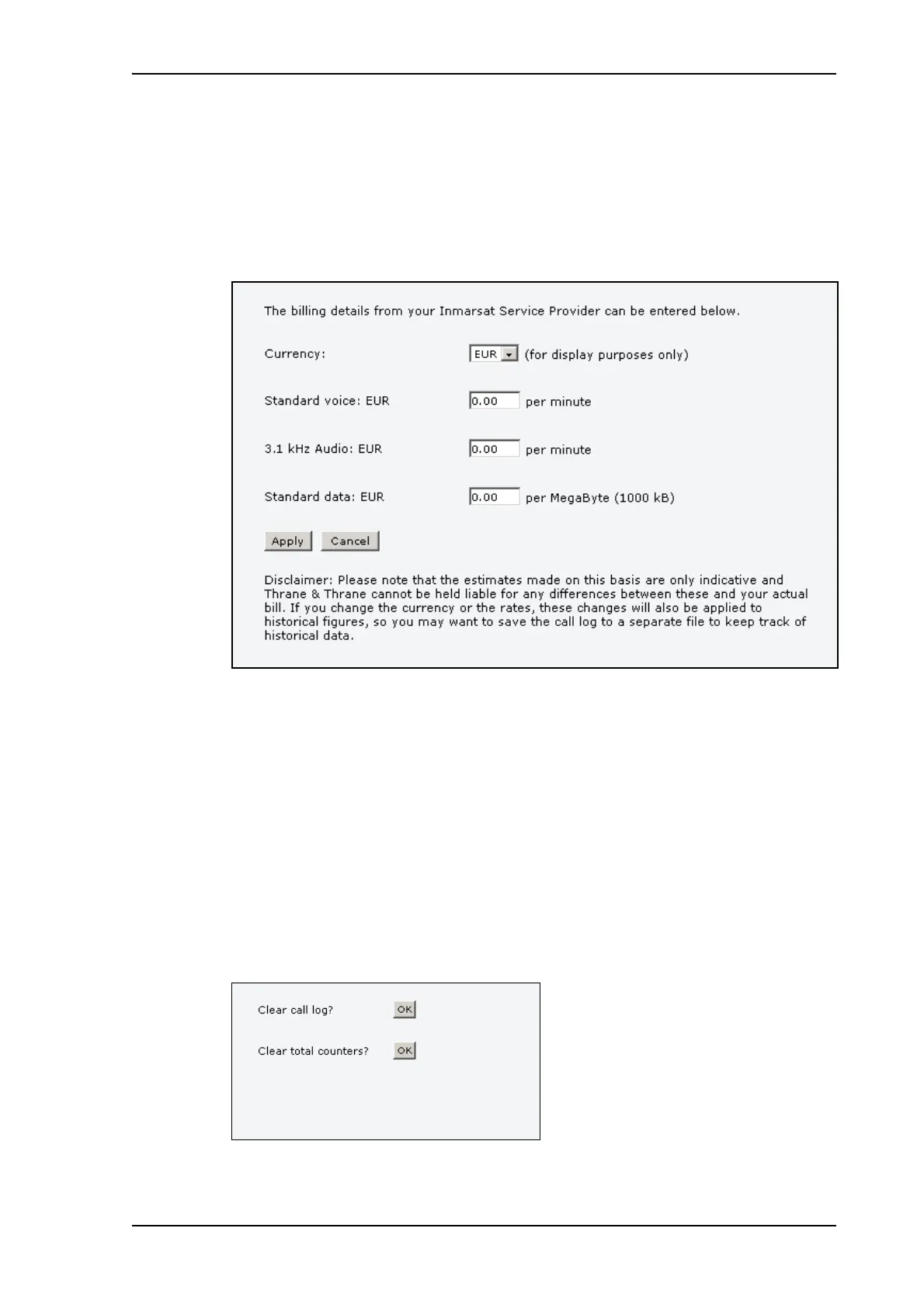
If you know the tariff for your subscribed services, you can enter these tariffs in the web
interface and automatically calculate the charges for your calls and data sessions.
To enter the call tariffs, do as follows:
1. From the left navigation pane, select ADMINISTRATION > Call Charges.
2. Select the currency from the Currency drop-down list.
3. Enter the tariff for each of the services.
4. Click Apply.
The entered tariffs are used for estimating the charges for calls and data sessions. The
estimated charge is listed for each call or data session in the call log. For further
information, see Viewing the lists of calls and data sessions on page 59.
Log handling
To clear the logs of the terminal and/or reset the counters for the time connected, do as
follows:
1. From the left navigation pane in the ADMINISTRATION page, select Log Handling.











 To Next Page