Chapter 4: Using the web interface
98-129217-D Help desk and diagnostic report 119
Help desk and diagnostic report
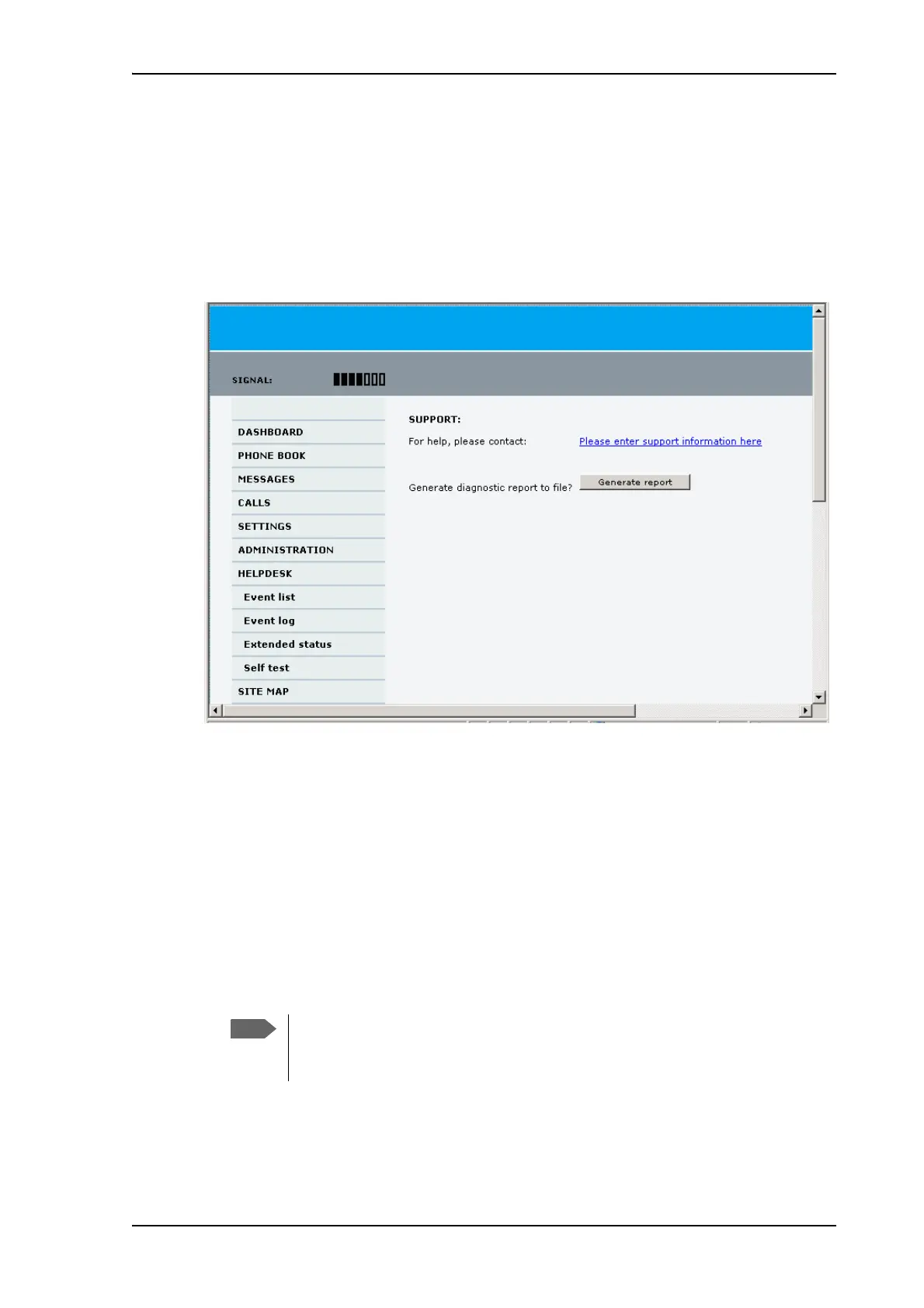
Accessing the Help desk
If you need help with airtime-related issues you may call the Help desk. By default, the
Help desk is the phone number for your Airtime Provider, if it is available on the SIM card.
To access the Help desk, select HELP DESK from the left navigation pane.
If the Help desk number is available on the SIM card, the number is displayed as a link. To
change the number, click the link, change the number and click Apply.
If you need help with terminal- or antenna-related issues call your local distributor.
Generating a diagnostic report
The diagnostic report contains relevant information for troubleshooting. When contacting
your distributor for support, please enclose this file.
To generate a diagnostic report, do as follows:
1. Click Generate report from the HELP DESK page.
In some browsers the file may open directly in your browser.
To save the file, select File > Save As in your browser.
2. Choose a location for the file and save it.
It normally takes about 1 minute, sometimes longer, to generate the report. The
report may open in your browser while being generated. Wait until the report is
finished before saving the file.











 To Next Page