Chapter 4: Using the web interface
98-129217-D Selecting the preferred BGAN satellite 99
Selecting the preferred BGAN satellite
Overview
By default the terminal is set up to automatically find the most appropriate satellite to connect
to (“Auto” mode). However, if you are located in an area with more than one BGAN satellite
available, you can select the satellite you prefer to use when registering on the BGAN network.
To select the preferred BGAN satellite
To select the preferred BGAN satellite, do as follows:
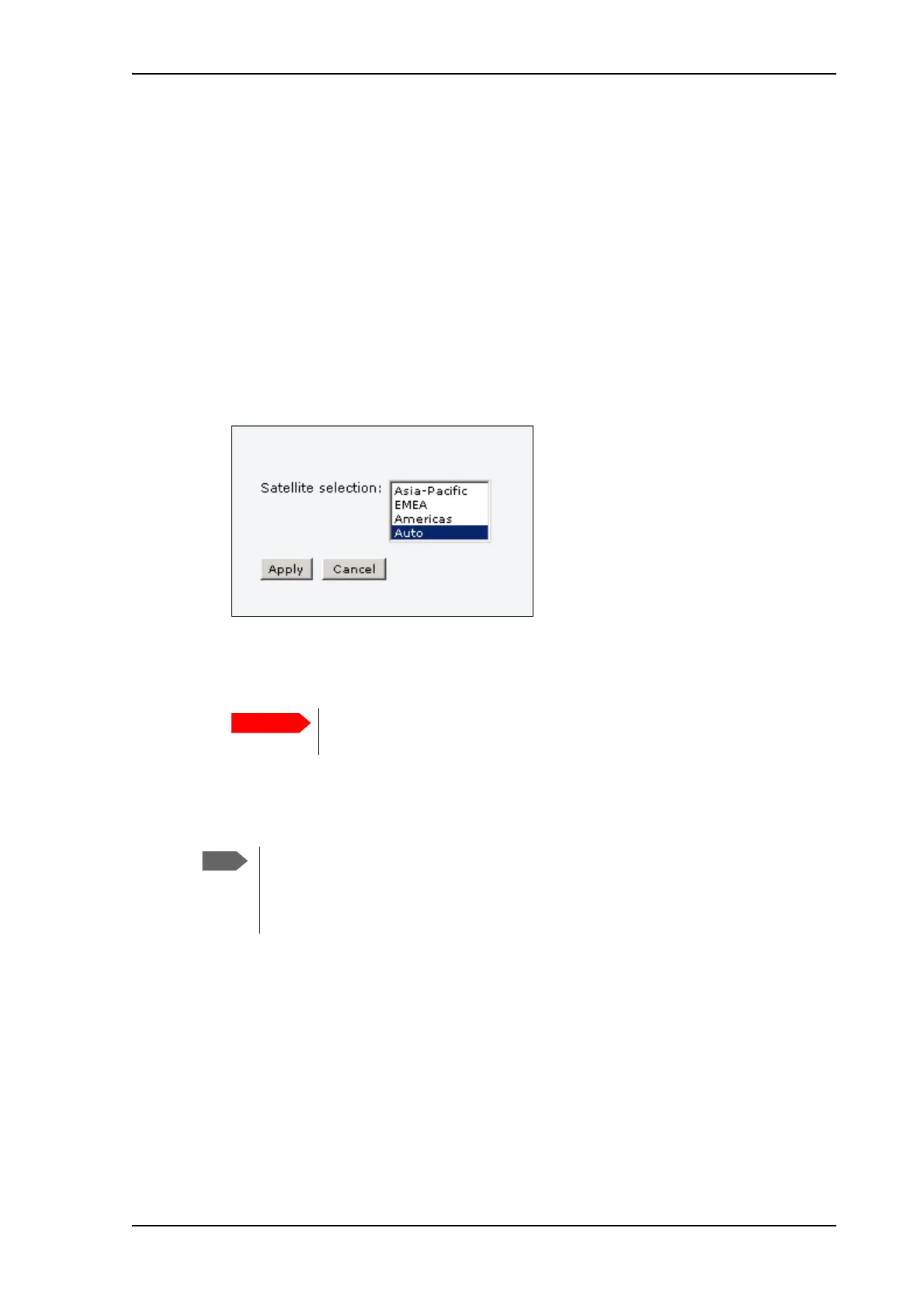
1. Select SETTINGS > Satellite selection from the left navigation pane.
2. Select the satellite you prefer to use.
If you select Auto (the default setting) the SAILOR 150 FleetBroadband System
automatically uses the most appropriate satellite.
3. Click Apply.
The SAILOR FleetBroadband terminates all ongoing connections and deregisters from the
current satellite before registering on the new satellite.
If you have any ongoing calls or data sessions, they will be terminated when
you click Apply!
If you have selected one of the satellites, your SAILOR 150 FleetBroadband System
will only try to register on the selected satellite. This means that if the antenna is
outside the coverage area for that satellite, the SAILOR 150 FleetBroadband System
will not be able to register with the BGAN network.











 To Next Page