Chapter 2: Getting started
98-129217-D Starting up the terminal 13
Switching on the terminal
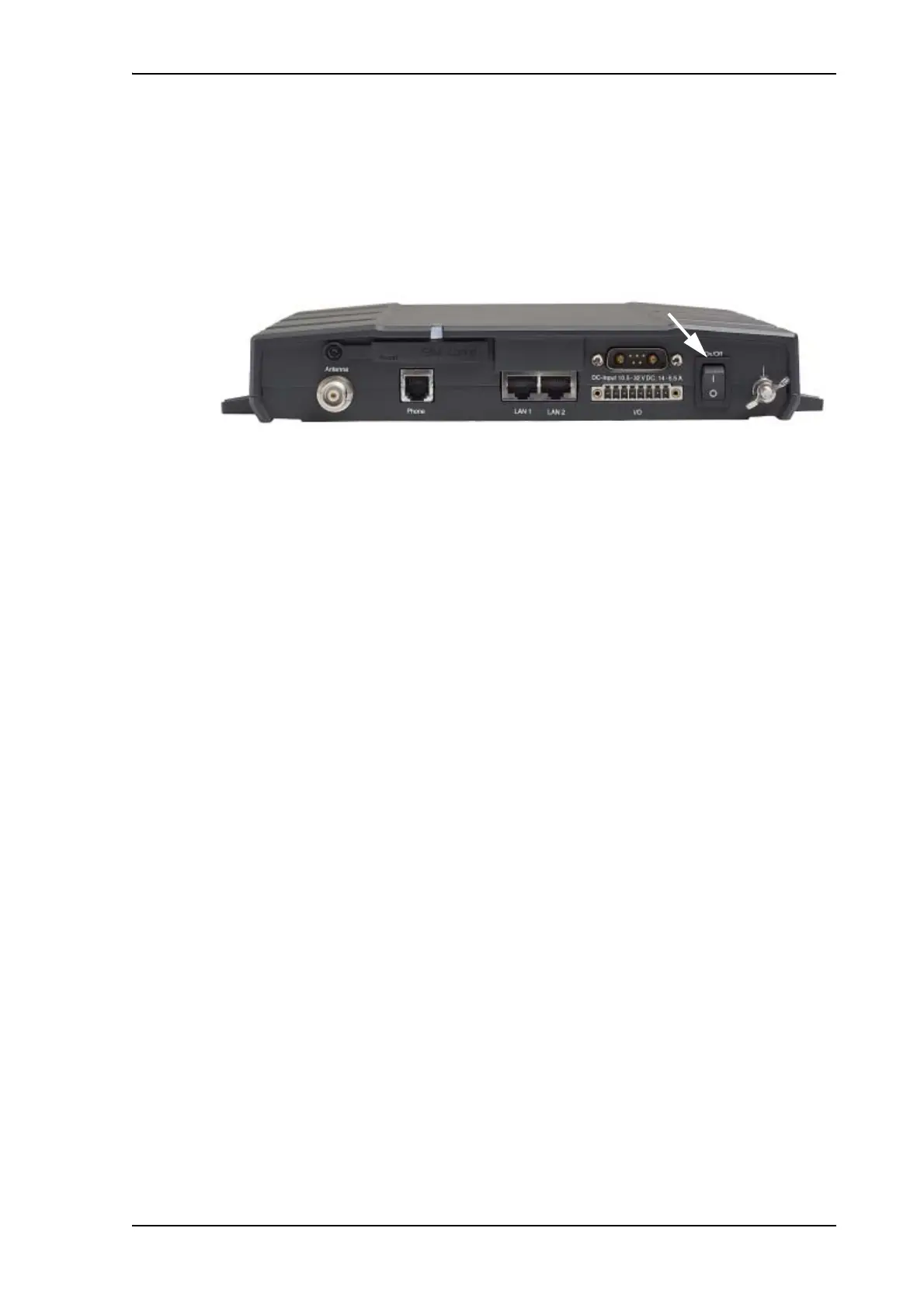
Using the Power switch
To switch on the terminal, use the On/Off switch in the connector panel. It normally takes
one or two seconds for the terminal to switch on.
Using the ignition system
Normally the ignition function is not used in maritime installations. Instead you may want to
use the remote on/off function described in the next section.
If you have connected the ignition system of your vessel to the I/O connector, you may leave
the power switch in the “on” position and the terminal will switch on/off when you start/stop
the engine of your vessel.
When the engine is stopped the terminal is in standby mode. The standby current is max.
15 mA when the ignition is off. For information on how to connect to the Ignition pins in the
I/O connector, refer to the installation manual for the SAILOR 150 FleetBroadband System.
You must set up the ignition function in the web interface. For further information, see
Configuring the I/O interface on page 93.
Using a remote on/off switch
If an external switch is connected to the remote on/off pins in the DC connector, you may
leave the power switch in the connector panel in the “on” position and use the remote switch
to turn the terminal on and off. When the remote switch is off, the terminal is off. However, if
you leave the power switch on the terminal in the “on” position, you can always switch the
terminal back on with the remote switch. The standby current when the remote switch is off is
max. 2 mA. For further information on the remote on/off function, refer to the installation
manual for the SAILOR 150 FleetBroadband System.











 To Next Page