Chapter 2: Getting started
98-129217-D Starting up the terminal 14
Power up completed
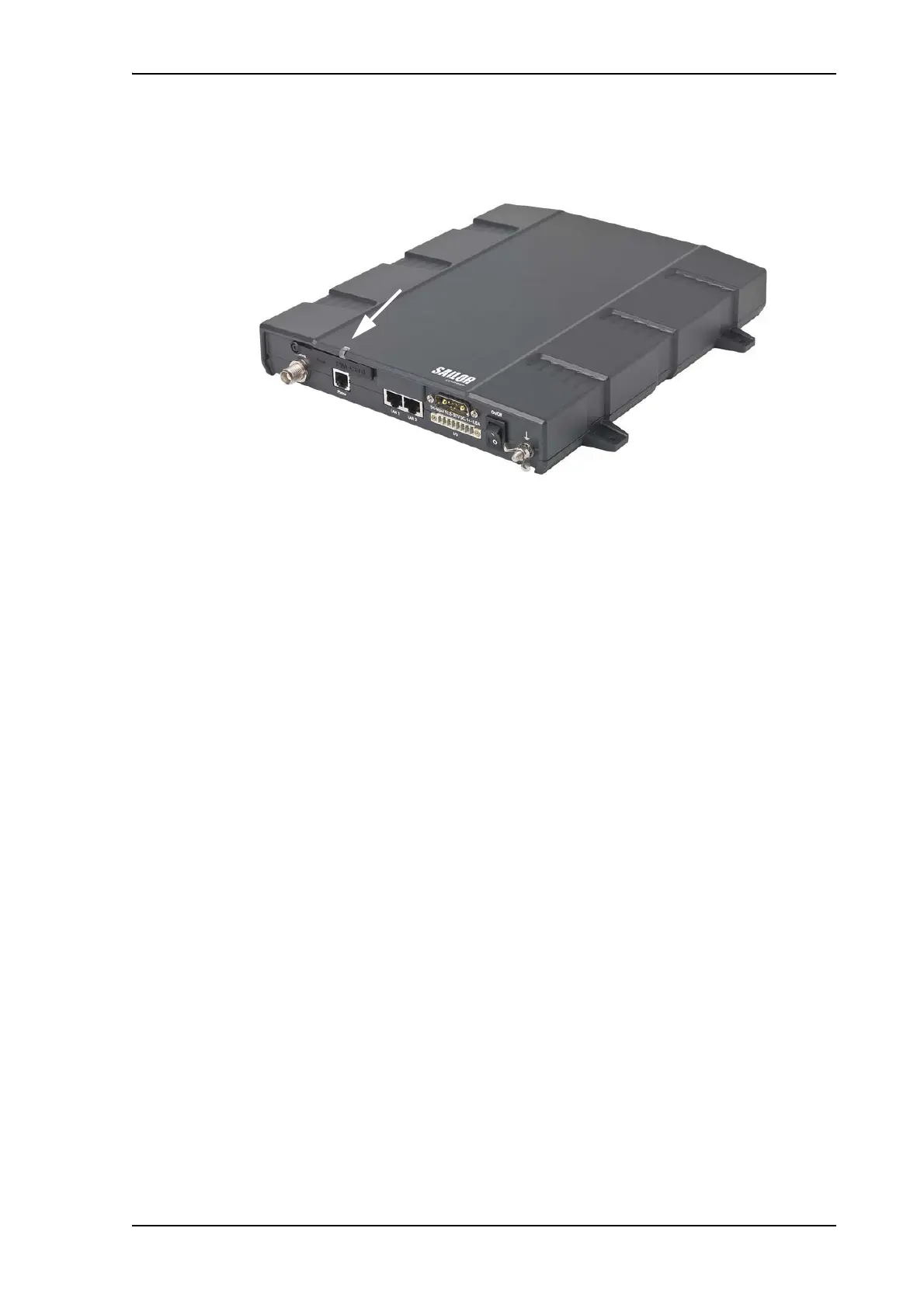
When the terminal is switched on, the Power indicator in the terminal lights green.
You can now access the terminal settings, but the terminal is not ready for making calls or
running data sessions until the system is registered on the BGAN network. You may have to
enter a SIM PIN before the system can register. For further information, see Entering the SIM
PIN for the terminal on page 16 and Registering with the BGAN network on page 19.
To switch off the terminal flip the Power switch back. It takes 5 to 10 seconds to power down
the terminal. Alternatively use the ignition or remote on/off function described above.











 To Next Page