Chapter 4: Using the web interface
98-129217-D Setting up the interfaces 71
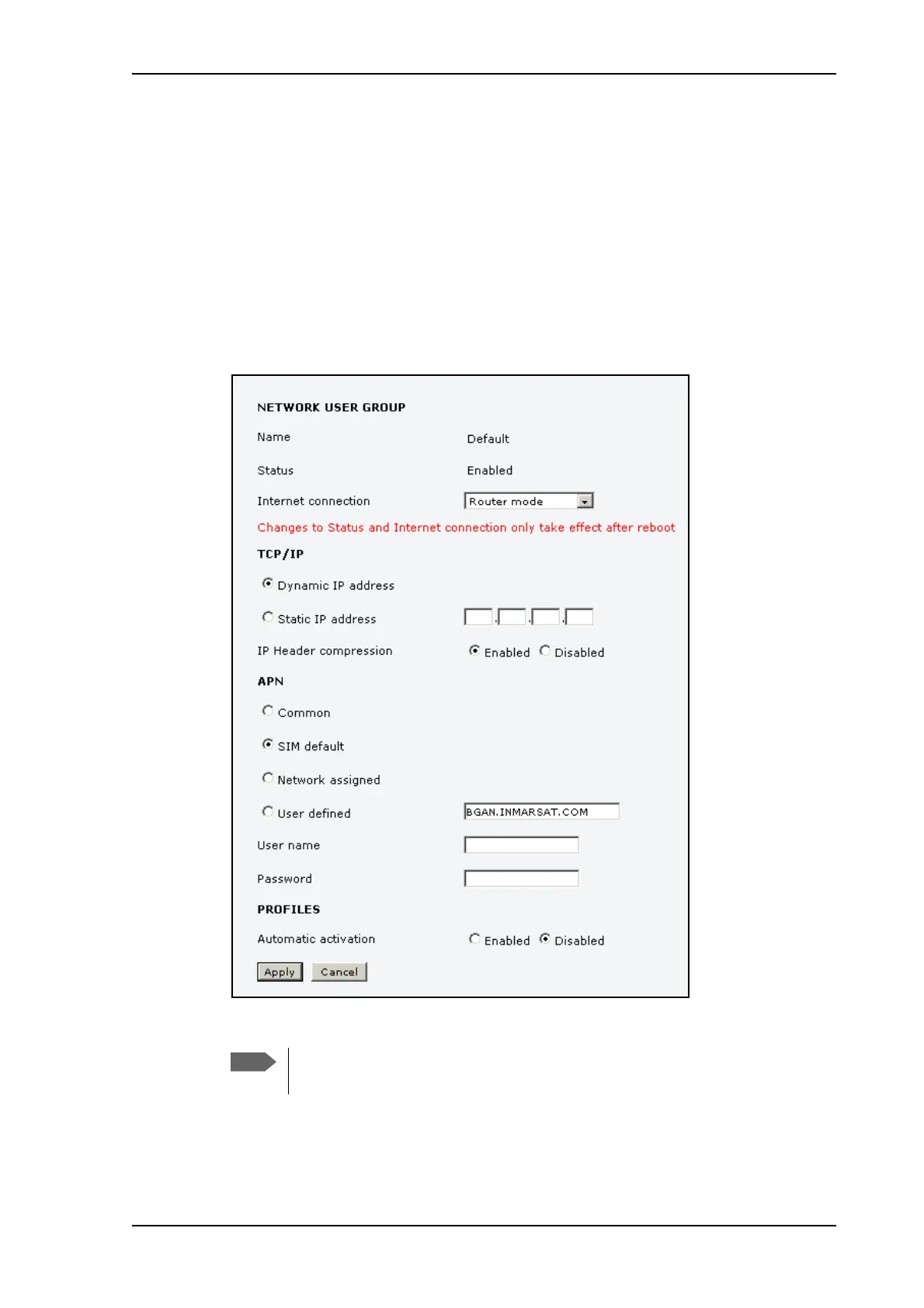
Setting up the Default network user group
The Default network user group provides a shared Standard connection to the Internet using
the built-in router functionality of the terminal.
If you want to apply other settings to the Default network user group, do as follows:
1. Select SETTINGS > LAN > Network user groups.
2. When you are prompted, enter the administrator user name and password.
The default user name is admin and the default password is 1234.
3. Click Edit next to the Default user group.
4. Select the type of Internet connection.
• Router mode means the connection will be shared with other users, and the NAT
module of the terminal will make the necessary address translations. Use this mode if
The Default group cannot be set to Bridge mode. If you want to use Bridge
mode you must use Group 0 (see the previous section).











 To Next Page