Chapter 4: Using the web interface
98-129217-D Setting up the interfaces 66
Configuring the LAN interface
Overview
The SAILOR 150 FleetBroadband Terminal has 2 LAN connectors with PoE (Power over
Ethernet).
Some of the LAN parameters are set up in the network management pages, which require
administrator password.
Setting up the local LAN IP addresses
In the web interface you can set up the IP addressing between the terminal and devices
connected to the terminal. The terminal has a built-in DHCP server which can be used to
dynamically assign IP addresses to devices connected to the terminal.
You can also set up the local IP address used by the connected devices to access the terminal.
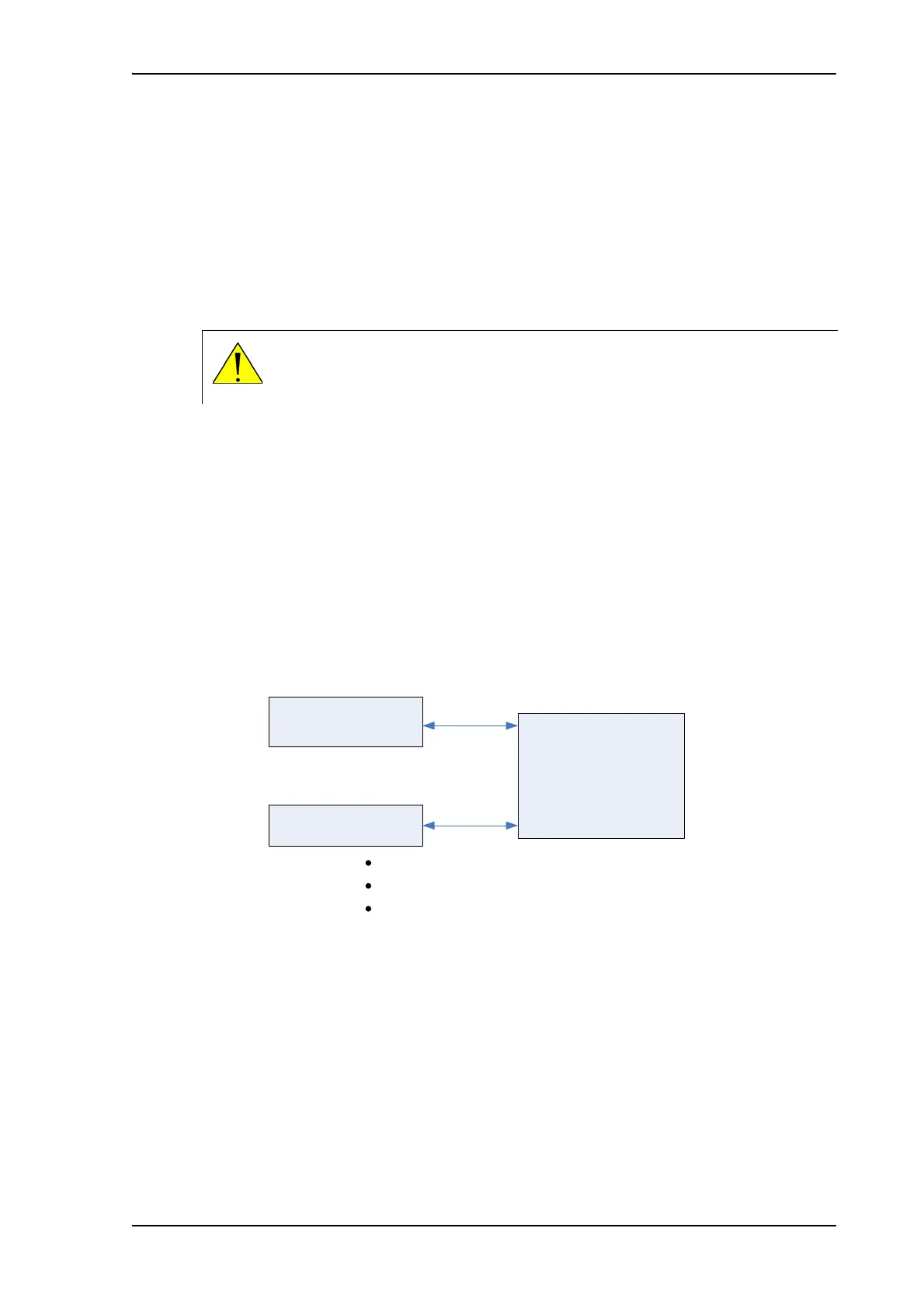
The drawing below shows the default setup.
CAUTION! All connections to the LAN interface may be affected when you
change the following settings. This also includes your own current connection to
the web interface.
Local IP addresses
(default setup)
Terminal
Device 1
Device 2
192.168.0.1
192.168.0.1
assigned by the
terminal (DHCP)
assigned by the
terminal (DHCP)











 To Next Page