Chapter 4: Using the web interface
98-129217-D Setting up the interfaces 67
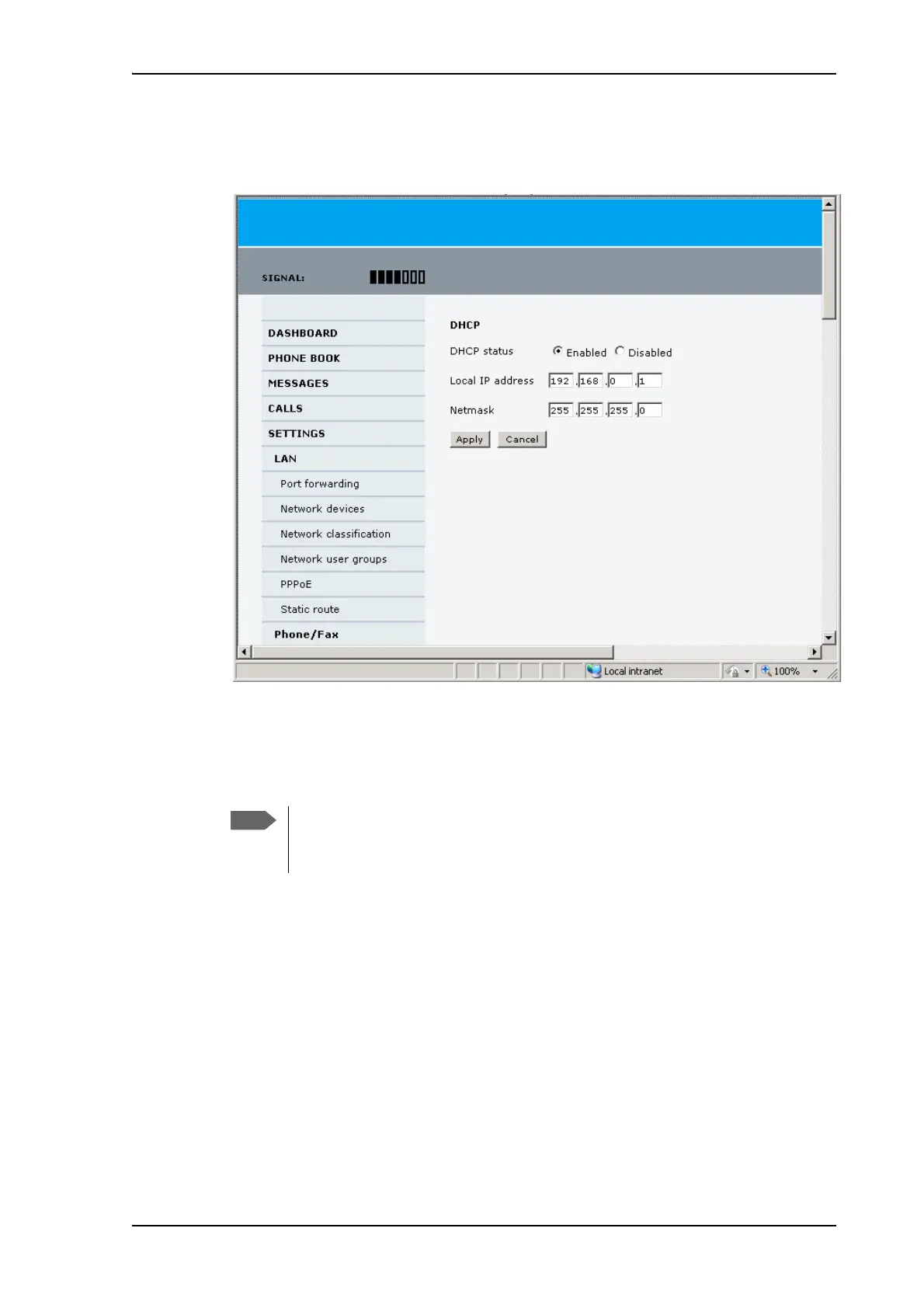
To change the local IP addresses, do as follows:
1. From the left navigation pane, select SETTINGS > LAN.
2. At DHCP status, select Enabled (recommended for most purposes), or Disabled.
•If you select Enabled, the terminal assigns dynamic IP addresses to devices connected
to the terminal.
•If you select Disabled, you need to set up a static IP address in the connected device.
3. If you want to change the Local IP address and the Netmask of the terminal, type in
the new address and netmask.
The Local IP address is the IP address of the terminal. It is used for accessing the web
interface. By default, the address is 192.168.0.1 and the netmask is 255.255.255.0.
4. Click Apply.
A number of IP subnets cannot be used in connected devices because they are
reserved for internal use in the terminal. See List of reserved IP subnets on
page 140.











 To Next Page