Chapter 3: Operating the system
98-129217-D General 25
• change the SIM PIN for the terminal
• set up user rights (requires administrator password)
• set up remote management and activation
• set up restricted dialling
• set up Multi-voice
• set up Voice Distress
• activate/deactivate RF noise filter for interference from terrestrial mobile systems that
operate inside the Inmarsat band (e.g. ATC)
For information on how to use the web interface, see Using the web interface on page 46.
Services and interfaces
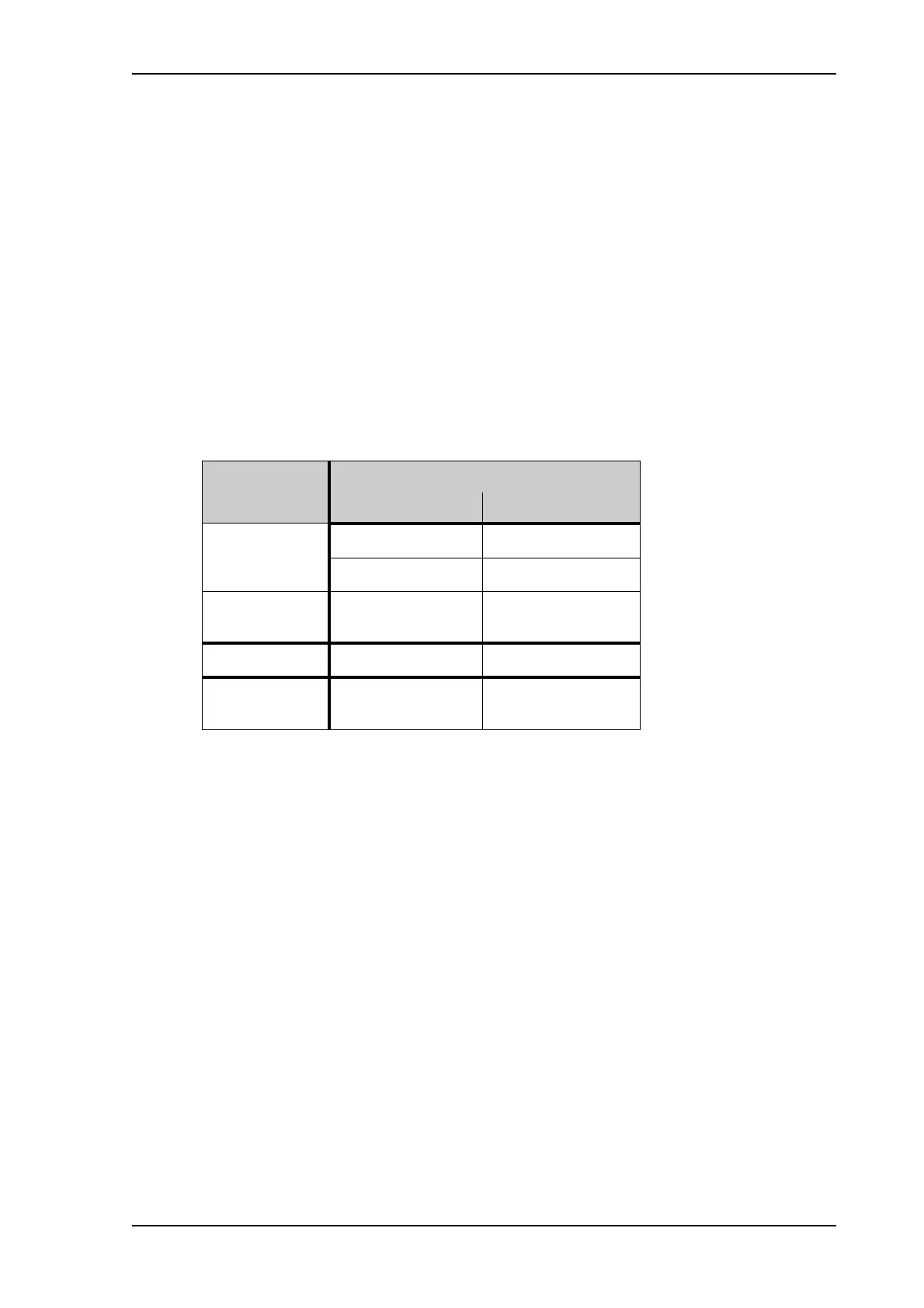
The following table shows which equipment and interfaces you can use to access the services
listed in the left column.
Service
Interface on the terminal
Phone LAN (PoE)
3.1 kHz Audio
a
a. 3.1 kHz Audio is only available in elevations > 20°
Analog telephone IP handset
G3 Fax machine
Standard
Voice
Analog telephone IP handset
Data
Computer
SMS
Computer using web
interface











 To Next Page