Chapter 4: Using the web interface
98-129217-D Using the phone book 57
Viewing and editing the mobile numbers
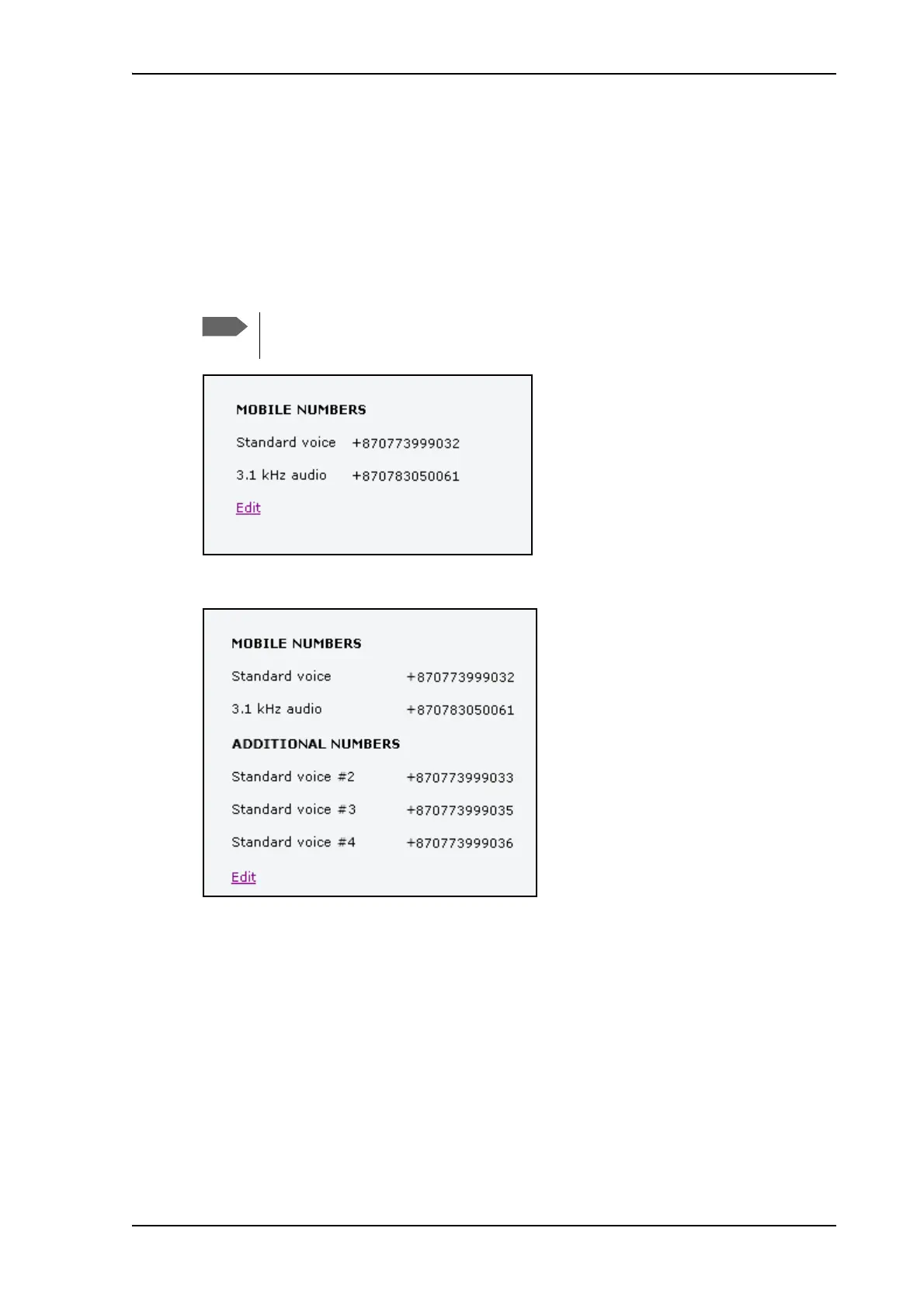
The mobile numbers are the phone numbers to use when making a call to the terminal.
To view the mobile numbers
To view the mobile numbers of the terminal, select PHONE BOOK > Mobile numbers from
the left navigation pane.
Additional numbers: If you have additional numbers in your subscription, you can enter
them as well. Below is an example of a Mobile numbers list with additional numbers.
To enter or edit the mobile numbers
To enter or edit the mobile numbers, click Edit at the bottom of the page, type in the numbers
received from your Airtime Provider and click OK.
These numbers are not listed at delivery. The user must enter the numbers received
from the Airtime Provider.











 To Next Page