Chapter 4: Using the web interface
98-129217-D Handling SMS messages 63
Options for SMS messages in the Inbox
The messages in the Inbox are the incoming messages that have been read and moved from
the list of new messages (refer to the previous section).
From the Inbox, you have the following options:
•Click Reply to reply to a message.
Then type in your reply and click Send.
For information on how to include the original message in your reply, see Setting up the
default message options on page 63.
•Click Forward to forward a message to someone.
Then type in the phone number in the Recipient field and click Send.
•Click Delete to delete the message.
•Click Delete all messages in Inbox to delete all read messages in the Inbox.
Configuring message settings
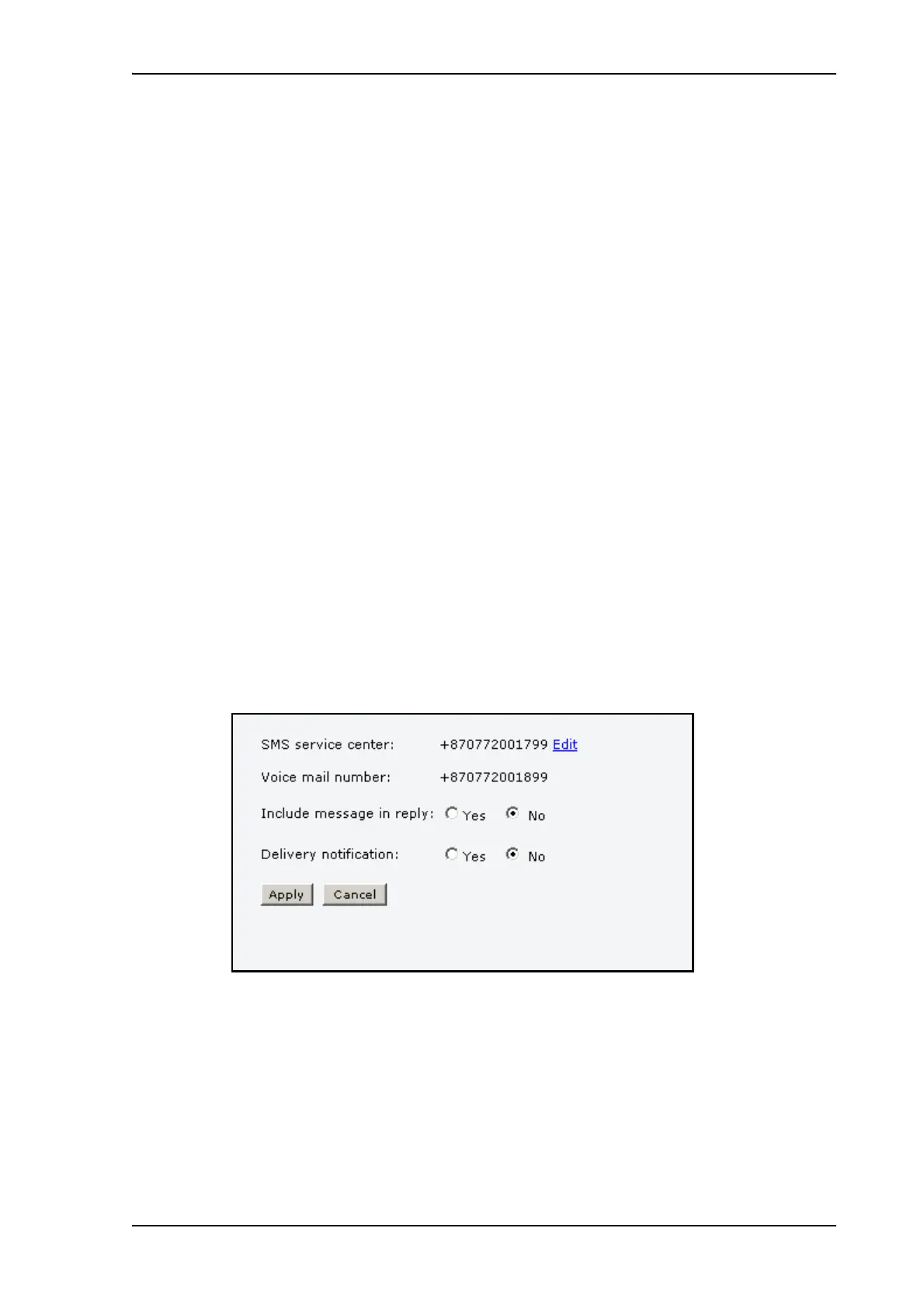
Setting up the default message options
You can set up general options for your outgoing messages. These settings apply by default to
all your outgoing messages. Note, however, that you can change the Delivery notification
setting for an individual message. For further information, see Sending an SMS message on
page 60.
Do as follows:
1. Select MESSAGES > Message settings from the left navigation pane.
2. If you want to include the original message when you reply, select Yes next to Include
message in reply.
3. Select whether or not you want Delivery notification for SMS messages.
If you click Yes, the Status column in the Sent folder will show the status of your message
when it has been sent.
4. Click Apply.











 To Next Page