EasyManua.ls Logo

Comdial G0408 - Page 21

Default Icon
438 pages
Print Icon
To Next Page IconTo Next Page
To Previous Page IconTo Previous Page
Loading...
MUTE
SHIFT
SPEAKER
INTERCOM
TRNS/CNF
TAPHOLD
OPER
TUV
PRS WXY
DEF
ABCQZ
MNOJKLGHI
0
87 9
321
#
6
5
4
DIGITECH
COMDIAL
SPKR
TAP
TRANS
CONF
MUTE
HOLD ITCM
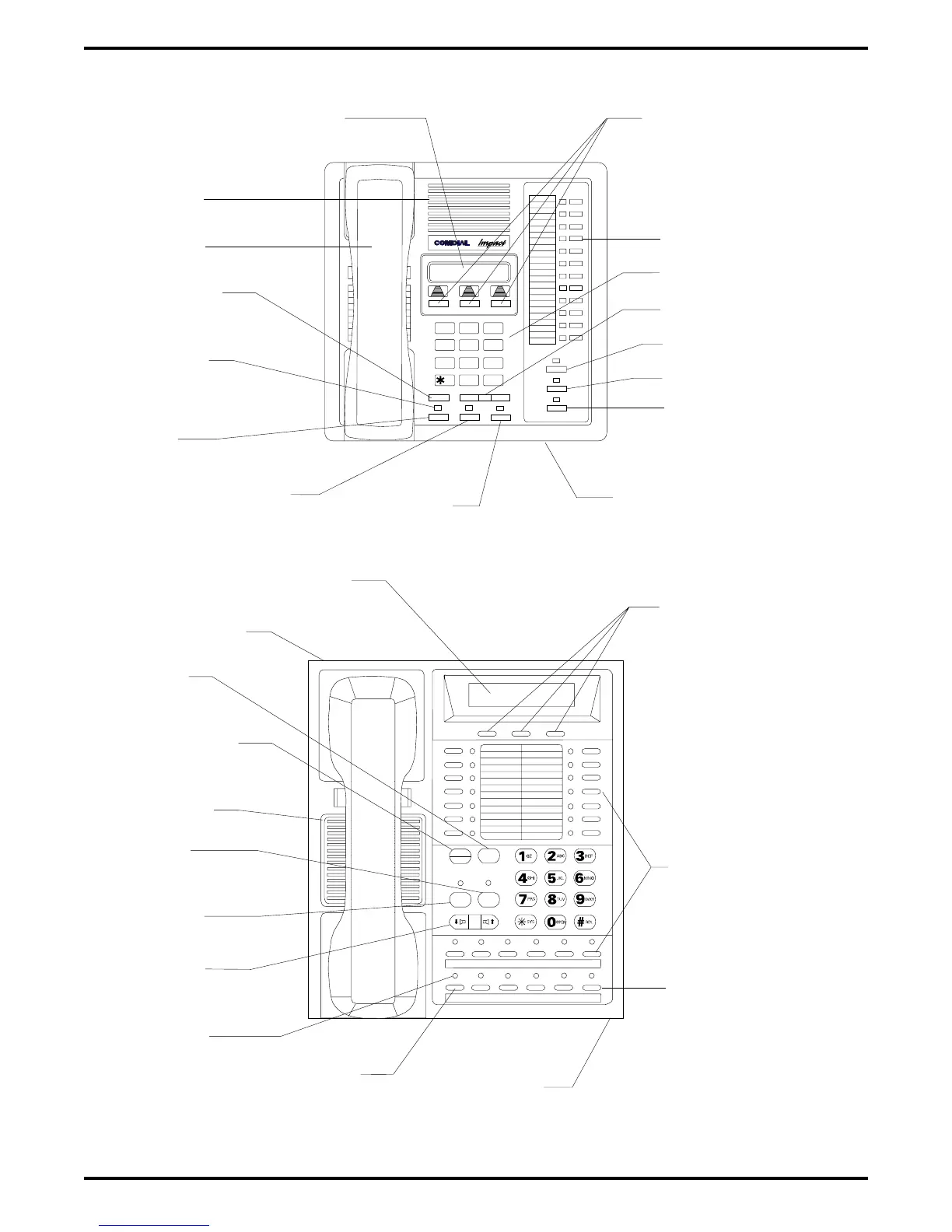
LCD Alphanumeric Display
Interactive Buttons
(NOT Programmable)
Speaker
Handset
TAP
Button
Transfer/
Conference
Button
Message
Waiting
Light
Hold
Button
Intercom
Button
Microphone
Opening
Speaker Button
Mute Button
Shift Button
Volume Control
Keypad
Progammable Buttons
Auxiliary Jack
(On bottom)
TAP
Button
Transfer/
Conference
Button
Speaker
Mute
Button
Speaker
Button
Volume
Control
Message
Waiting
Light
Hold
Button
Microphone
Opening
Intercom
Button
Programmable
Buttons
Interactive Buttons
(NOT Programmable)
LCD Alphanumeric Display
CAJS107
Figure 1–9: Station Controls And Indicators On
Impact
And DigiTech Telephones
IMI66–107 Digital Telephone System
Introducing The DSU 1 – 17

Table of Contents