2.13 Using The Music Interface
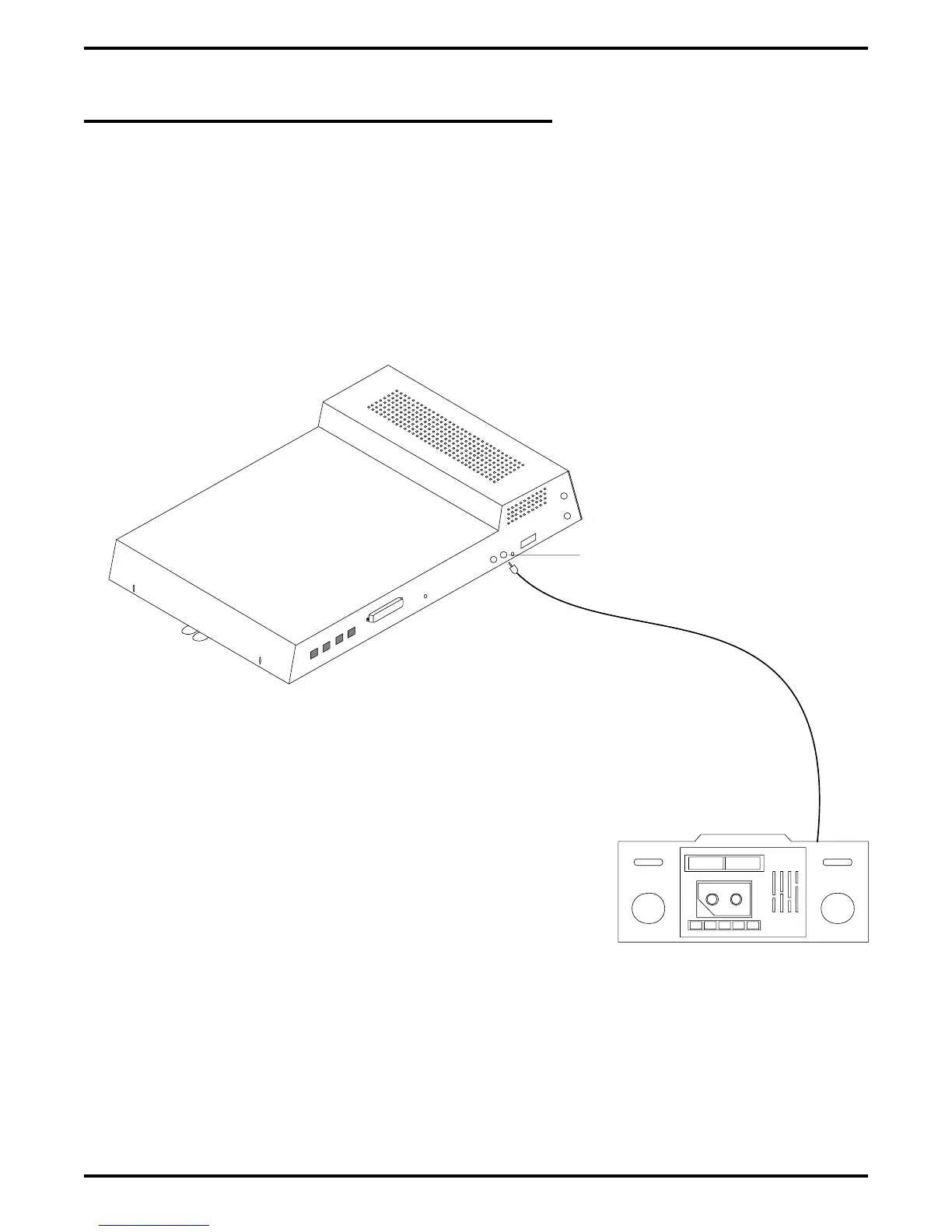
If music is to be part of the system, connect a customer-provided music source to the common
equipment music interface jack (phono jack) provided for this purpose. The impedance of this
input is approximately 500Ω. Use the volume control on the music source to adjust the audio
level of the music as required.
Figure 2–19: Using The Music Interface
Typical
Common Equipment
(8-Line, 16-Station
Base Unit Shown)
Music Interface
Music Source
(for music on hold
and background music)
CAJS088
Digital Telephone System IMI66–107
2 – 40 Installing The DSU



 To Next Page