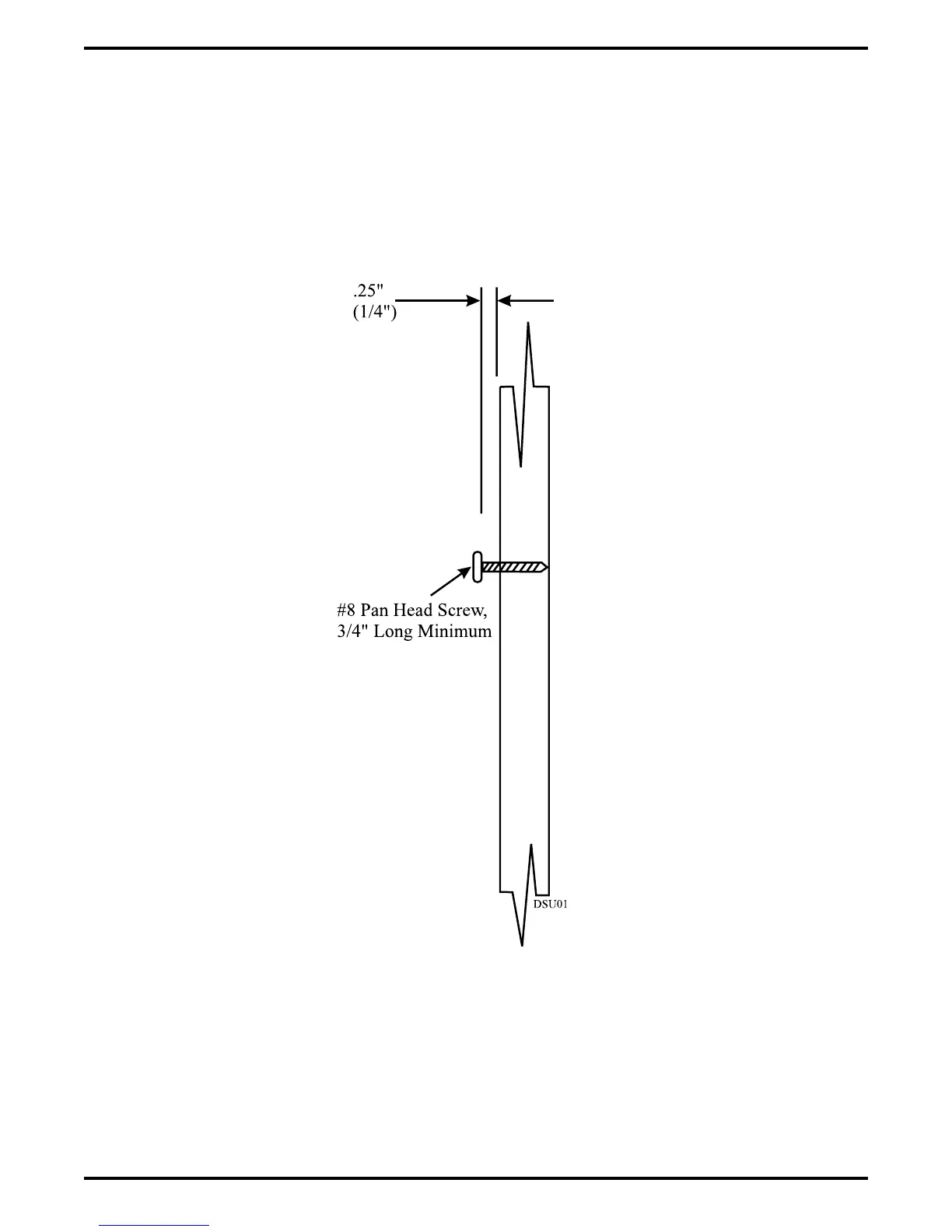
3. Install two #8 X 3/4-inch screws in the wall at the locations you marked in step 2. Tighten
the screws until the screw heads are 1/4-inch from the surface of the wall.
4. Place the DIU on the wall with the screw heads inserted into the slots provided on the bottom
surface of the DIU. Slide the DIU onto the screw heads until it is firmly attached to the
screws.
Figure 2–32: Installing The Mounting Screws
IMI66–107 Digital Telephone System
Installing The DSU 2 – 69



 To Next Page