VERTICAL
TABS
(VT
ABS)
Vertical (and horizontal) tabs can be set in
two
different ways:
as
fixed tabs, and
as
variable tabs.
You
can also
move
a distance
relative to
your
current
position
with
a relative vtab. Still another
command
lets
you
set vertical tab channels for flexibility
with
multi-page forms. In this manual, vertical tabs are referred to
as
vtabs.
Move
to
Next
Vtab
BASIC
Hex
chr$(11
)
OB
Vertical tabs
move
down
the page
by
lines.
They
are useful
when
working
with
forms
or
to leave space for pictures
or
diagrams in
your
text. Vtabs are unaffected
by
changes in line spacing.
The
spacing for vtabs
is
determined
by
the line spacing in effect
when
they are set.
If
the line spacing
is
later changed, the vtabs are
unaffected.
The
MPS
1200's vtab
command
is
chr$(ll).
Unlike horizontal tabs,
vtabs have
no
default settings. When
you
first
turn
on the
MPS
1200, a vtab advances the paper one line.
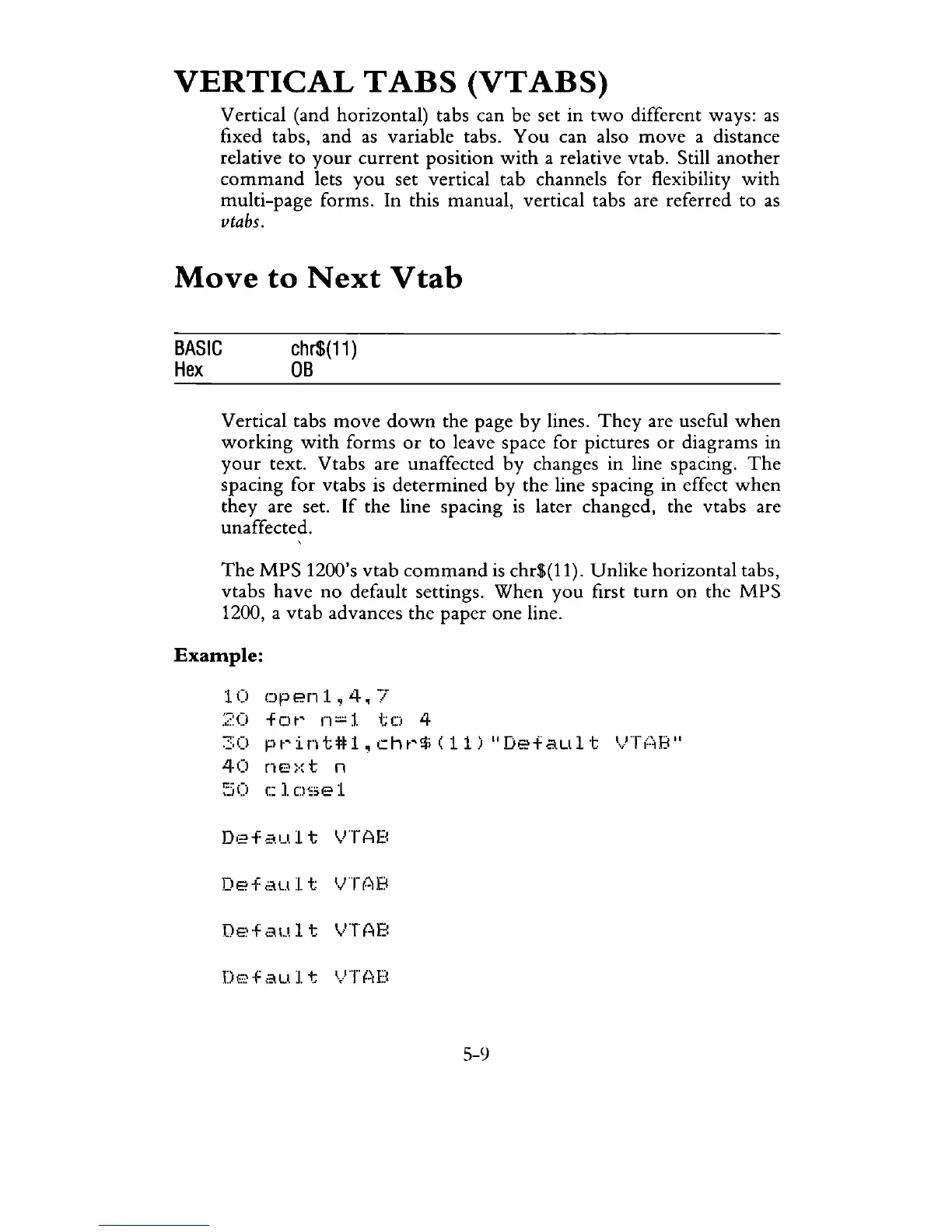
Example:
10
openl,4.7
:':::0
fot"
1"1:::::1
tel
4
:::::0
pt"int#1.cht"!ti(11)
"Default
'·.'}"T(';B"
40
ne:-:t
n
:':;0
c:
1.
C)se
1
De·f
au:/. t
IJTf~B
DE~+au.l
t
IJTAB
5-9



 To Next Page