BUFFER
COMMANDS
The
MPS
1200 has
an
internal buffer, an electronic holding arca,
that
can hold a full line
of
characters
and
codes. When you scnd
information
to the
MPS
1200
with
a
PRINT
statement all
of
thc
characters and codes are actually sent to the
MPS
1200's buffcr.
They
are held there until the buffer
is
filled
or
a
control
code such
as
a carriage
return
is received that instructs the
MPS
1200 to
empty
the buffer.
The
accumulated
information
is
then processed
one
piece at a time.
Codes
are interpreted and characters are printed.
Most
of
the
time
this
operation
is
of
no
concern.
The
MPS
1200
just
accumulates, interprets,
and
prints
without
notice.
But
there
may
be
times
when
you
would
like to erase
some
or
all
of
the
information
in the buffer before it
is
printed.
The
MPS 1200 has
three
commands
that
allow
you
to
do
that: delete, cancel, and
master
reset.
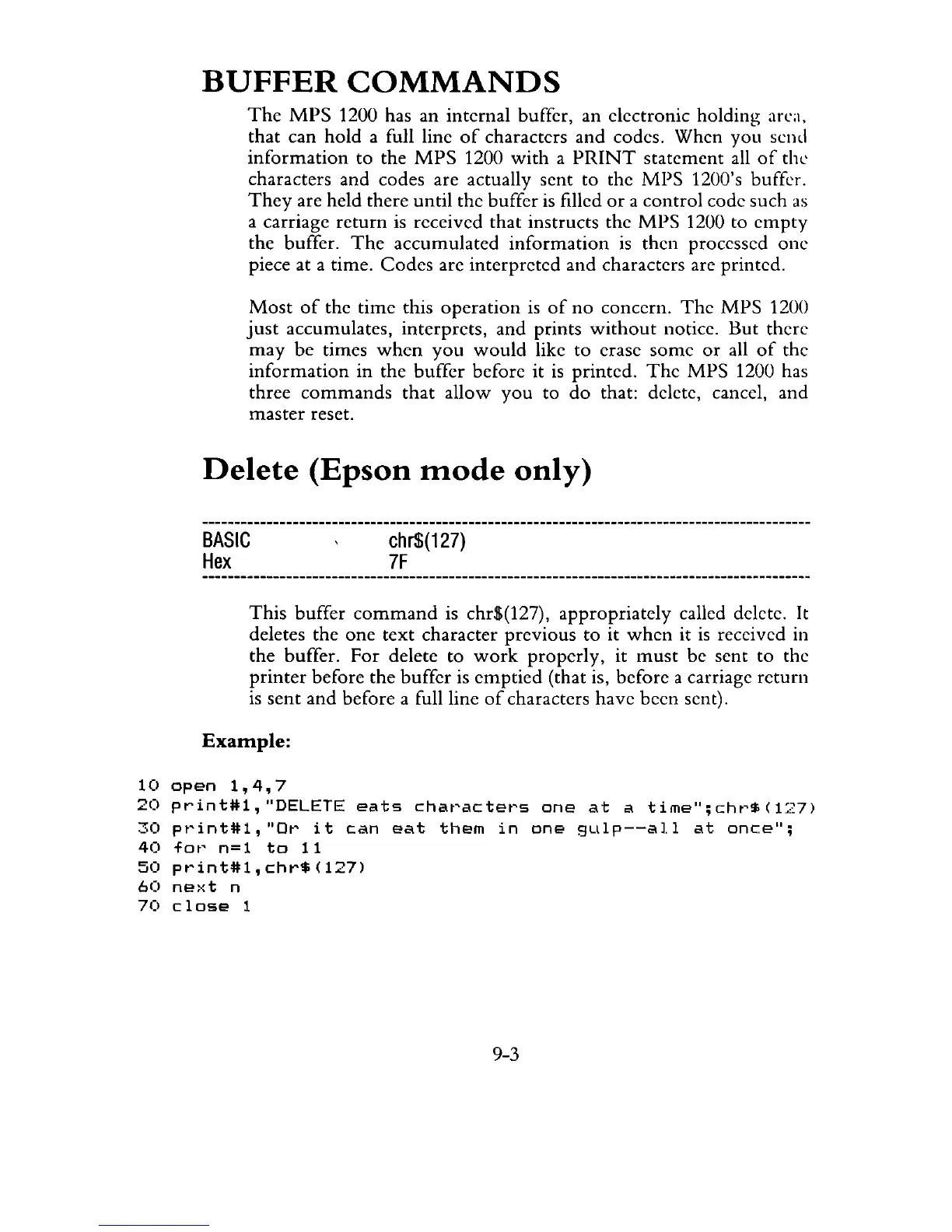
Delete
(Epson
mode
only)
BASIC
Hex
chr$(127)
7F
This
buffer
command
is chr$(127), appropriately called delete. It
deletes the
one
text character previous to it
when
it
is
received in
the buffer. For delete to
work
properly,
it
must
be sent to the
printer
before the buffer is
emptied
(that is, before a carriage return
is
sent
and
before a full line
of
characters have been sent).
Example:
10
open
1,4,7
20
print#l,
"DELETE
eats
chat'actet's
one
at
a
time";
cht'$
(127)
30
pt'int#l,
"ot'
it
can
eat
them
in
one
9Lllp--all
at
once";
40
for
n=1
to
11
50
print#l,chr$(127)
60
ne)<t
n
70
close
1
9-3



 To Next Page