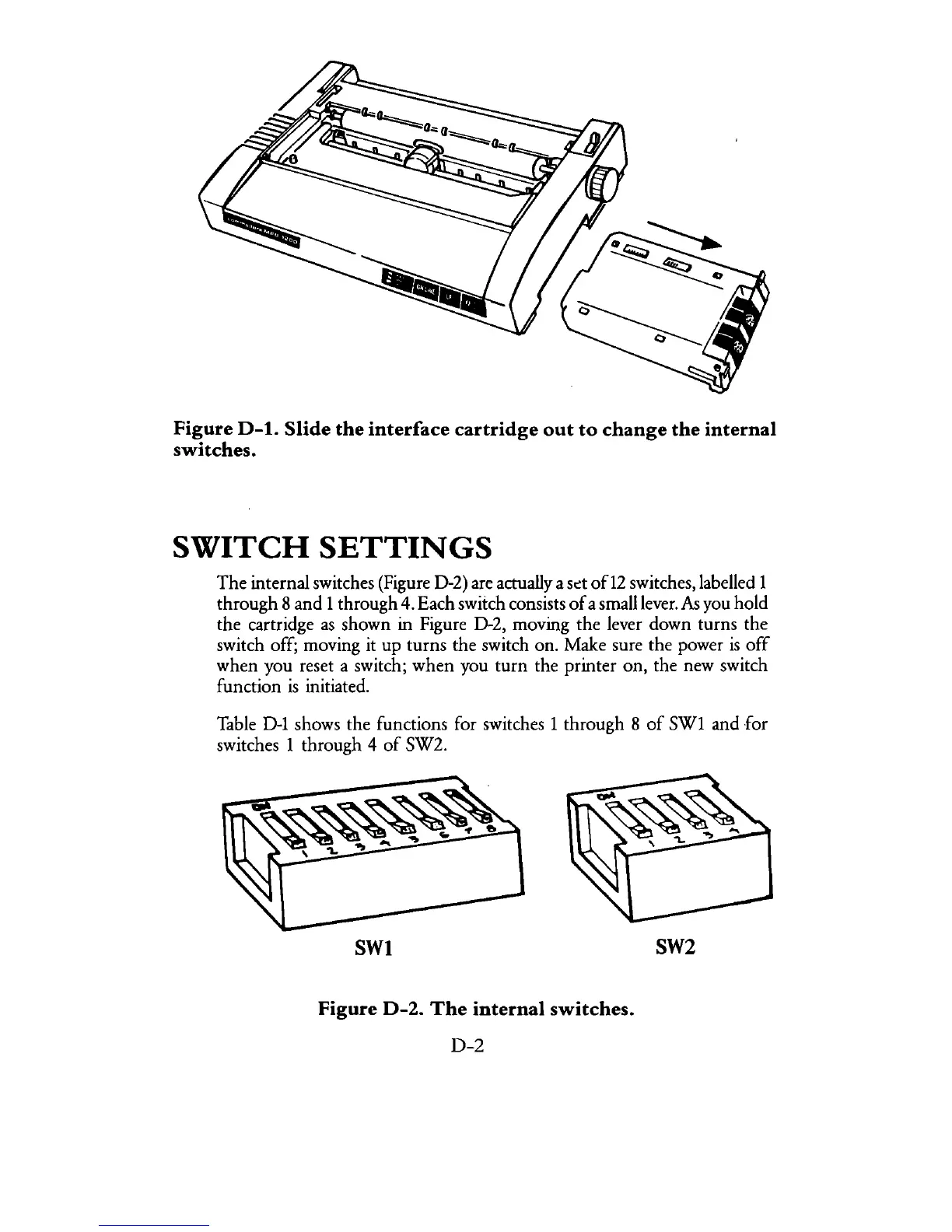
Figure
D-l.
Slide
the
interface
cartridge
out
to
change
the
internal
switches.
SWITCH
SETTINGS
The
internal switches (Figure D-2) are actually a
sd
of12 switches, labelled 1
through 8 and 1 through 4. Each switch consists
of
a small lever.
fu
you hold
the cartridge
as
shown in Figure D-2, moving the lever down turns the
switch off; moving it up turns
the
switch on. Make sure the power
is
off
when you reset a switch;
when
you
turn
the printer on, the new switch
function
is
initiated.
Table
D-1
shows the functions for switches 1 through 8
of
SW1 and
for
switches 1 through 4
of
SW2.
SWI
SW2
Figure
D-2.
The
internal
switches.
D-2



 To Next Page