EasyManua.ls Logo

Commodore MPS 1200 - Left Margin

Commodore MPS 1200
250 pages
Print Icon
To Next Page IconTo Next Page
To Previous Page IconTo Previous Page
Loading...
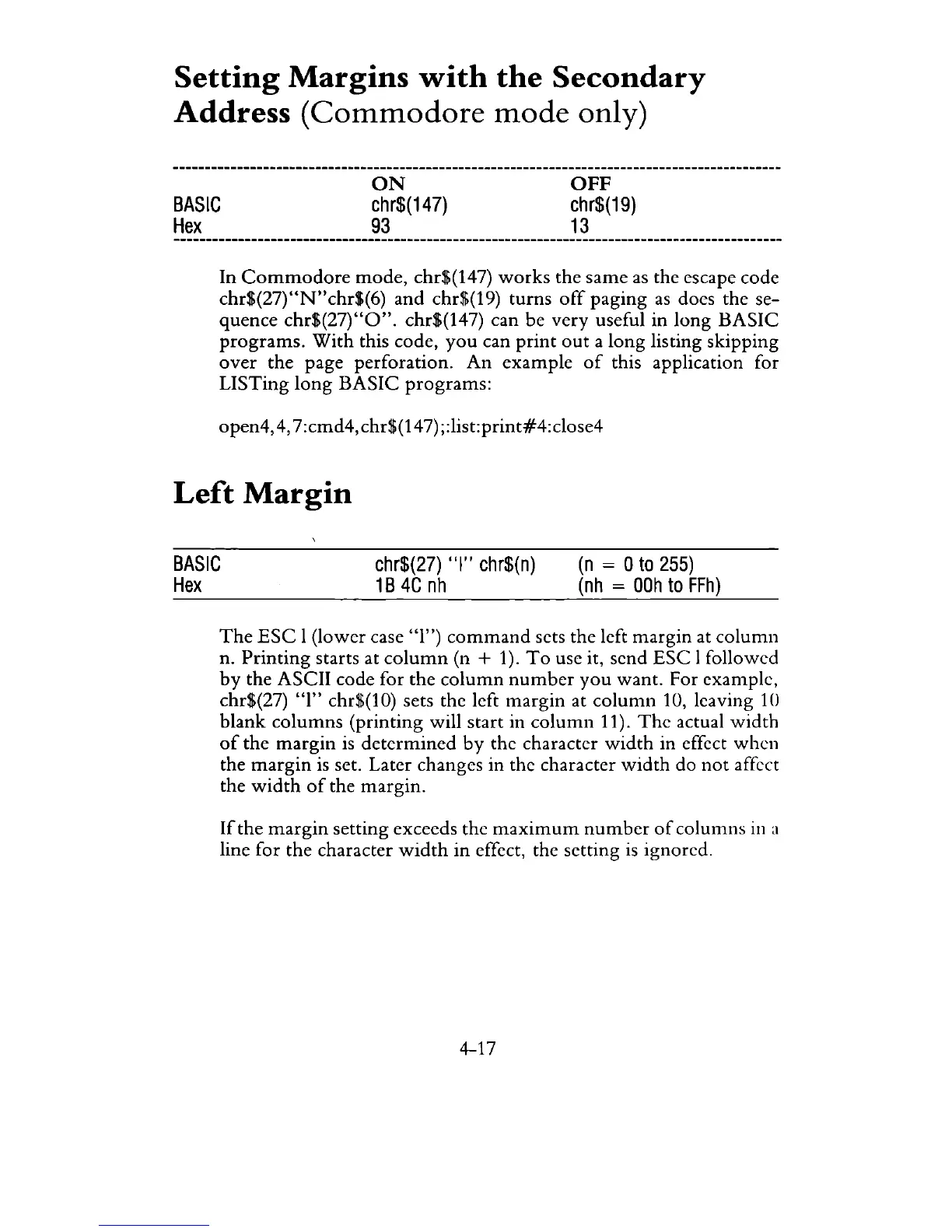
Setting
Margins
with
the
Secondary
Address
(Commodore
mode
only)
BASIC
Hex
ON
chr$(147)
93
OFF
chr$(19)
13
In
Commodore
mode,
chr$(147)
works
the
same
as
the escape code
chr$(27)"N"chr$(6)
and
chr$(19) turns
off
paging
as
does the se-
quence
chr$(27)"O".
chr$(147) can be very useful in long
BASIC
programs.
With
this code,
you
can
print
out
a
long
listing skipping
over
the page perforation.
An
example
of
this application for
LISTing
long
BASIC
programs:
open4,
4,
7:cmd4, chr$(14
7)
;:list:print#4:close4
Left
Margin
BASIC
Hex
chr$(27)
"I"
chr$(n)
1 B
4C
nh
(n
= 0
to
255)
(nh
=
OOh
to
FFh)
The
ESC
1 (lower case "1")
command
sets the left margin at
column
n.
Printing
starts at
column
(n + 1).
To
use it, send
ESC
I followed
by
the ASCII code for the
column
number
you
want. For example,
chr$(27) "1" chr$(10) sets the left
margin
at
column
10, leaving
10
blank
columns
(printing will start in
column
11).
The
actual
width
of
the
margin
is
determined
by
the character
width
in effect when
the
margin
is
set. Later changes in the character
width
do
not
affect
the
width
of
the margin.
If
the
margin
setting exceeds the
maximum
number
of
columns
in
a
line for the character
width
in
effect, the setting
is
ignored.
4-17

Related product manuals