EasyManua.ls Logo

Commodore MPS 1200 - Chapter 7 Commodore Dot Graphics; BIT IMAGE CODING (Commodore mode only)

Commodore MPS 1200
250 pages
Print Icon
To Next Page IconTo Next Page
To Previous Page IconTo Previous Page
Loading...
Chapter 7
COlnlnodore
Dot
Graphics
BIT
IMAGE
CODING
(Commodore
mode
only)
Format
BASIC
Hex
ON
chr$(8)
08
A
bit
image
is
a character
programmed
onto
a 7 X
17
grid. When
the dots are
programmed
(placed
where
you
want
them
on
the
grid), it
is
printed
out
by
the
print
head
when
the pins at the
locations
you
have
programmed
strike
to
create dots to
form
an
1mage.
By
sending the
control
code chr$(8) to the
printer
in
Commodore
mode,
you
enter
the
Bit
Image graphic
printing
mode. This allows
you
to design a'nd
print
bit image graphics
by
inputting
bit image
data. Each
DATA
statement
is
made
up
of
numbers
that represent a
row
of
dots
which,
when
READ
together, make up
your
bit
graphic image.
To
design a bit image graphic, follow the steps
outlined in the
example
below.
1.
Use
a separate piece
of
paper to design
your
bit image graphic.
2.
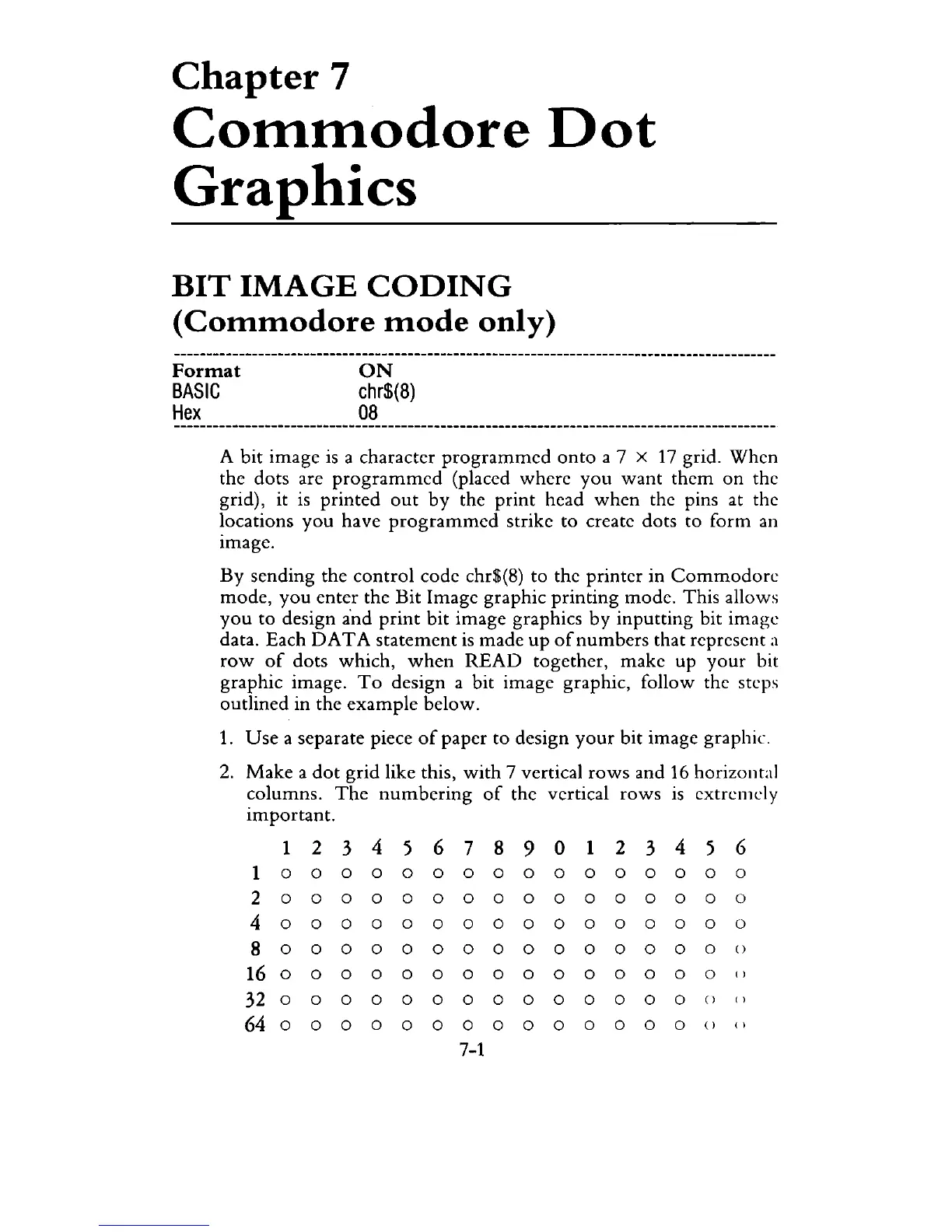
Make
a
dot
grid like this,
with
7 vertical
rows
and
16
horizontal
columns.
The
numbering
of
the vertical
rows
1S
extremely
important.
1
234
5 6 7
890
1
234
5 6
1 0 0 0 0 0 0 0 0 0 0 0 0 0 0 0 0
2 0 0 0 0 0 0 0 0 0 0 0
000
0 0
4
000
0 0 0
000
0 0 0 0 0 0 0
8 0 0 0 0 0 0 0 0 0 0 0 0 0 0 0 ()
16
0 0 0 0 0 0 0 0 0 0 0 0 0 0 0 ( l
32
0 0 0 0 0 0 0 0 0 0 0 0 0 0 () ( l
6400000000000000
() ()
7-1

Related product manuals