EasyManua.ls Logo

Commodore MPS 1200 - Chapter 9 Odds and Ends; LOCAL CHARACTER SET SELECTION (Commodore mode only)

Commodore MPS 1200
250 pages
Print Icon
To Next Page IconTo Next Page
To Previous Page IconTo Previous Page
Loading...
Chapter
9
Odds
and Ends
In this chapter
we'll
cover
some
special features and techniques
that
are useful
with
both
text
and
graphics
but
don't
fit into any
particu-
lar category.
LOCAL CHARACTER SET
SELECTION
(Commodore
mode
only)
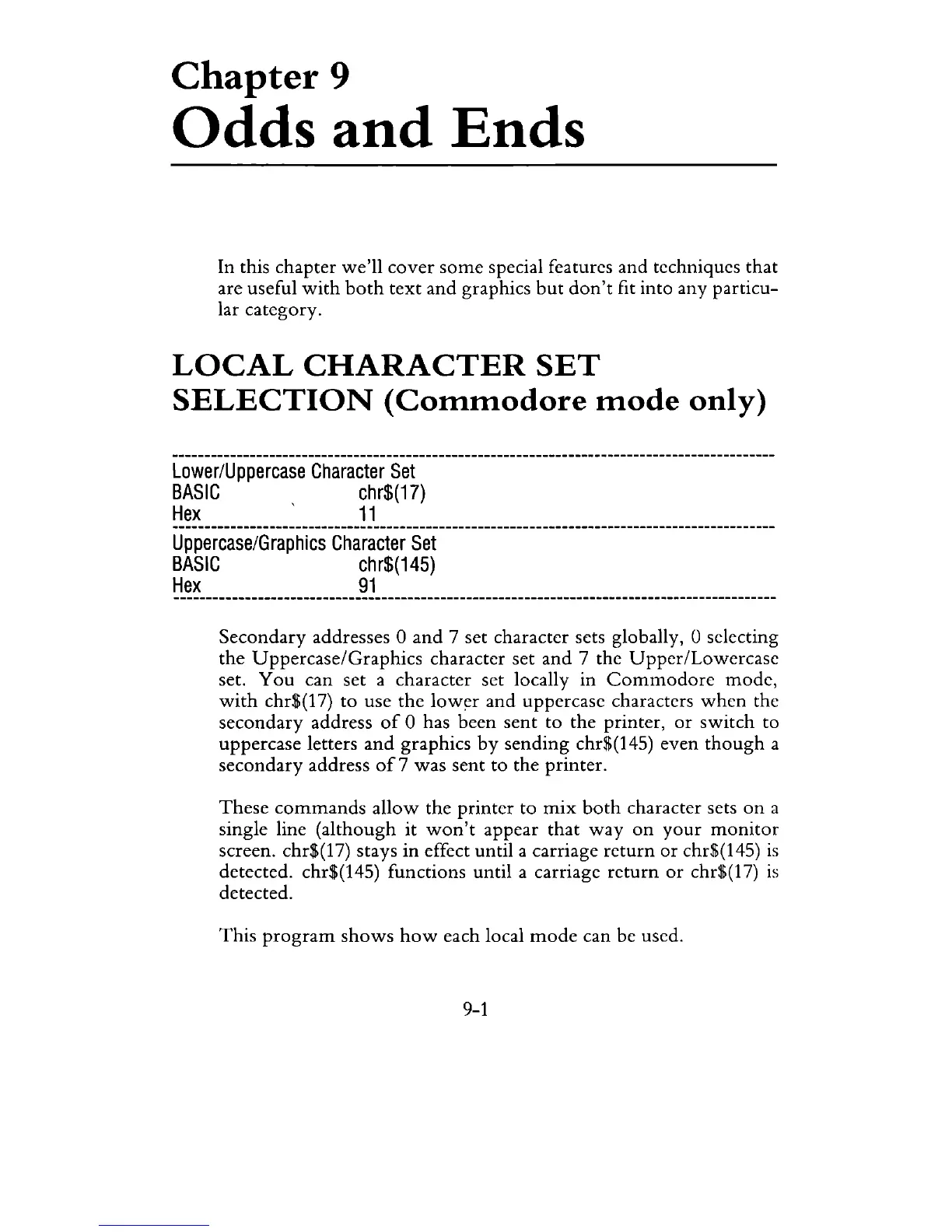
Lower/Uppercase
Character
Set
BASIC
chr$(17)
Hex
11
Uppercase/Graphics
Character
Set
BASIC
chr$(145)
Hex
91
Secondary
addresses 0
and
7 set character sets globally, 0 selecting
the
Uppercase/Graphics
character set
and
7 the
Upper/Lowercase
set.
You
can set a character set locally in
Commodore
mode,
with
chr$(17)
to
use
the
low~r
and
uppercase characters
when
the
secondary
address
of
0 has been
sent
to
the
printer,
or
switch
to
uppercase letters
and
graphics
by
sending
chr$(145) even
though
a
secondary
address
of
7
was
sent
to
the printer.
These
commands
allow
the
printer
to
mix
both
character sets
on
a
single line
(although
it
won't
appear
that
way
on
your
monitor
screen. chr$(17) stays in effect until a carriage
return
or
chr$(145)
is
detected. chr$(145) functions until a carriage
return
or
chr$(17)
is
detected.
This
program
shows
how
each local
mode
can be used.
9-1

Related product manuals