EasyManua.ls Logo

Commodore MPS 1200 - Dot Address Determination

Commodore MPS 1200
250 pages
Print Icon
To Next Page IconTo Next Page
To Previous Page IconTo Previous Page
Loading...
Dot
Address
Determination
Format
BASIC
ON
chr$(27);chrS(16);chr$(n1
);chr$(n2)
Hex
(n1
and
n2
specify
the
line
position
in
dots)
1b
10
n1h n2h
You
won't
always
want
to place characters at the left
margin
of
the
paper.
The
dot
address
determination
sequence lets
you
specify
where
on
a line
you
want
a bit image character (or anything else) to
be printed.
In the escape sequence for
dot
address determination,
"nl"
and
"n2"
are
dot
positions
on
the line
where
printing
is to start.
These
values are
two-digit
binary
numbers
ranging
from
0 to 479.
When
a
number
greater than 479
is
specified,
printing
starts at the
begin-
ning
of
the
next
line.
This
program
positions an
"alien"
bit
image
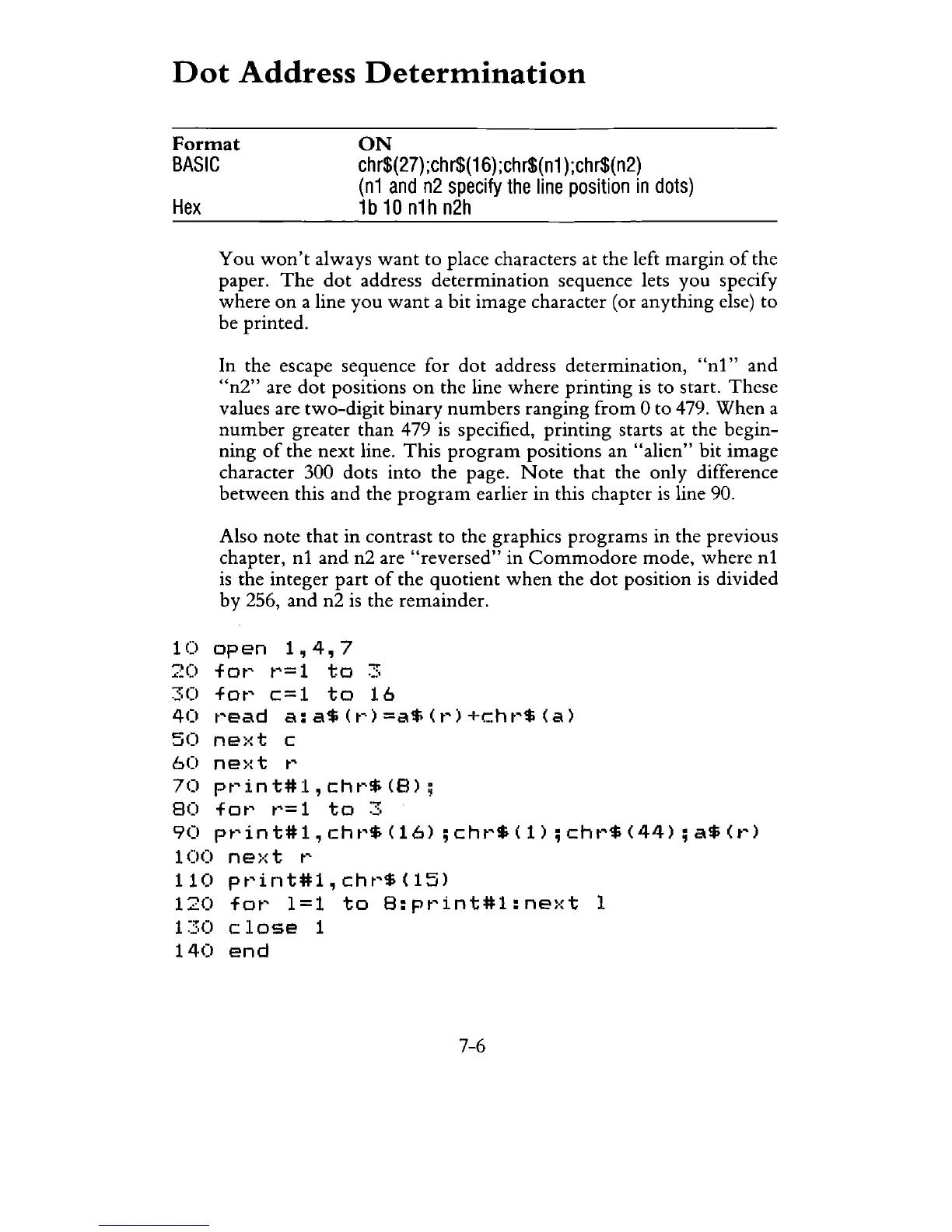
character 300 dots into the page.
Note
that
the only difference
between
this and the
program
earlier
in
this chapter
is
line 90.
Also
note
that
in
contrast to the graphics
programs
in the previous
chapter,
nl
and
n2 are
"reversed"
in
Commodore
mode,
where
nl
is
the integer
part
of
the
quotient
when
the
dot
position
is
divided
by 256,
and
n2
is
the remainder.
10
open
1,4,7
20
fOt~
t~=1
to
3
30
fOt~
c=1
to
16
40
read
a:a$(r)=a$(r)+chr$(a)
50
ne:·:t
c
60
ne)·: t
t~
70
print#l,chr$(S);
SO
fot~
t~=
1
to
3
90
print#l,chr$(16)
;chr$(I);chr$(44);a$(r)
100
ne)·:t
t~
110
print#l,chr$(15)
120
for
1=1
to
S:print#l:next
1
1
~.:::O
close
1
140
end
7-6

Related product manuals