Remember,
when
inserting escape sequences manually, to send the
proper
version
of
ASCII code related to
how
DIP
switch 1-2
is
set.
Since
PET
ASCII (switch 1-2 OFF) and ASCII (switch 1-2
ON)
are
slightly different,
make
sure the version that
you
use
is
consistent
with
how
switch
1-2 is set.
SPREADSHEETS,
DATABASES,
AND
OTHER
PROGRAMS
Most
of
these
programs
provide
a setup
option
in their
output
or
print
mode
that asks
you
to
make
two
settings for
your
printer: the
number
of
characters per line, and the codes to be sent to the printer
at the
start
of
printing, called the
"printer
initialization
string."
The
two
settings are related.
The
number
of
characters per line
depends
on
the
print
mode,
which
is
determined
by
the initializa-
tion
string
you
send.
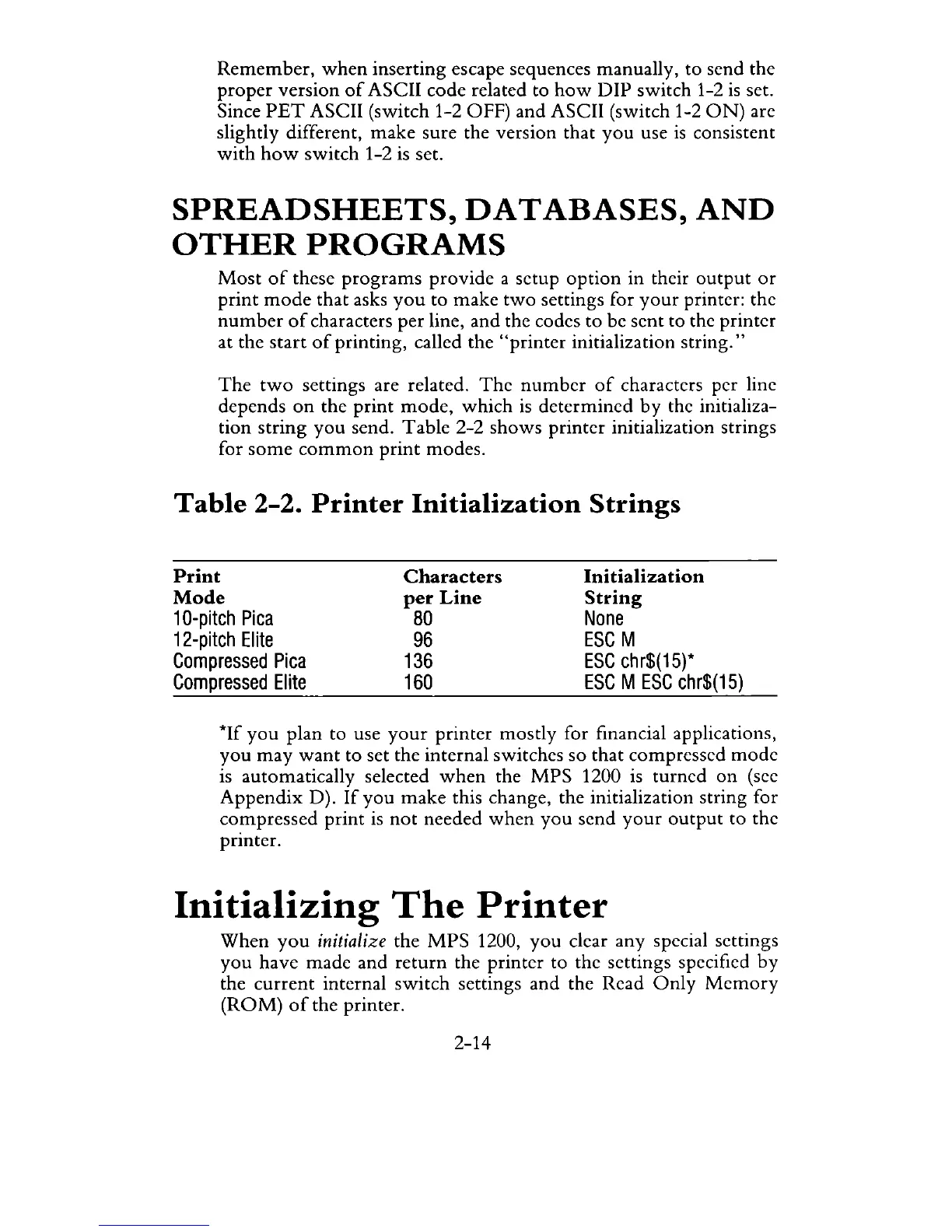
Table
2-2
shows
printer initialization strings
for
some
common
print
modes.
Table
2-2. Printer
Initialization
Strings
Print
Mode
1
O-pitch
Pica
12-pitch
Elite
Compressed
Pica
Compressed
Elite
Characters
per
Line
80
96
136
160
Initialization
String
None
ESC
M
ESC
chr$(15)*
ESC
M
ESC
chr$(15)
*If
you
plan to use
your
printer
mostly
for financial applications,
you
may
want
to set the internal switches
so
that
compressed
mode
is automatically selected
when
the
MPS
1200 is turned
on
(see
Appendix
D).
If
you
make
this change, the initialization string for
compressed
print
is
not
needed
when
you
send
your
output
to the
printer.
Initializing
The
Printer
When
you
initialize the
MPS
1200,
you
clear
any
special settings
you
have made and
return
the printer to the settings specified
by
the
current
internal
switch
settings and the Read
Only
Memory
(ROM)
of
the printer.
2-14



 To Next Page