EasyManua.ls Logo

Commodore MPS 1200 - Page 49

Commodore MPS 1200
250 pages
Print Icon
To Next Page IconTo Next Page
To Previous Page IconTo Previous Page
Loading...
There
are three
ways
to
initialize the printer:
1.
By
turning
the
power
switch
OFF, then
ON
again.
2.
By
sending the
software
command
ESC@.
3.
By
sending a secondary address
of
10 in a
print
channel
(OPEN)
command.
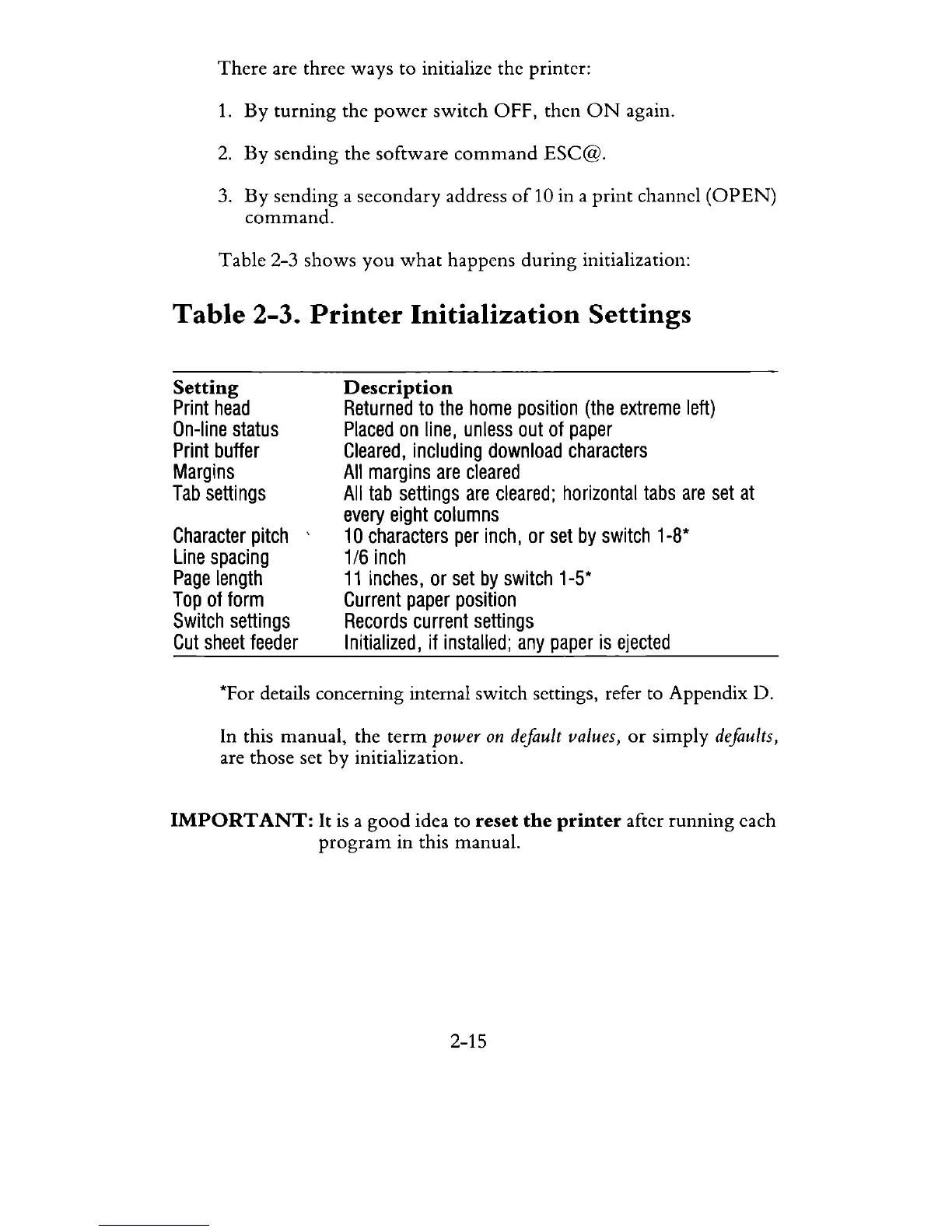
Table
2-3 shows
you
what
happens
during
initialization:
Table
2-3.
Printer
Initialization
Settings
Setting
Print
head
On-line
status
Print
buffer
Margins
Tab
settings
Character
pitch
Line
spacing
Page
length
Top
of
form
Switch
settings
Cut
sheet
feeder
Description
Returned
to
the home
position
(the
extreme
left)
Placed
on
line,
unless
out
of
paper
Cleared,
including
download
characters
All
margins
are
cleared
All
tab
settings
are
cleared;
horizontal
tabs
are
set
at
every
eight
columns
10
characters
per
inch,
or
set
by
switch
1-8*
1/6
inch
11
inches,
or
set
by
switch
1-5*
Current
paper
position
Records
current
settings
Initialized,
if
installed;
any
paper
is
ejected
*For details concerning internal switch settings, refer to Appendix D.
In this manual, the
term
power
on
default values,
or
simply defaults,
are those set by initialization.
IMPORT
ANT:
It is a
good
idea to
reset
the
printer
after
running
each
program
in
this manual.
2-15

Related product manuals