EasyManua.ls Logo

Commodore MPS 1200 - PROPORTIONAL SPACING

Commodore MPS 1200
250 pages
Print Icon
To Next Page IconTo Next Page
To Previous Page IconTo Previous Page
Loading...
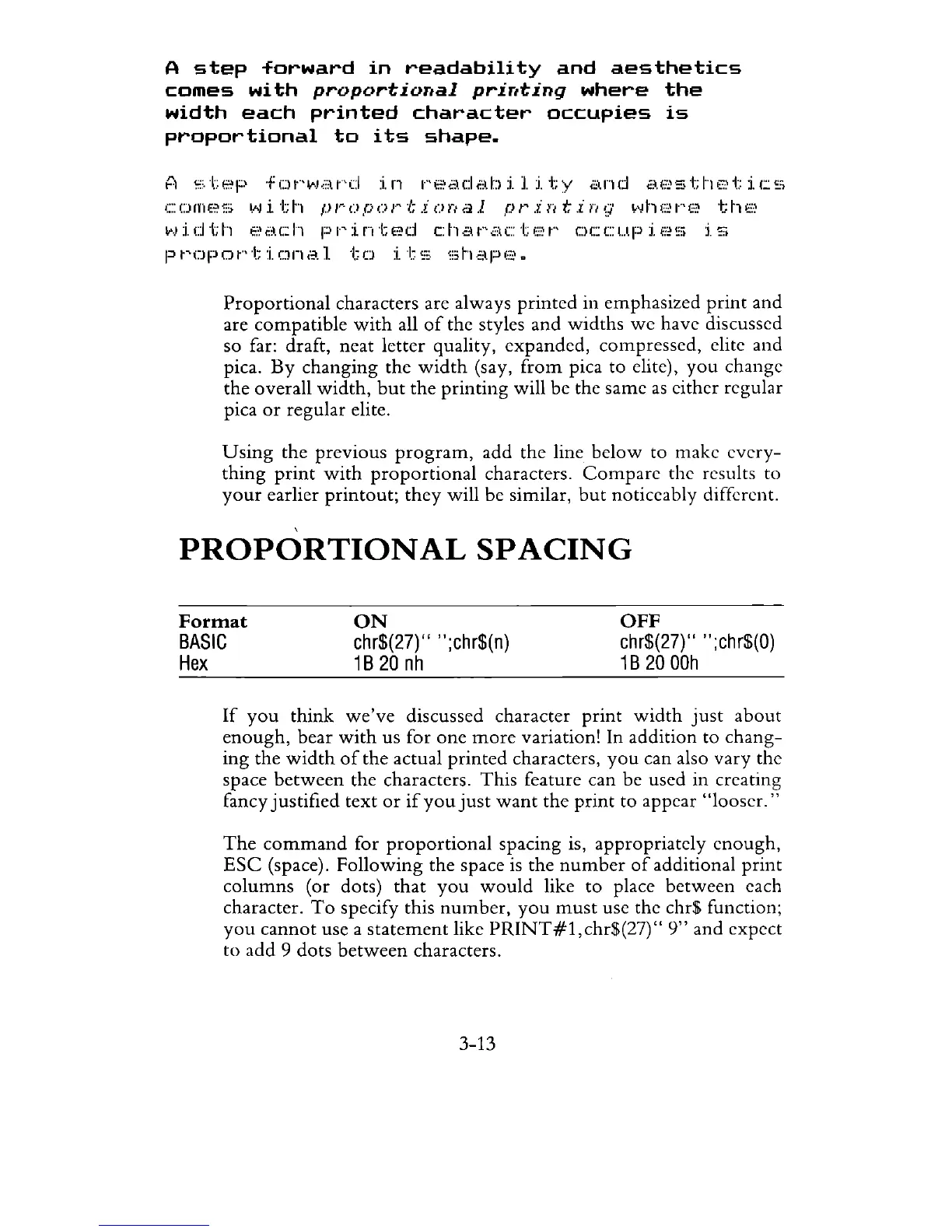
A
step
forward
in
readability
and
aesthetics
comes
with
proportional
printing
where
the
width
each
printed
character
occupies
is
proportional
to
its
shape.
A
step
forward
in
readability
and
aesthetics
comes
with
proportional
printing
where
the
width
each
printed
character
occupies
is
proportional
to
its
shape.
Proportional
characters are always
printed
in emphasized
print
and
are
compatible
with
all
of
the styles and
widths
we
have discussed
so far: draft, neat letter quality, expanded, compressed, elite and
pica.
By
changing
the
width
(say,
from
pica to elite),
you
change
the
overall
width,
but
the
printing
will be the same
as
either regular
pica
or
regular elite.
Using
the previous
program,
add the line
below
to make
every-
thing
print
with
proportional
characters.
Compare
the results to
your
earlier
printout;
they
will be similar,
but
noticeably different.
PROPORTIONAL
SPACING
Format
BASIC
Hex
ON
chr$(27)" ";chr$(n)
1 B
20
nh
OFF
chr$(27)"
";chr$(O)
1 B
20
OOh
If
you
think
we've
discussed character
print
width
just
about
enough,
bear
with
us for
one
more
variation! In addition
to
chang-
ing
the
width
of
the
actual
printed
characters,
you
can also vary the
space
between
the characters.
This
feature can be used in creating
fancy
justified
text
or
if
you
just
want
the
print
to appear
"looser."
The
command
for
proportional
spacing is, appropriately
enough,
ESC
(space).
Following
the
space
is
the
number
of
additional
print
columns
(or dots)
that
you
would
like
to
place
between
each
character.
To
specify this
number,
you
must
usc the chr$ function;
you
cannot
use a
statement
like
PRINT#1,chr$(27)"
9"
and expect
to
add
9 dots
between
characters.
3-13

Related product manuals