SLASHED
ZERO
ON
OFF
BASIC
Hex
chr$(27)
"-41"
1B
7E
34
31
chr$(27)
"-40"
1B
7E
34
30
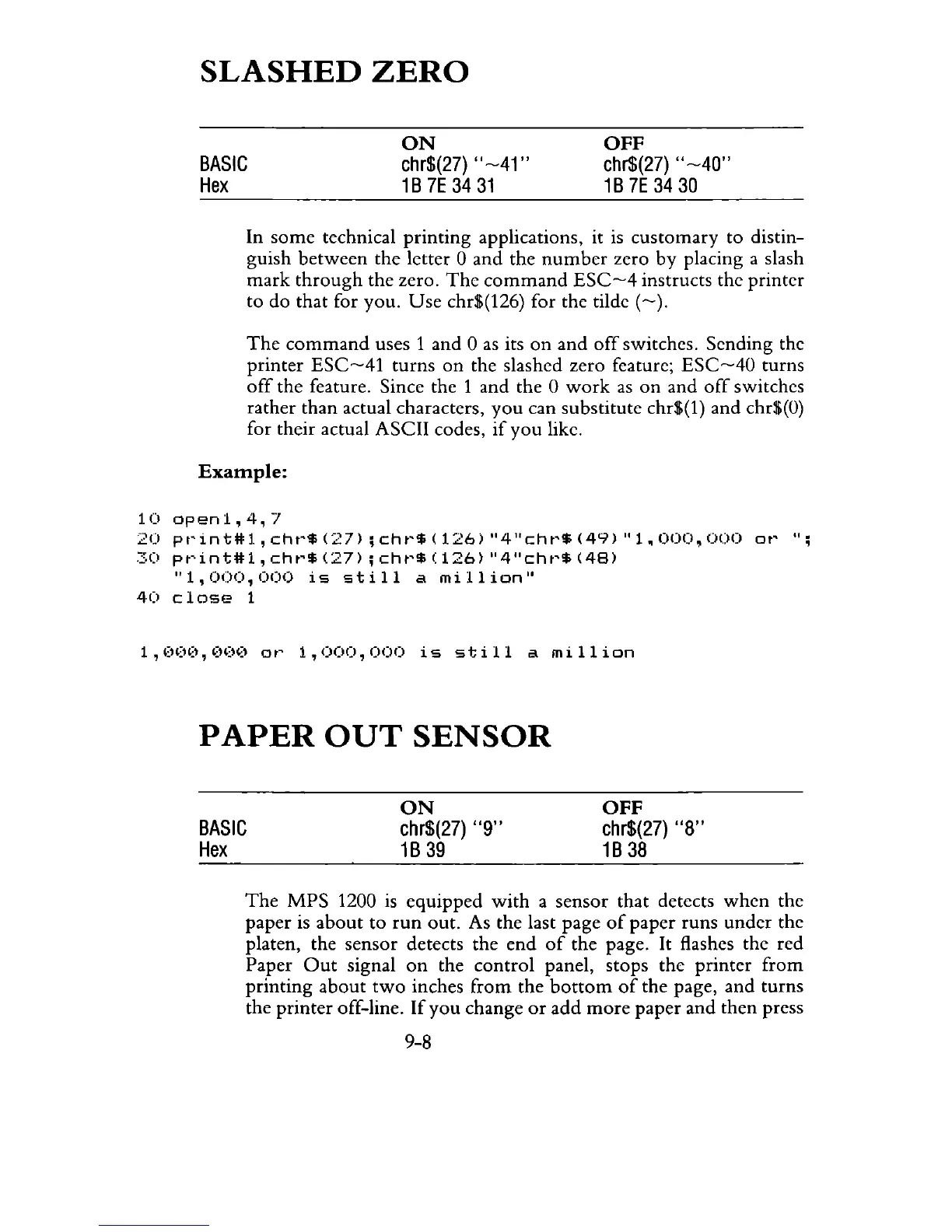
In some technical printing applications, it
is
customary to distin-
guish between the letter 0 and the
number
zero
by
placing a slash
mark
through
the zero.
The
command
ESC-4
instructs the printer
to do that for you.
Use
chr$(126) for the tilde
(-).
The
command
uses 1 and 0
as
its
on
and
off
switches. Sending the
printer
ESC-41
turns
on
the slashed zero feature;
ESC-40
turns
off
the feature. Since the 1 and the 0
work
as
on and
off
switches
rather than actual characters,
you
can substitute chr$(l) and chr$(O)
for their actual ASCII codes,
if
you like.
Example:
10openl,4,7
2U
pt'int#l,cht'$(27);cht'$(126)"4"cht'$(49)"1.000,OOO
Ot'
";
::::0
pt'int#l,
cht'$
(27);
cht'$
(126)
"4"cht'$
(48)
"1,000,000
is
still
a
million"
40
close
1
1,000,000
or
1,000,000
is
still
a
million
PAPER
OUT
SENSOR
BASIC
Hex
ON
chr$(27)
"9"
1B
39
OFF
chr$(27)
"8"
1B
38
The
MPS 1200
is
equipped
with
a sensor that detects
when
the
paper
is
about
to
run
out. As the last page
of
paper runs under the
platen, the sensor detects the end
of
the page.
It
flashes the red
Paper
Out
signal
on
the
control
panel, stops the printer from
printing about
two
inches from the
bottom
of
the page, and turns
the printer off-line.
If
you
change
or
add
more
paper and then press
9-8



 To Next Page