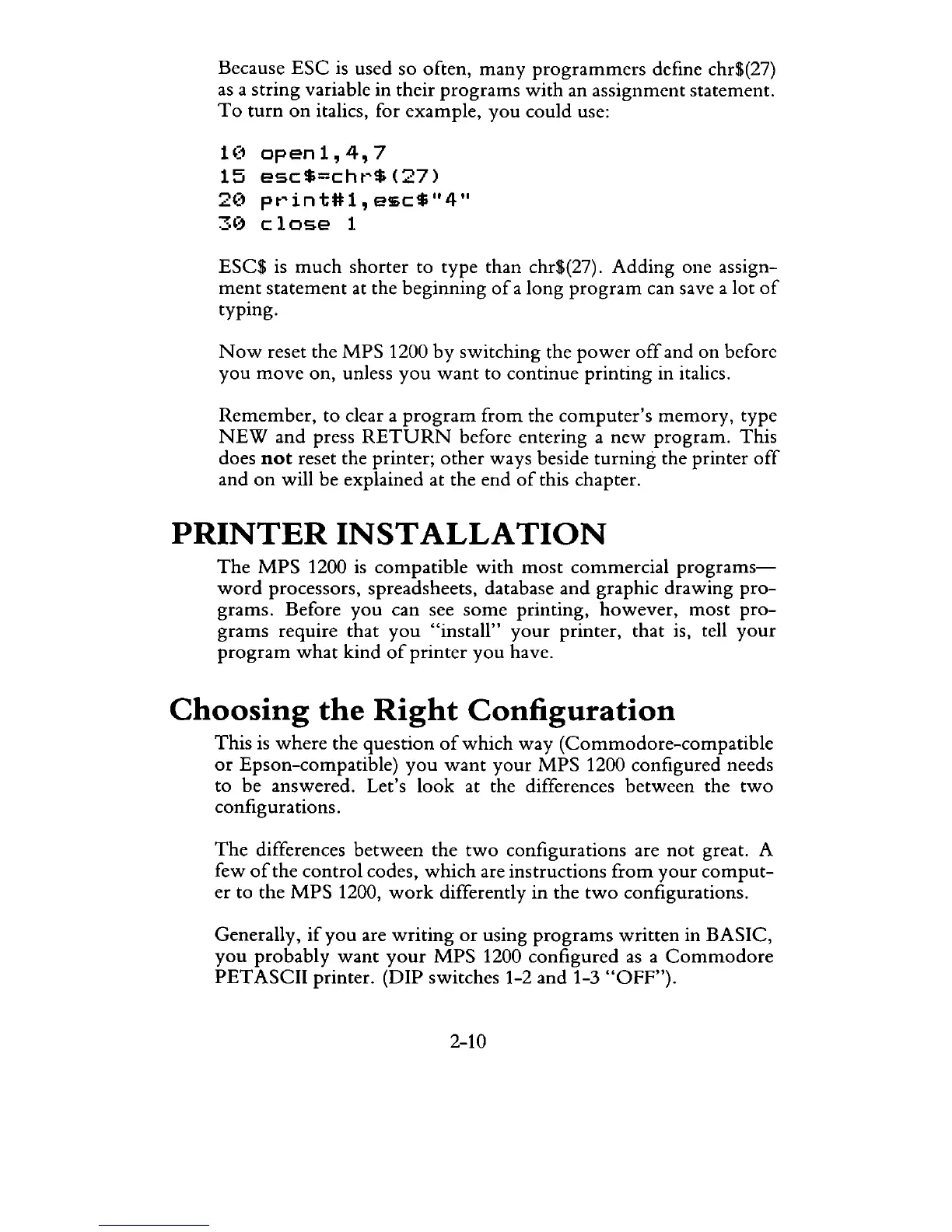
Because
ESC
is
used so often, many
programmers
defme chr$(27)
as
a string variable in their
programs
with
an assignment statement.
To
turn
on
italics, for example,
you
could use:
1 (1
op
en
1 ,
4,
7
15
esc$=cht~$(27)
2(1
pt~int#l,
esc$"4"
30
close
1
ESC$
is
much
shorter
to type than chr$(27). Adding one assign-
ment
statement at the beginning
of
a long
program
can save a lot
of
typing.
Now
reset the
MPS
1200
by
switching the
power
off
and on before
you
move
on, unless
you
want
to continue printing in italics.
Remember,
to clear a
program
from
the
computer's
memory,
type
NEW
and press
RETURN
before entering a
new
program.
This
does
not
reset the printer;
other
ways beside
turning
the printer
off
and
on
will be explained at the end
of
this chapter.
PRINTER
INSTALLATION
The
MPS
1200
is
compatible
with
most
commercial
programs-
word
processors, spreadsheets, database
and
graphic drawing
pro-
grams. Before
you
can see
some
printing,
however,
most
pro-
grams require that
you
"install"
your
printer, that is, tell
your
program
what
kind
of
printer
you
have.
Choosing
the
Right
Configuration
This
is
where
the question
of
which
way
(Commodore-compatible
or
Epson-compatible)
you
want
your
MPS
1200 configured needs
to be answered. Let's
look
at the differences between the
two
configurations.
The
differences between
the
two
configurations are
not
great. A
few
of
the
control
codes,
which
are instructions
from
your
comput-
er
to the
MPS
1200,
work
differently in the
two
configurations.
Generally,
if
you
are
writing
or
using
programs
written
in BASIC,
you
probably
want
your
MPS
1200 configured
as
a
Commodore
PET
ASCII printer. (DIP switches 1-2 and 1-3
"OFF").
2-10



 To Next Page