A
control
code
is
a
command
given to the printer in the
form
of
a
non-printing
ASCII
or
PET
ASCII code.
An
example
would
be
which
would
tell the
printer
to
turn
expanded print on. All the
control
codes available
on
the
MPS
1200 are covered in the
upcom-
ing chapters, and
Appendix
C contains all the control code
com-
mands for
both
Commodore
and
Epson
modes.
Many
MPS
features are controlled
with
escape sequences. Escape
sequences are the
same
for the
MPS
1200 in
both
Commodore
and
Epson
modes.
They
are called escape sequences because the
com-
mand
starts
with
the
ASCII/PET
ASCII code for ESCape (chr$(27))
and
is
followed
by
other
codes
which
determine
the instruction for
the printer.
The
sequence
ESC
4 sets
italic
characters, and can be
issued
with
the
command
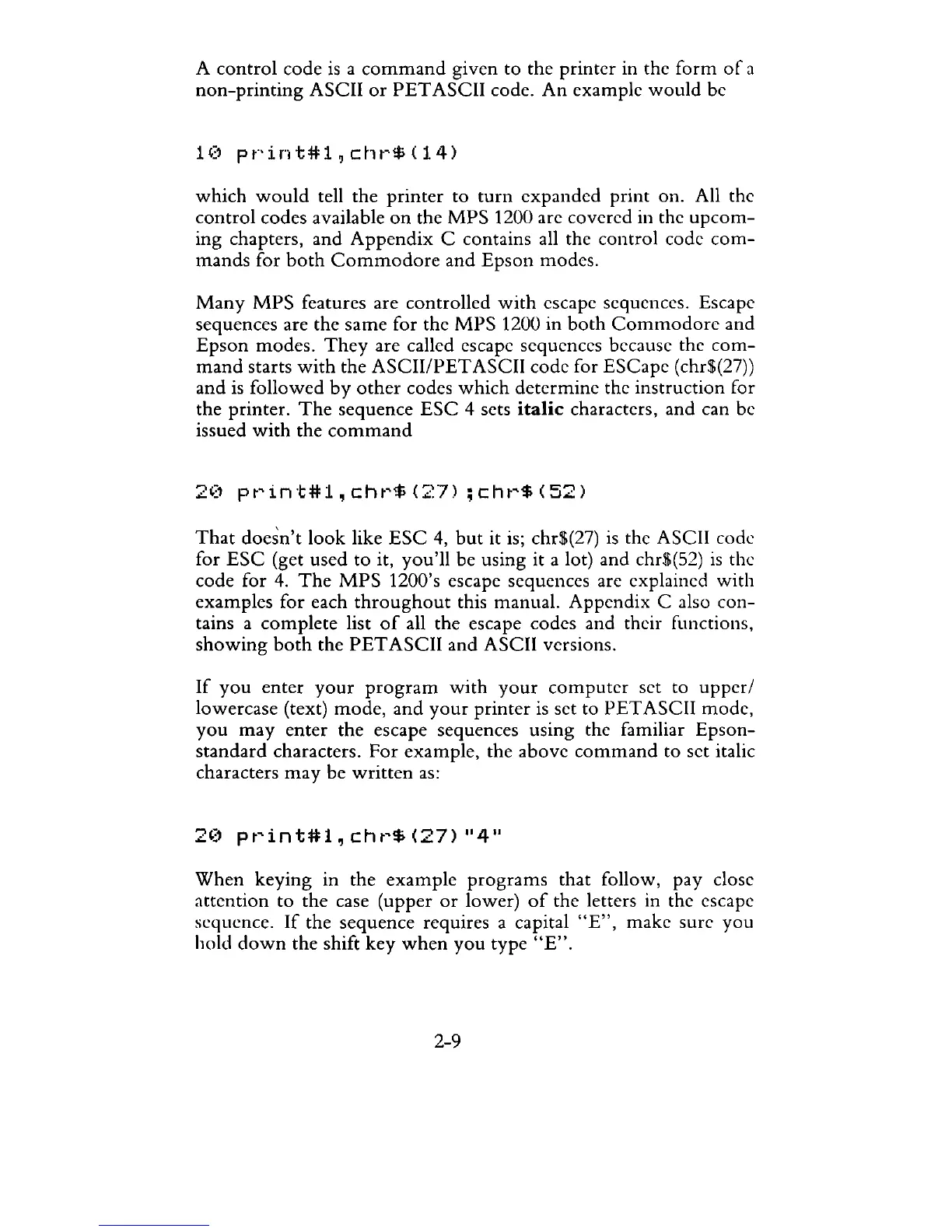
20
print#i,chr$(27)
;chr$(52)
That
doesn't
look
like
ESC
4,
but
it is; chr$(27)
is
the ASCII code
for
ESC
(get used to it,
you'll
be using it a lot) and chr$(52)
is
the
code for
4.
The
MPS
1200's escape sequences are explained
with
examples for each
throughout
this manual. Appendix C also con-
tains a
complete
list
of
all the escape codes and their functions,
showing
both
the
PET
ASCII and ASCII versions.
If
you
enter
your
program
with
your
computer
set to
upper/
lowercase (text)
mode,
and
your
printer
is
set to
PET
ASCII mode,
you
may
enter
the escape sequences using the familiar
Epson-
standard
characters.
For
example, the above
command
to set italic
characters
may
be
written
as:
When
keying in the example
programs
that follow, pay close
attention
to the case (upper
or
lower)
of
the letters in the escape
sequence.
If
the sequence requires a capital
"E",
make sure you
hold
down
the shift
key
when
you
type
"E".
2-9



 To Next Page