EasyManua.ls Logo

Commodore MPS 1200 - Page 7

Commodore MPS 1200
250 pages
Print Icon
To Next Page IconTo Next Page
To Previous Page IconTo Previous Page
Loading...
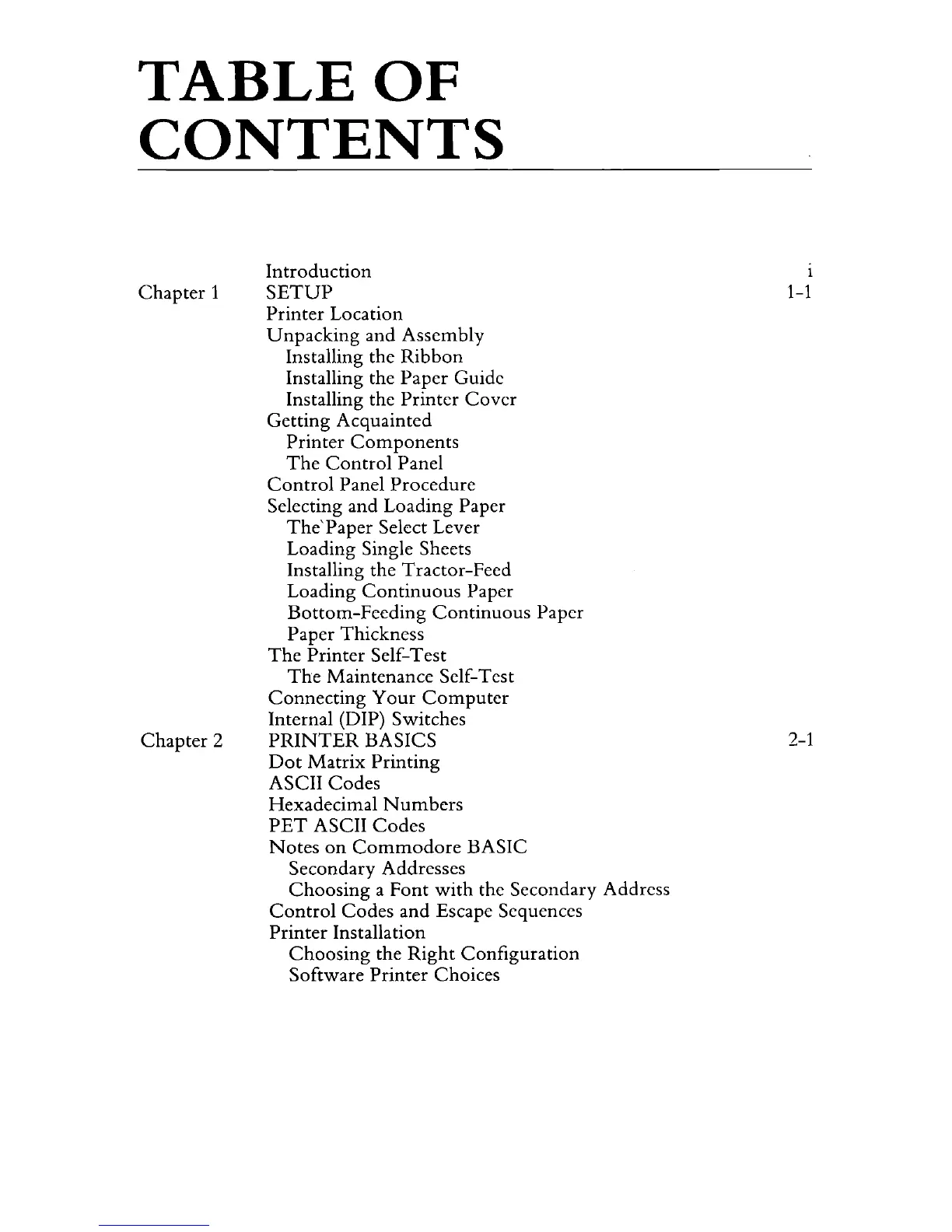
TABLE
OF
CONTENTS
Chapter
1
Chapter
2
Introduction
SETUP
Printer Location
Unpacking
and Assembly
Installing the
Ribbon
Installing the Paper Guide
Installing the Printer
Cover
Getting Acquainted
Printer
Components
The
Control
Panel
Control
Panel Procedure
Selecting and Loading Paper
The'Paper
Select Lever
Loading Single Sheets
Installing the Tractor-Feed
Loading
Continuous
Paper
Bottom-Feeding
Continuous
Paper
Paper Thickness
The
Printer
Self-Test
The
Maintenance Self-Test
Connecting
Your
Computer
Internal (DIP) Switches
PRINTER
BASICS
Dot
Matrix
Printing
ASCII Codes
Hexadecimal
Numbers
PET
ASCII
Codes
Notes
on
Commodore
BASIC
Secondary Addresses
Choosing
a Font
with
the Secondary Address
Control
Codes and Escape Sequences
Printer
Installation
Choosing
the
Right
Configuration
Software
Printer
Choices
1
1-1
2-1

Related product manuals