You
can use vertically enlarged
pnntmg
with
any
of
the
MPS
1200's character widths: pica, elite, compressed, and expanded. For
really professional
looking
headlines,
try
ncar letter quality,
ex-
panded,
proportional
width,
vertically enlarged characters. Verti-
cally enlarged
printing
can also be
mixed
with
most
of
the
MPS
1200's
other
print
styles
which
you
learned
about
in this chapter.
As
you
can see
in
the
program
that follows,
you
can
combine
vertically enlarged characters
and
regular characters in
one
line.
The
characters align at the top.
THE
MASTER
COMMANDS
As
you've
seen, the
MPS
1200 has quite a
number
of
text printing
features,
with
different
commands
to
turn
each feature
on
and
off.
So
many,
in fact, that keeping track
of
which
features are
on
and
off
when
writing
a
program
can be quite a chore. Consider, for
exam-
ple,
how
you
would
tell the
MPS
1200 to change
from
expanded
emphasized pica italic
to
underlined elite doublestrike. First,
you
would
turn
off
expanded
with
ESC
WO,
turn
off
emphasized
with
ESC
F,
and
turn
off
italic
with
ESC
5.
Then
you
would
turn
on
underlining
with
ESC
....
well,
you
see
what
we
mean.
Fortunately, there is an easier way.
The
MPS
1200 has three master
commands
that
each
control
several features at once.
They
are the
master
reset
command,
the master pitch
command,
and the master
print
mode
command.
Master
Reset
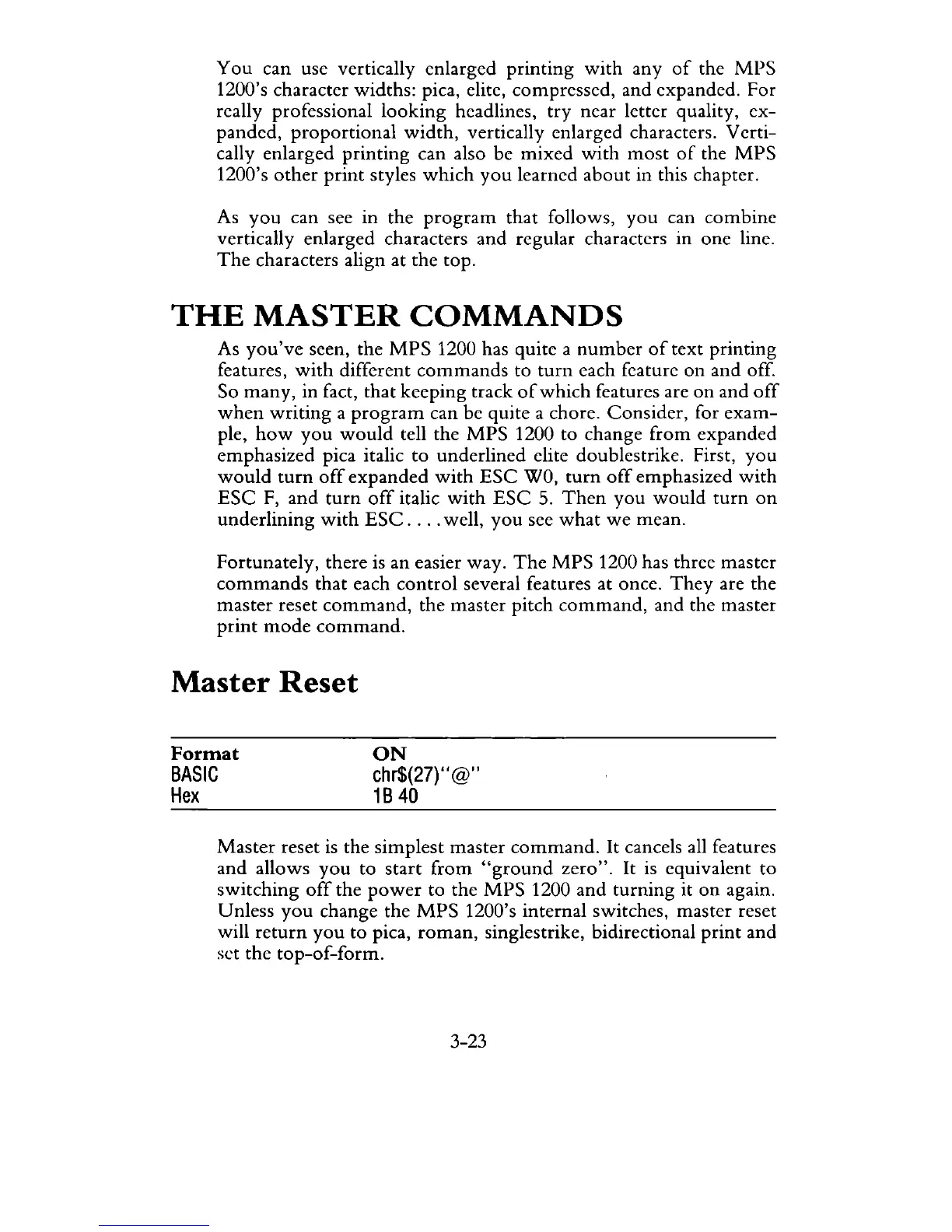
Format
BASIC
Hex
ON
chr$(27)"@"
1B
40
Master
reset
is
the simplest master
command.
It cancels all features
and allows
you
to
start
from
"ground
zero".
It
is
equivalent to
switching
off
the
power
to the
MPS
1200 and
turning
it
on
again.
Unless
you
change the
MPS
1200's internal switches, master reset
will
return
you
to
pica,
roman,
singles trike, bidirectional
print
and
set the
top-of-form.
3-23



 To Next Page