JHL90 Service Manual
1.1
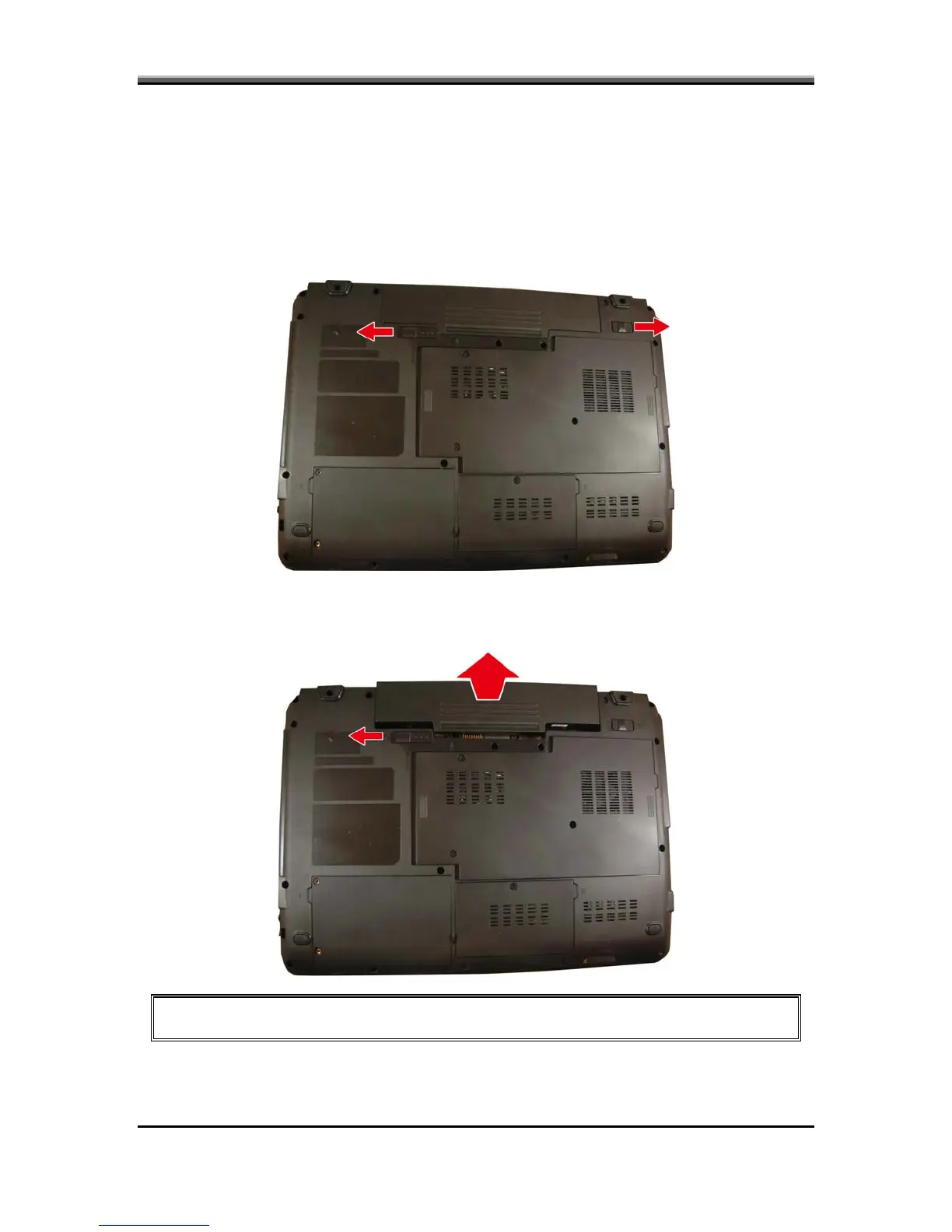
To remove the battery pack from the battery bay, follow the steps below:
2. Slide the right battery release lock in the direction of the arrow to unlock the
battery pack.
Removing the Battery Pack
1. Turn the notebook upside down.
3. Slide the left battery release latch in the direction of the arrow. The battery
attery pack from its housing. pack will pop-up automatically. Gently pry the b
NOTE: Always start laptop disassembly by removing the battery pack first.
5-2



 To Next Page