JHL90 Service Manual
1.16 ra Module
To remove the camera module, first remove the keyboard, LCD module, LCD
display, and inverter board. Then follow these steps:
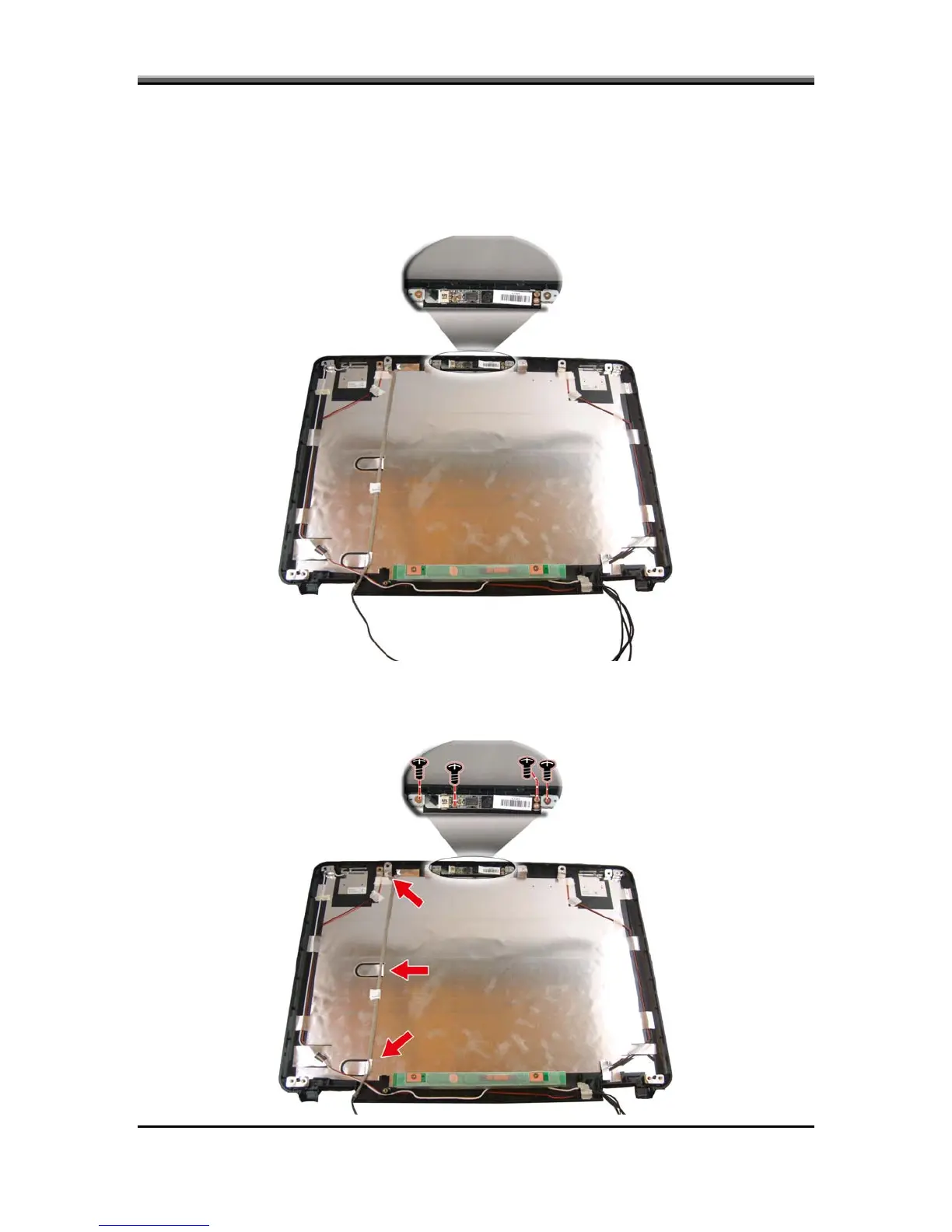
1. Disconnect the CMOS cable from the camera module.
Removing the Came
2. Remove four screws securing the camera module to the LCD cover. Remove
the camera module.
5-27



 To Next Page