JHL90 Service Manual
1.14 Removing the LCD Module
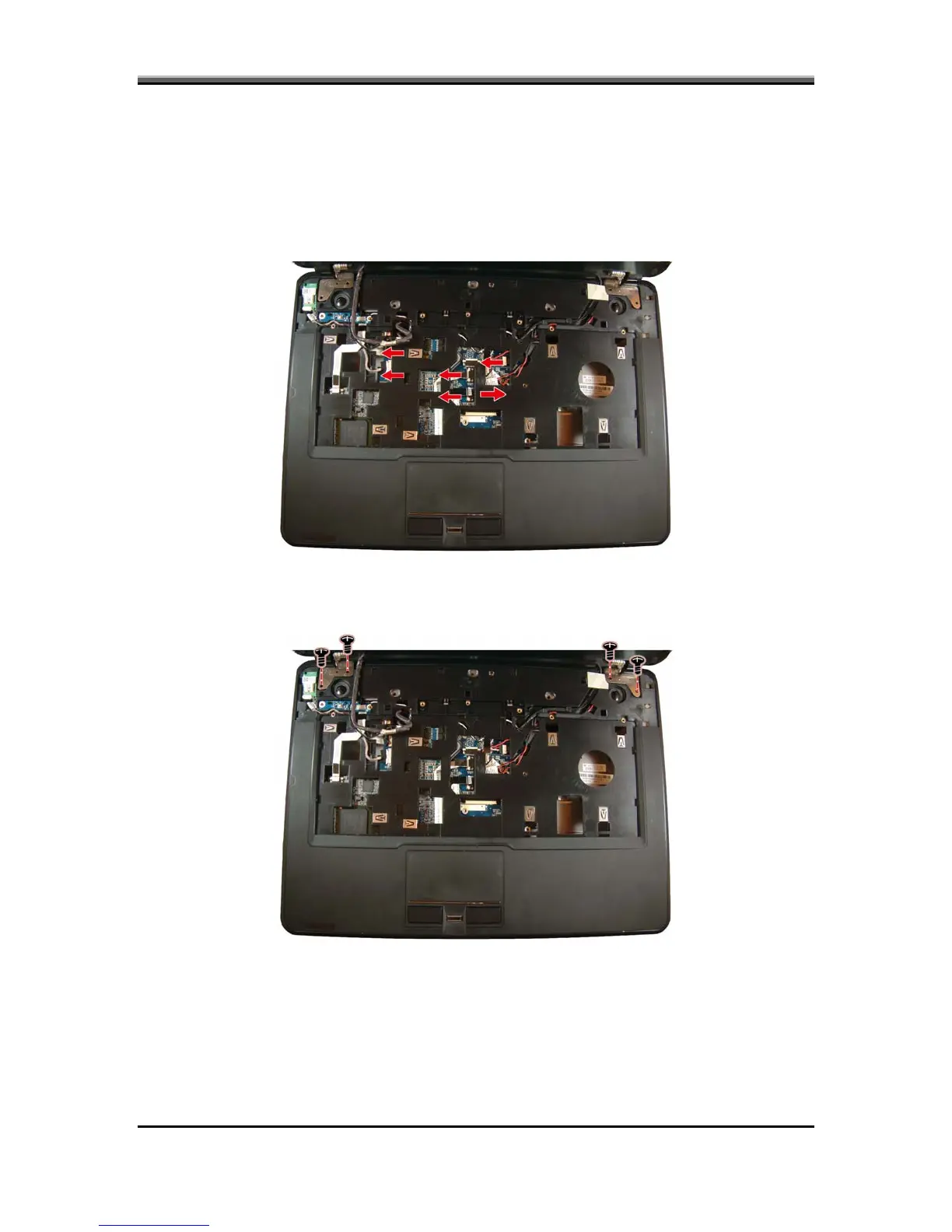
To remove the LCD module, first remove the keyboard. Then follow the steps
CD power (LVDS), CMOS, and microphone cables and pull
nnas free from the laptop as shown.
below:
1. Disconnect the L
the wireless and TV tuner card ante
2. Remove the CMOS cable and the four screws securing the LCD module to the
logic upper.
5-21



 To Next Page