49
DEEP LEARNING PLUS USER MANUAL
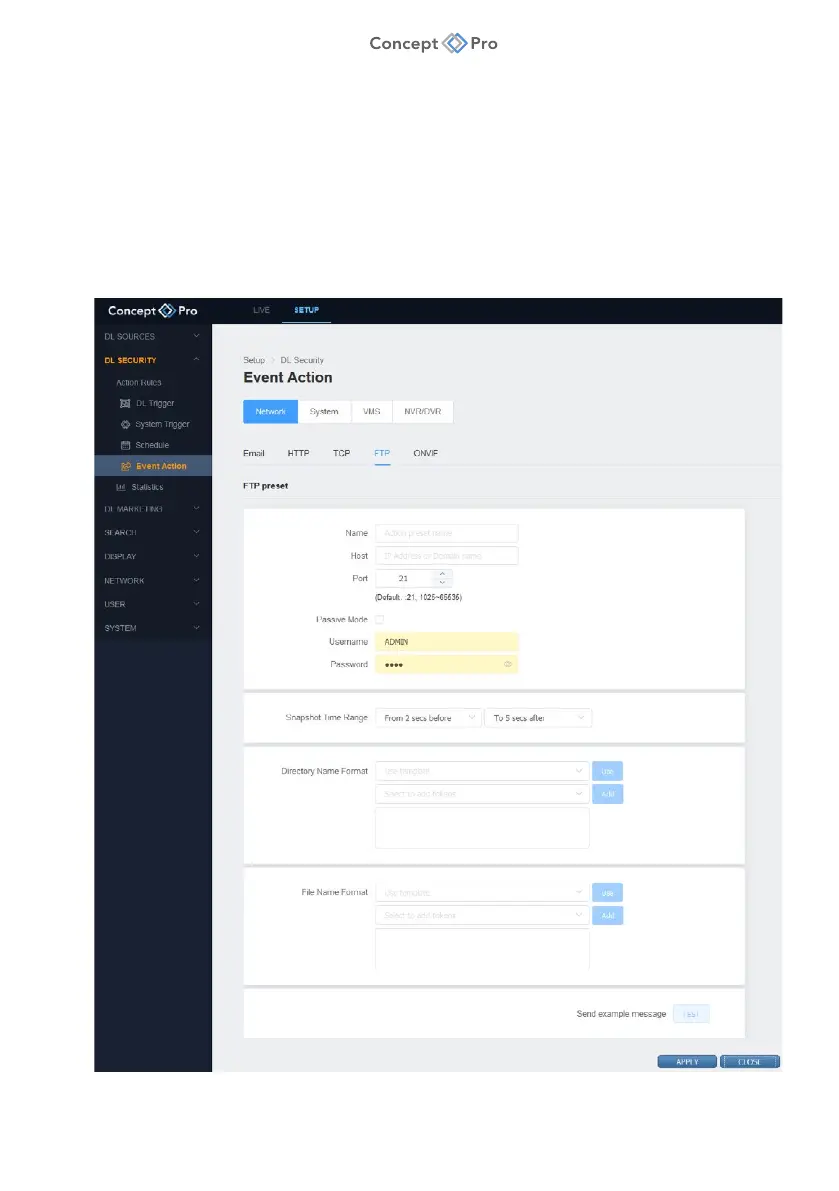
FTP
FTP event actions can include snapshot images and transmit event information to an FTP
server.
To configure an FTP Event Action, please follow the steps below:
1. From the <SETUP> tab, navigate to <DL SECURITY> - <EVENT ACTION> menu.
2. Select the <NETWORK> - <FTP> tab.
3. Click the <ADD> button to create a new FTP Event Action.



 To Next Page