14 Condair UDC
2. Enable/disable time programs
2.1 Press <Enter> button longer than 2 sec.
SEL and Date or Time (alternately) are displayed.
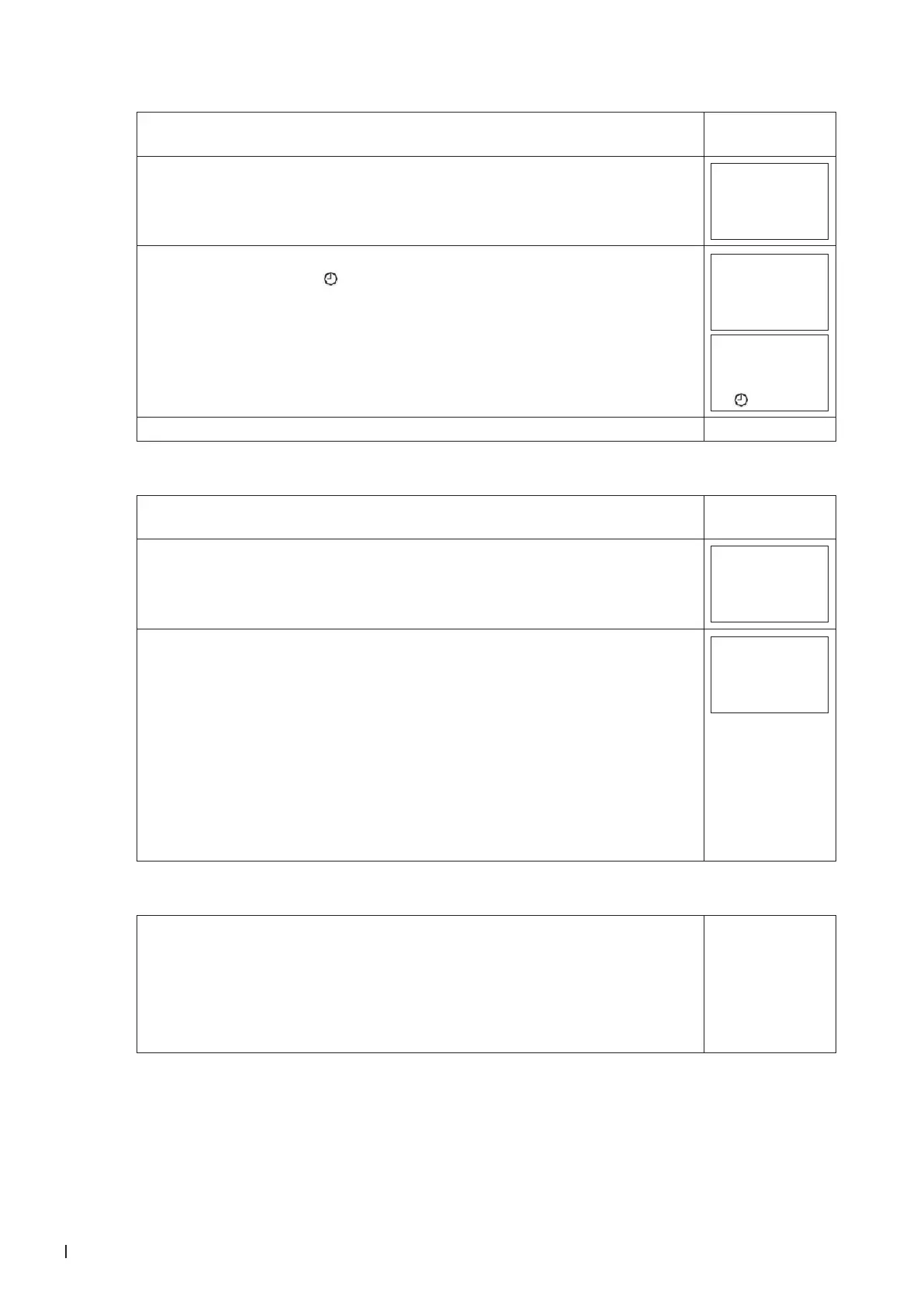
see picture 1.1
2.2
Press <Up> button.
PRO and SEL are displayed.
SEL
PRO
2.3 Press <Enter> button: Time program status indicates whether it is OFF or ON.
When status is ON = in the display. Press the <Enter> button to change
the status.
Off
PRO
On
PRO
2.4 Press <On/Off> button (1x) to return to the submenu.
3. Create weekly time schedules
3.1 Press <Enter> button longer than 2 sec.
SEL and Date or Time (alternately) are displayed.
see picture 1.1
3.2
Press <Up> buton.
PRO and SEL are displayed.
Set time program to ON or OFF with <Enter> button (see pictures 2.3). Change
to Pr 01 - Pr 12 with the <Up> or <Down> button.
SEL
PR01
3.3 Press <Enter> button to select the following:
– no = switching time not activated
– OP = Operating mode ON (normal operation), ECO (reduced operation) or
OFF (protective operation)
– LP = setpoint of a control loop (setting range from 0-100%)
– AO = Positioning of the analog output (output must be in manual mode!)
– FAN = Fan control (fan stages from FSP0-3 and Auto)
– do = positioning of the digital output (output must be in manual mode!)
– Hday = Annual time schedule (holidays)
A function can be selected by pressing the <Up> or <Down> button. Press <Enter>
button to complete the selection.
OP
LP...
4. Select a switching time
4.1 Press <Enter> button longer than 2 sec.
SEL and Date or Time (alternately) are displayed.
4.2
Press <Up> button.
PRO and SEL are displayed.
4.3
Press <Enter> button while PRO-ON or OFF is displayed:
Press <Up> or <Down> button to select between programs 1 - 12 (see point 3.3).
see pictures 1.1,
2.2, 2.3 and 3.2



 To Next Page