16 Condair UDC
1.8.3.3 Creating annual time schedules (only from V1.3)
Holiday schedules have priority over operation mode schedules. While a holiday schedule is active, the
controller will be in the OFF-mode. Other weekly schedules will still be active. It will still be possible to
manually override the controller while in holiday mode.
1. Select a holiday schedule
1.1 Press <Enter> button longer than 2 sec.
SEL and Date or Time (alternately) are displayed.
see picture 1.1
1.2
Press <Up> button.
PRO and SEL are displayed.
Set time program to ON or OFF with <Enter> button (see pictures 2.3).
Change to Pr 01 - Pr 12 with the <Up> or <Down> button.
see picture 3.2
1.3
Press <Enter> button to select the following:
– no = switching time not activated
– OP = Operating mode ON (normal operation), ECO (reduced operation) or
OFF (protective operation)
– LP = setpoint of a control loop (setting range from 0-100%)
– AO = Positioning of the analog output (output must be in manual mode!)
– Fan = Fan control (fan stages from FSP0-3 and Auto)
– do = positioning of the digital output (output must be in manual mode!)
– Hday = Annual time schedule: Holiday
A function can be selected by pressing the <Up> or <Down> button. Press <Enter>
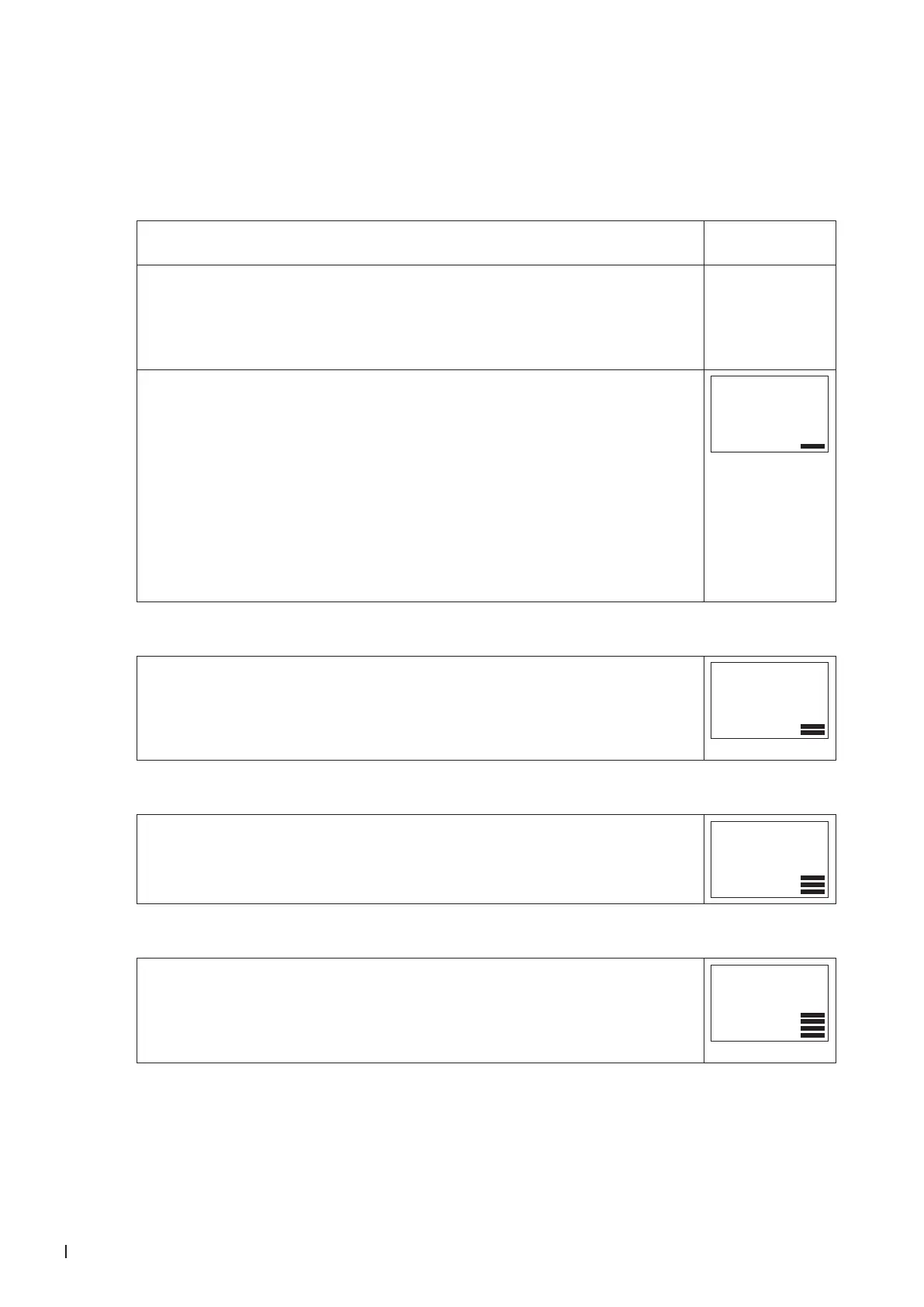
button to complete the selection. 1 bar indicates that step 1 is completed.
Pr01
Hday
2. Select start month of holiday
Select the rst month of the holiday schedule, where "1" stands for January and
"12" for December. The month ashes.
Press the <Up> or <Down> button to select the month.
Press the <Enter> button to complete the operation.
The 2 bars indicate that step 2 is complete.
Pr01
01.01
3. Select start day of holiday
Select the rst day of the holiday schedule. The day ashes.
Press the <Up> or <Down> button to select the day.
Press the <Enter> button to complete the operation.
The 3 bars indicate that step 3 is complete.
Pr01
01.01
4. Select last month of holiday
Select the last month of the holiday schedule, where "1" stands for January and
"12" for December. The month ashes.
Press the <Up> or <Down> button to select the month.
Press the <Enter> button to complete the operation.
The 4 bars indicate that step 4 is complete.
Pr01
01.01



 To Next Page