49Condair CRC and CRC-NA
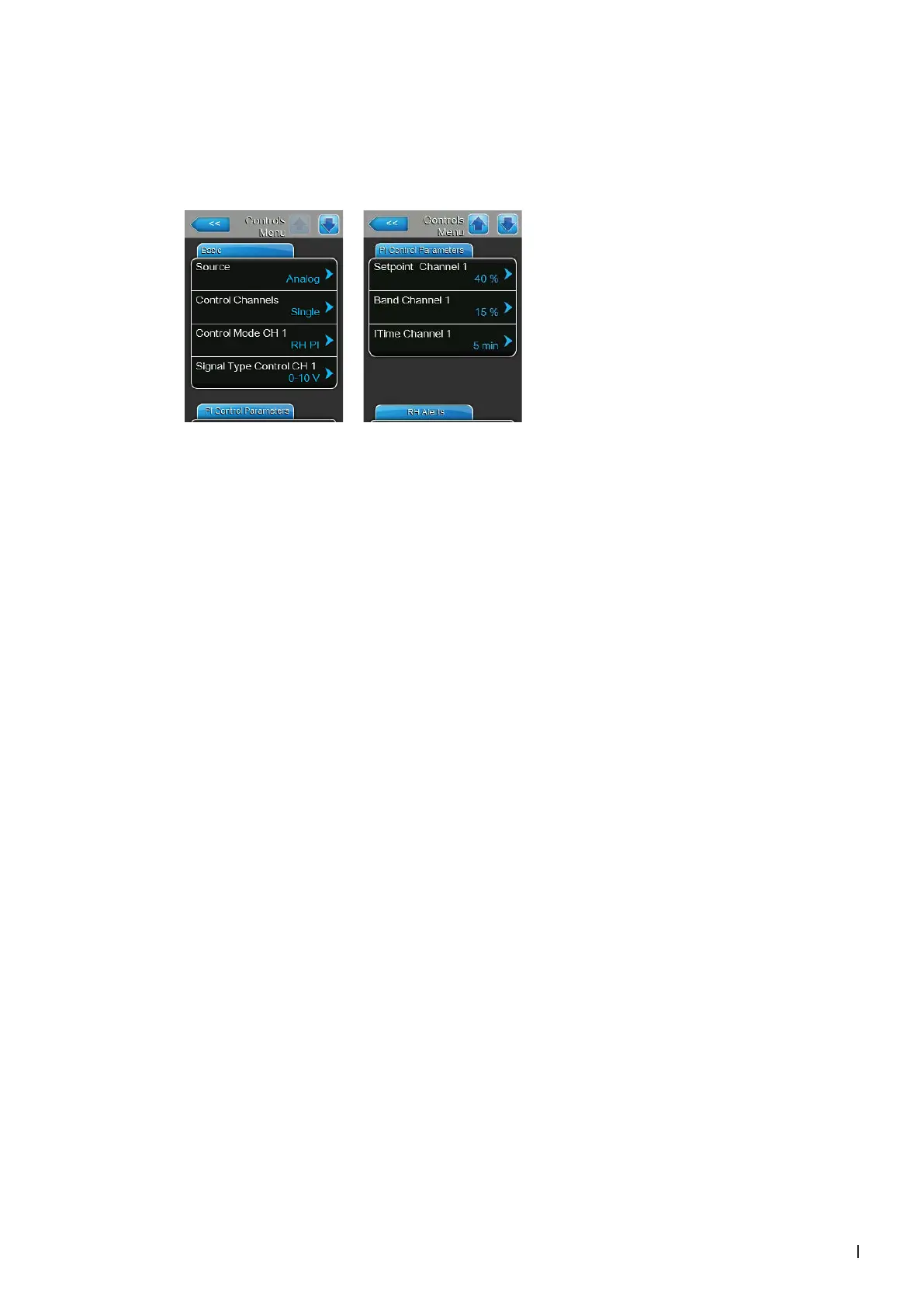
4. Set the Condair GS into operation, go to the control menu of the unit software and set the parameters
"Source" to "Analog", "Control Mode CH 1" to "RH PI", "Signal Type Control CH 1" to "0-10V" (or
to output signal set on CRC) or "2-10V" (for CRC-NA) and the parameters "Setpoint Channel 1",
"Band Channel 1" and "ITime Channel 1" to the desired values (refer to the Condair GS operation
manual).



 To Next Page