Scanning Electron Microscope EM-30PLUS Operating Manual
123
6) Check if image appears in NS.
Set the contrast medium so that the change of brightness can be checked when image
appears.
If image does not appear, set the contrast for the area where White Spots are
concentrated.
7) Find out the brightest position by turning X axis bolt in the 1 direction or in the opposite
direction of 1.
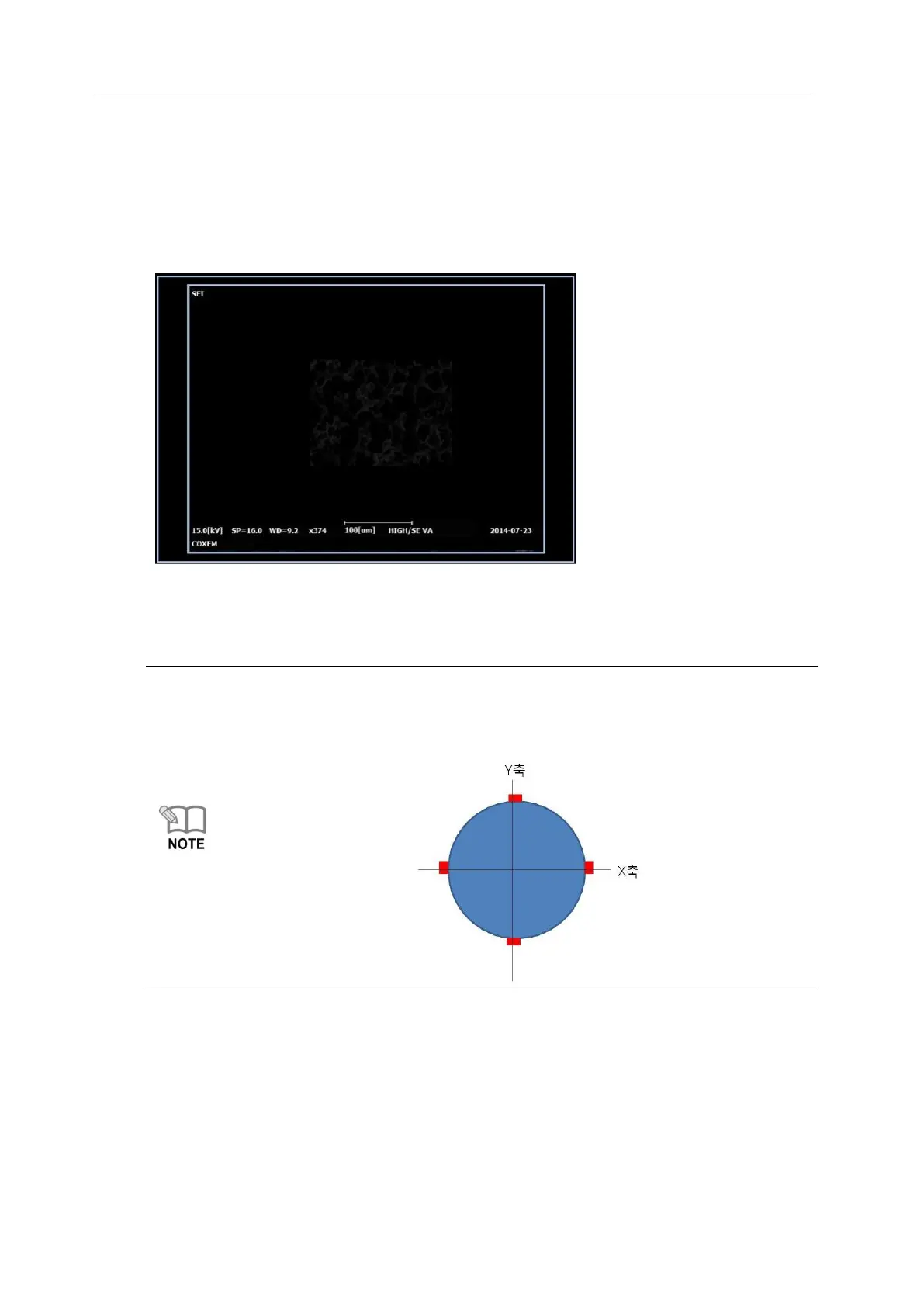
On the Upper side of e-gun, 4 bolts for alignment are symmetrical.
A pair of bolts facing each other makes an axis, which adjusts bolts of axis to be
aligned by fastening or loosening.
(Appoint X,Y axis randomly)



 To Next Page