Scanning Electron Microscope EM-30PLUS Operating Manual
42
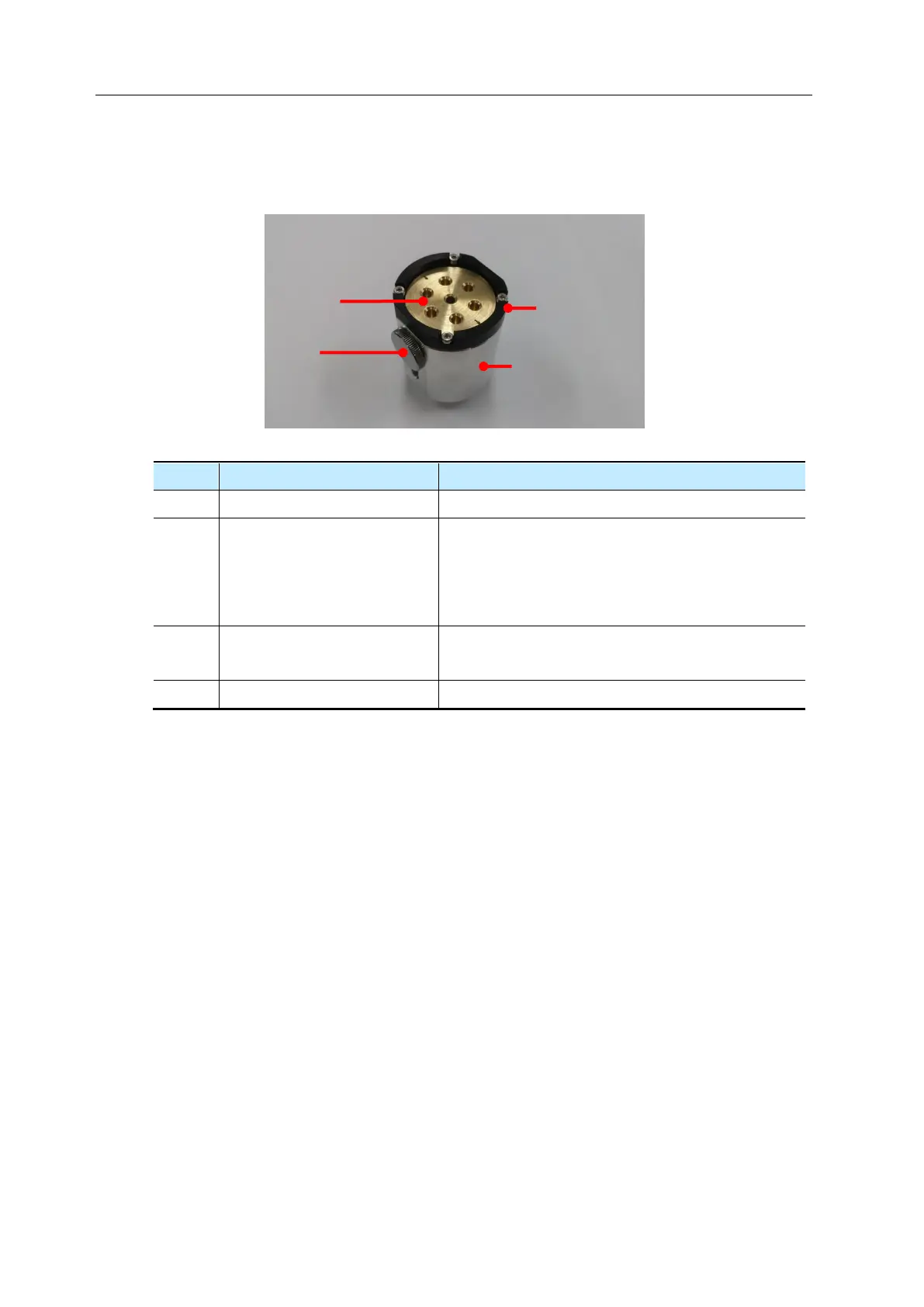
3.2.2 Directions for Multi Holder
Explanations for each part
Stub is inserted into the hole for mounting.
When adjusting stub horizontally after mounting:
WD= 7mm,
When adjusting stub horizontally after
disassembly: WD= 10mm
WD is determined by adjusting the screw
position.
It is a part of adhering to stage as a body part.
Holder is mounted inside EM-30PLUS.
Insert desired stub on ① to load sample.
Mount or disassemble ② to change WD into 7mm or 10mm for operation.
Rotate ① to make sample on a level with eyes to maintain definite WD values.
Rotate ③ to determine WD values of sample.



 To Next Page