Scanning Electron Microscope EM-30PLUS Operating Manual
59
4.3 Location Movement of Specimen
4.3.1 Use of Multi Holder
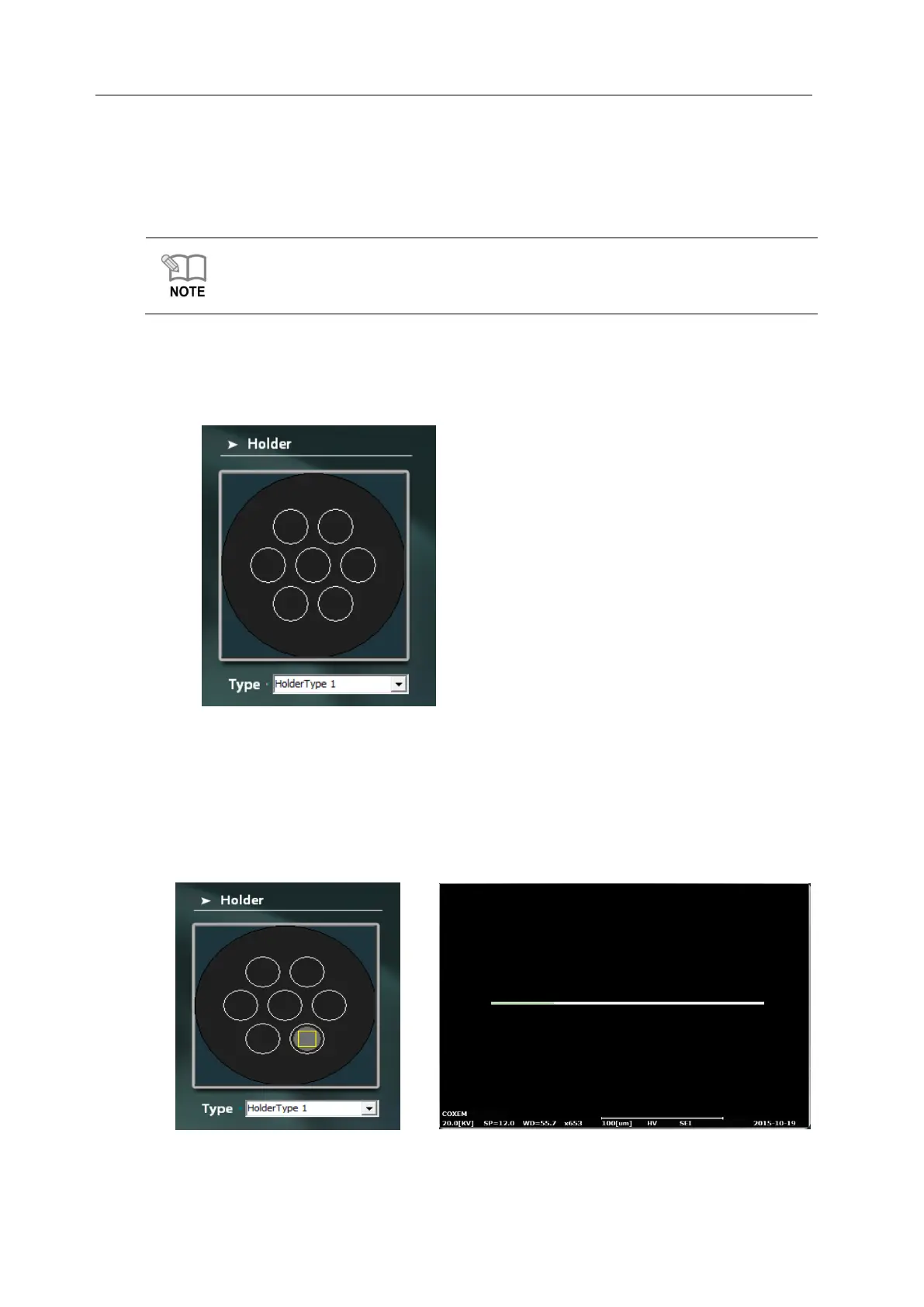
Navigation Mode is supported when using Multi Holder. It helps synchronize the Stage
coordinate by selecting the Stub to be measured among many Stubs, and find out the
specimen easily through Mini-map function.
1) If you set Holder Type to Holder Type 1 after mounting Multi Holder, 7 Stubs are
indicated.
2) Double click on the Stub where the specimen you want is contained on the Holder
screen. (Figure 1)
3) While the Stage moves towards the Stub where the specimen is contained, the green
process bar appears. (Figure 2)



 To Next Page