Scanning Electron Microscope EM-30PLUS Operating Manual
71
5.1.3 Slow Mode
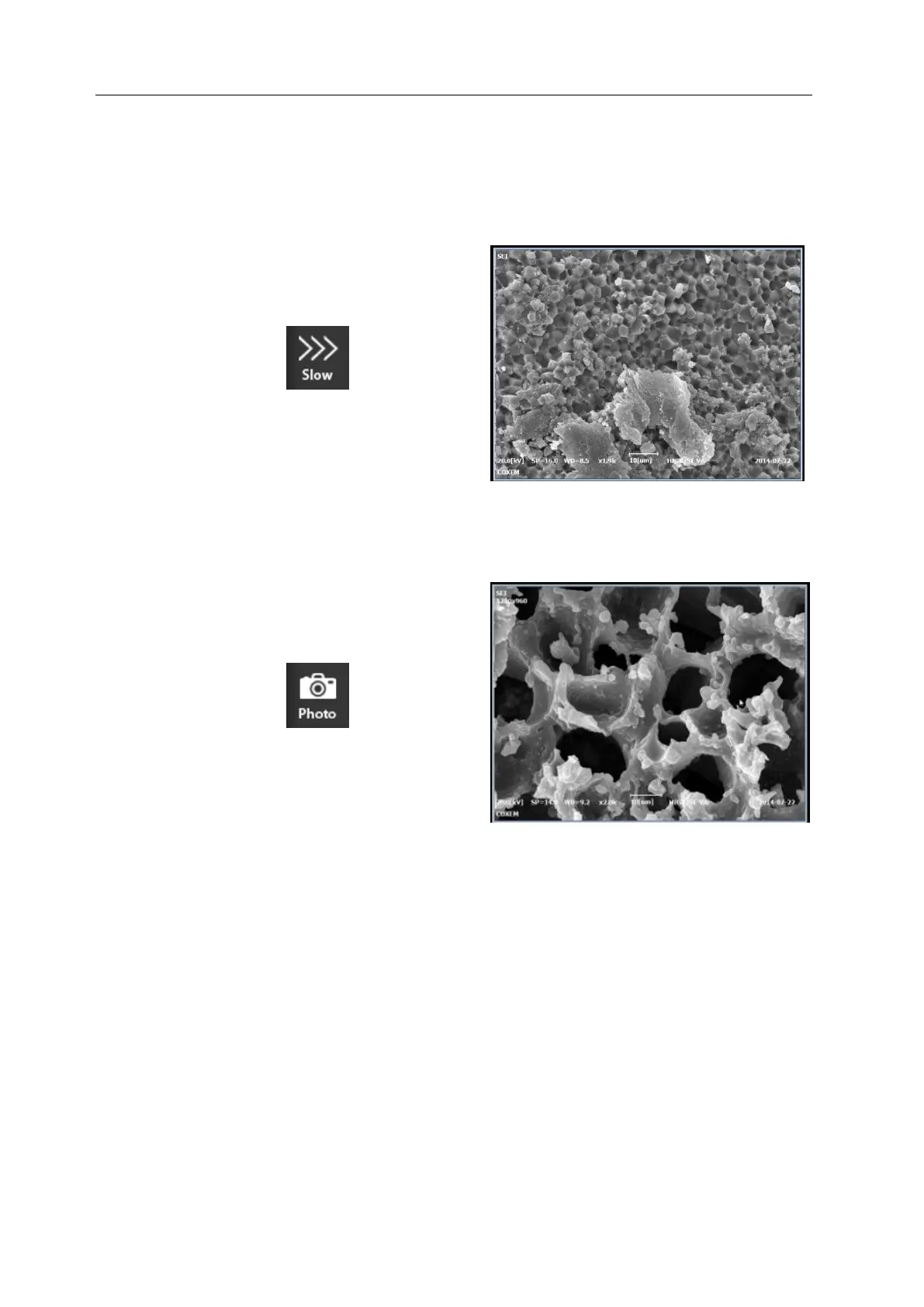
Slow Mode (Resolution 800x600)
It scans a specimen slower than Fast Mode, which enables images to be observed more
clearly.
5.1.4 Photo Mode
Photo Mode (Resolution 1280x960)
It is a mode for taking photos of quality images, which takes about 1 minute.



 To Next Page