Scanning Electron Microscope EM-30PLUS Operating Manual
98
5.8 LV Mode (Low Vacuum Mode) - Optional
EM-30PLUS supports Low Vacuum Mode(optional).
LV Mode converts the vacuum degree to low vacuum and solves problems of unstable
elements caused by the properties of detector. It reduces charge-up effect generated while
observing nonconductive specimens in SE Mode sharply. Therefore, it can create the
images that have no charge-up effect without pretreatment of nonconductive samples and
also improve the quality of BSE images.
Low Vacuum of EM-30PLUS has the vacuum degree of 10
-1
~10
-2
torr of the chamber.
High Vacuum has the vacuum degree of 10
-4
torr of the chamber.
LV Mode doesn’t support the separated Images of SE/BSE and the composed Images of
SE+BSE.
Directions for LV Mode
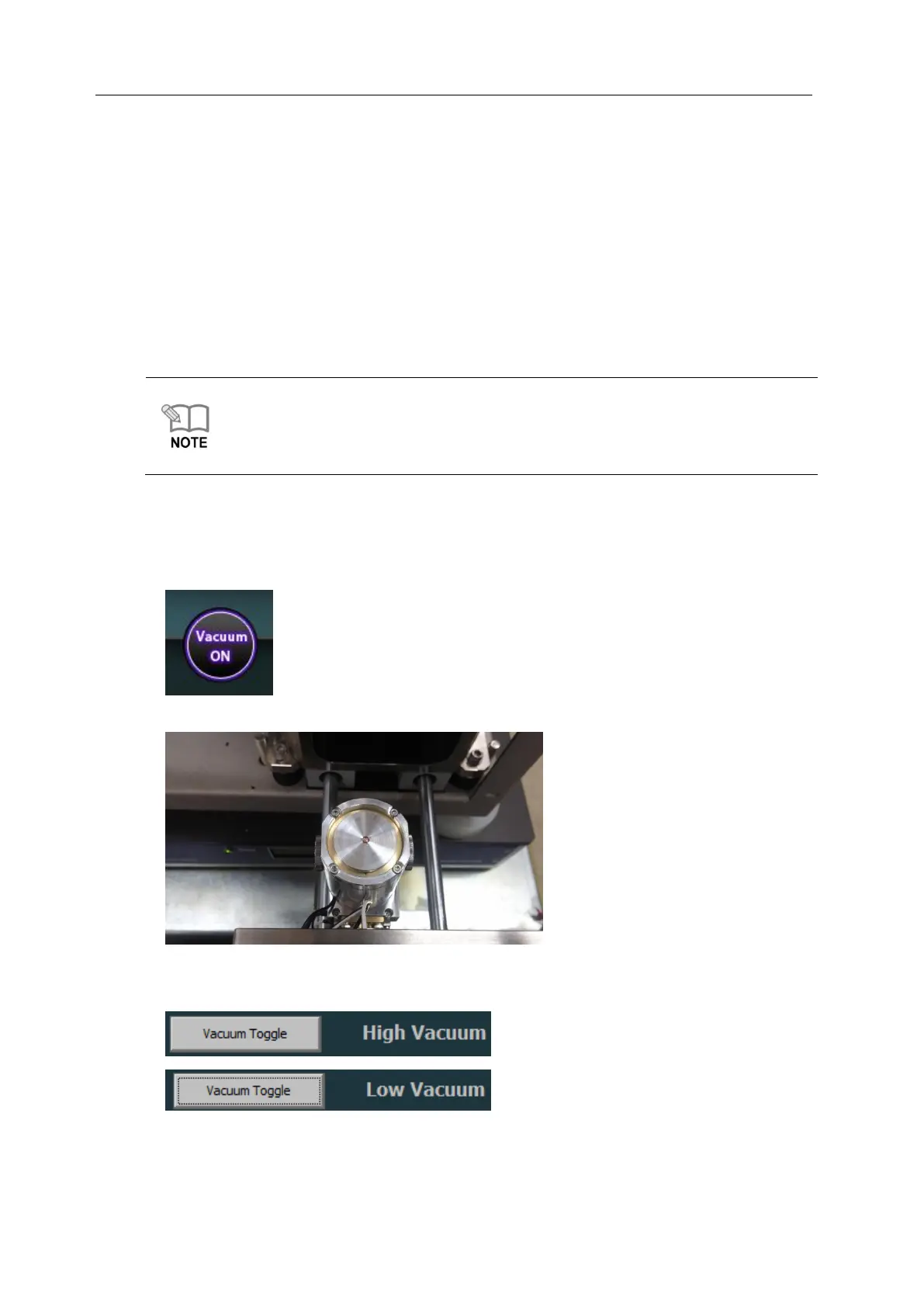
1) Click [Vacuum ON] button to vent the chamber.
2) Mount the specimen prepared on Stage Holder.
3) Press [Vacuum Type - Vacuum Toggle] button in the Setup Tap at the top of NS3.0.
(HV on the bottom of the image screen of electron microscope is changed into LV.)



 To Next Page