Scanning Electron Microscope EM-30PLUS Operating Manual
20
2.4 Image Mode
Image button is used when saving scanned images.
When pressing image button, images are saved temporarily and displayed in small images
on the bottom of the screen, and saved automatically in the specified path at the same
time.
When using Image Mode, images are saved in the specified path in the image folder of
Option Tap, and the file name is set and saved as the saved time.
The basic saving path when shipping the product is C:\Snap Image.
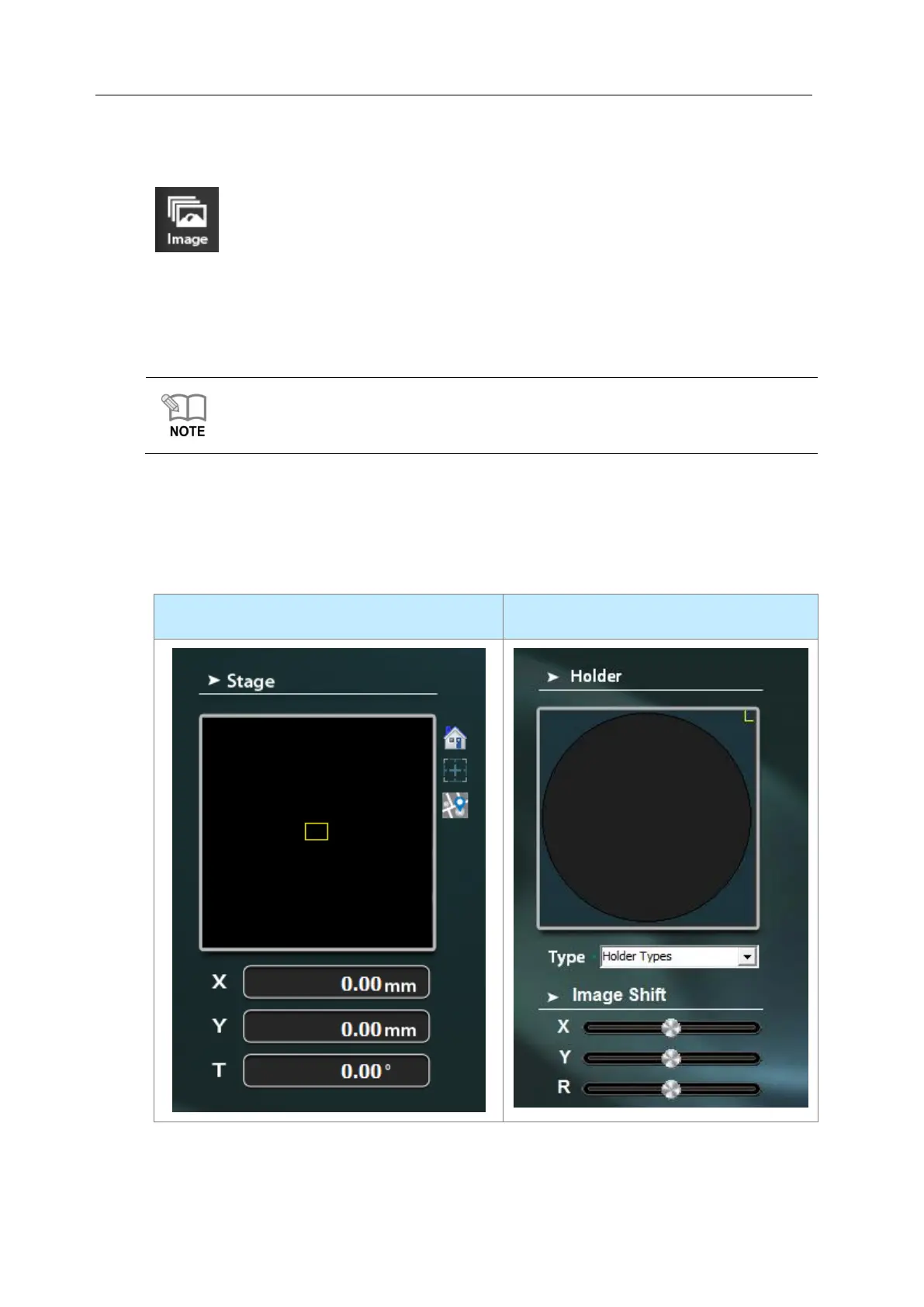
2.5 Stage & Holder Information
It provides information on the current location of coordinates of Stage and information on
the kind of Holder.



 To Next Page