Scanning Electron Microscope EM-30PLUS Operating Manual
64
4.3.4 Adjustment of Minimum Magnification
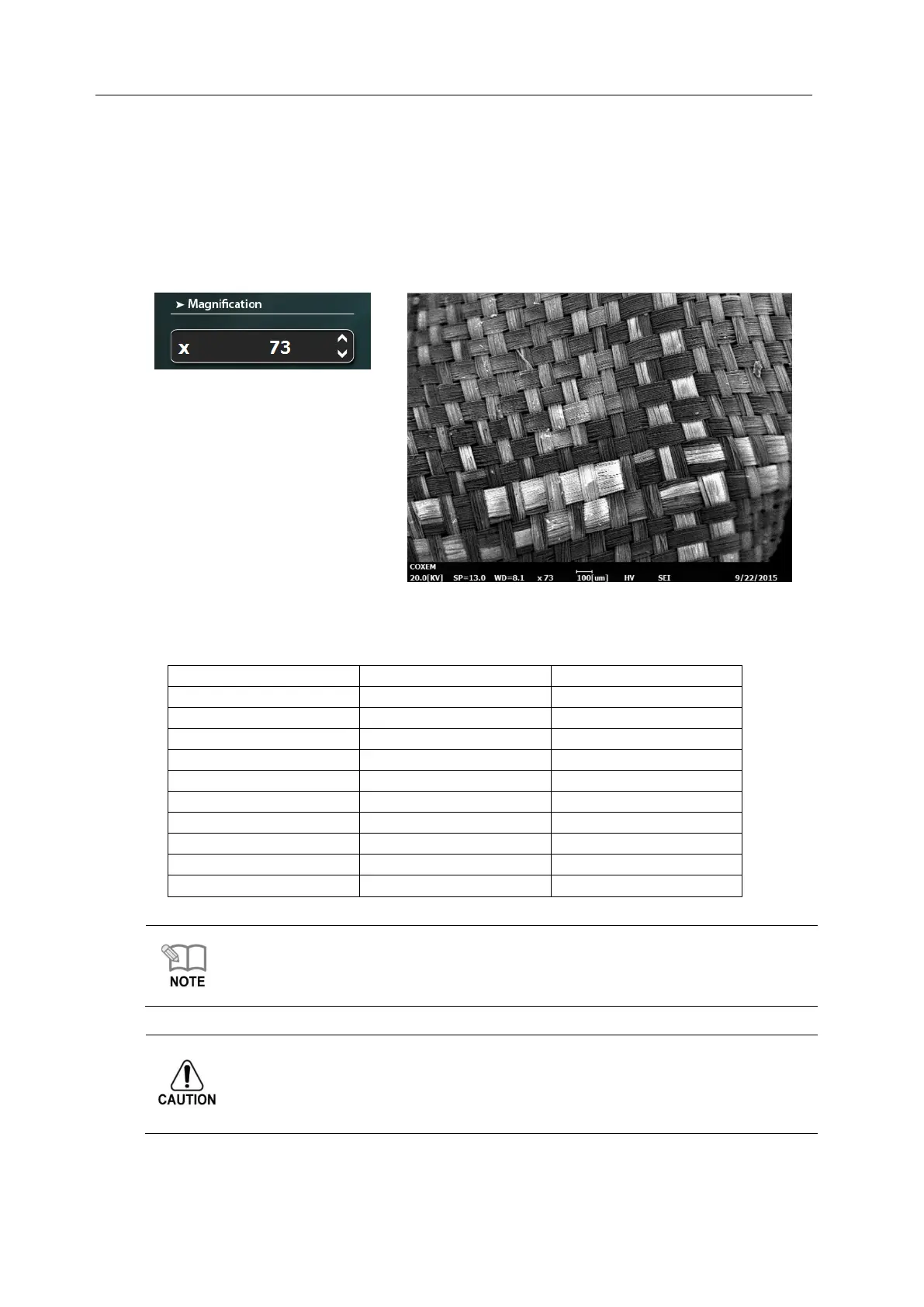
When you observe specimens, set the minimum magnification at first and then increase it.
When you set minimum magnification, adjust it with mouse wheel on magnification value
window.
(e.g.: Minimum magnification is 73 times)
The minimum or maximum magnification varies depending on WD The magnification limits
by WD are as follows.
The minimum magnification refers to the value that does not drop any more, which varies
depending on WD
- When WD value is big, minimum magnification gets small, and the value gets small, the
magnification increases.
Use the minimum magnification state only for a short time when finding specimen.
(about within 10 minutes)
If minimum magnification is maintained for minutes, image edge can drag on due to
overload on Scan coil and electronic board of equipment.



 To Next Page